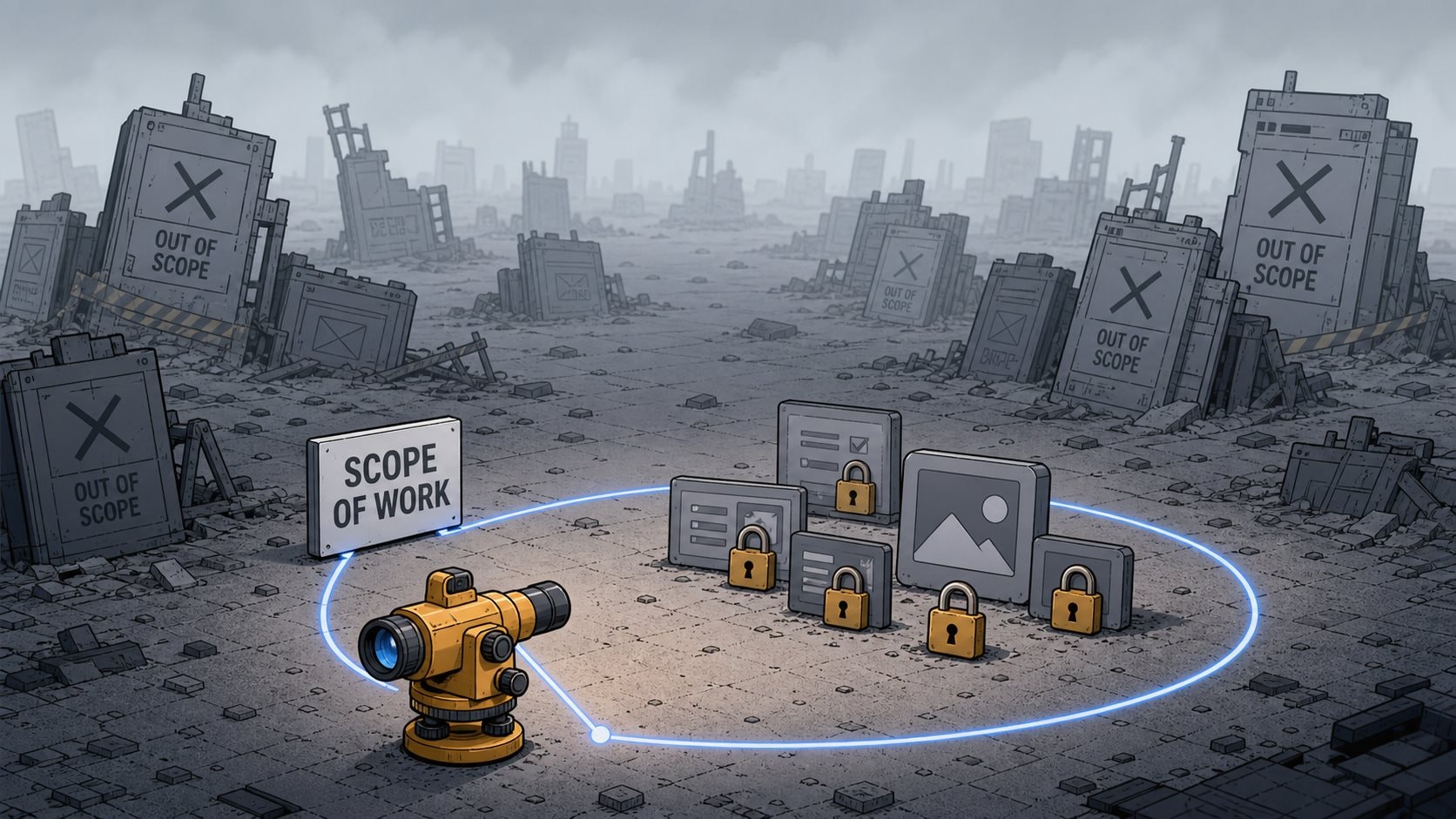
Search "scope of work template" and every result assumes two things you don't have: a client, and a construction site.
The top results are contractor agreements, vendor PDFs, and legal boilerplate about deliverables and payment terms and sign-off. They're written for a general contractor scoping a kitchen remodel, or a consulting firm scoping a six-month engagement. None of them are written for the person who is both the client and the builder, working alone, trying to ship a side project before they lose interest.
That person needs a different document. One page. Four parts. Just enough structure to stop you from building forever.
This guide shows you what a scope of work actually is, how it differs from a statement of work and a PRD, and how to write a one-page version built for solo developers, with a worked example you can copy.
What is a scope of work?
A scope of work is a document that defines what work will be done, what won't, and how you'll know it's finished. In a contract, it sets the boundary between what the client is paying for and everything else. For a solo developer building your own product, it sets the boundary between what you're shipping and everything you're tempted to add.
That's the whole scope of work meaning, stripped of the contract language: a written line between in and out.
The construction industry got there first, which is why the search results look the way they do. A builder pours a foundation based on a scope of work because "build me a house" is too vague to price or finish. Your side project has the same problem. "Build my app" is not a thing you can finish. "Build these four screens, with these three features, and nothing else, by the end of the month" is.
Why solo developers need one more than freelancers do
A freelancer writing a scope of work has a client on the other side. The client caps the work. If the freelancer tries to add a feature nobody paid for, the client says no, or the freelancer eats the cost. The boundary is enforced by someone else's budget.
You have no one on the other side.
Nobody tells you the auth rewrite isn't in scope. Nobody asks why v1 now needs a settings page, a dark mode, and a Stripe integration when you set out to validate one idea. Nobody notices you've been "almost done" for six weeks. The thing that makes solo work freeing is the same thing that makes it never end: there's no second party to hold the line.
So you have to be both parties. The scope of work is how you write the client side of the deal down, in advance, while you're still thinking clearly, so that the builder side of you has something to point back to at 11pm when a shiny new feature feels essential. I treat mine as a signed agreement with a version of myself who isn't tired and isn't bored yet.
This matters more now than it did two years ago. With Cursor or Claude Code, you can generate a working feature in the time it takes to describe it. When building is that cheap, the only thing standing between you and a bloated, half-finished mess is a decision about what not to build. The scope of work is that decision, written down before the agent can act on a worse one.
Scope of work vs statement of work vs PRD
Three documents, constantly confused. Here's the difference in one table.
| Document | Answers | Who it's for |
|---|---|---|
| Scope of work | What work gets done, and what doesn't | The builder (you) |
| Statement of work | The full deal: scope + price + terms + timeline + sign-off | Two parties with a contract |
| PRD | What to build and why, in product terms | The builder and the AI agent |
The statement of work is the big legal container. It wraps the scope of work inside payment schedules, liability clauses, acceptance procedures, and a place for two people to sign. Asana and the project-management blogs treat these as a pair because in agency work they always travel together. When you read "statement of work vs scope of work," the honest answer is that the scope of work is one section of the statement of work. The statement is the contract; the scope is the part that describes the actual work.
As a solo dev building your own thing, you can throw away the statement of work entirely. There's no client to pay you, no signature to collect, no liability to limit. You keep only the scope.
The PRD overlaps but isn't the same. A product requirements document leans toward the product: the problem, the user, the user stories, the feature rationale. A scope of work leans toward the boundary: in, out, done, by when. If you've already written a one-page PRD, your scope of work is basically the "out of scope" and "core requirements" sections promoted to the whole document. Plenty of solo projects only ever need one of the two. Pick the one that fixes your actual problem. If you keep building the wrong things, write a PRD. If you keep building too many things, write a scope of work.
The one-page solo scope of work
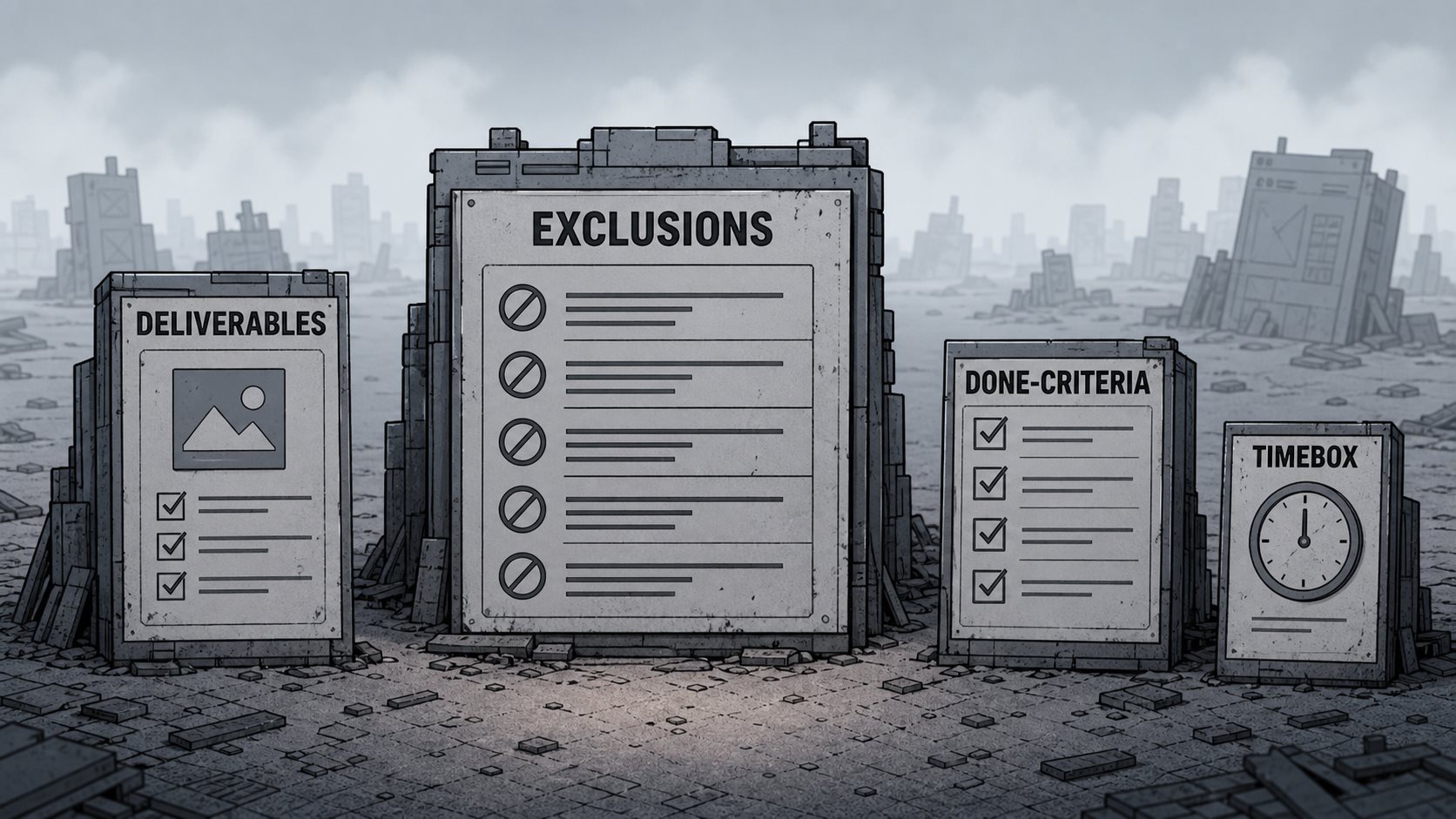
Forget the seven-section corporate format with its assumptions, constraints, payment milestones, and acceptance sign-off. You need four parts.
1. Deliverables (what's in)
The specific things this version ships. Concrete enough that you could check each one off. Not "user management," but "email signup, login, and password reset." Not "a dashboard," but "a single page that lists the user's saved links with a delete button."
Keep this list short. If it has more than five or six items, you're scoping a v2 disguised as a v1.
2. Exclusions (what's out)
What you're deliberately not building this version. This is the section that does the actual work, and almost everyone treats it as an afterthought. We'll come back to why it's the whole point. For now: write down the features you can already feel yourself wanting to add, and put them here on purpose.
3. Done-criteria
For each deliverable, the one condition that makes it finished. "Signup works" is not a criterion. "A new user can create an account, get a confirmation email, and log in on a second device" is. Without a done-criterion, a deliverable is never done, because you can always make it slightly better. The criterion is where you decide that good enough is, in fact, done. This is the same discipline as a definition of done, applied one deliverable at a time.
4. Timebox
A date, or a number of work sessions. The timebox is what keeps the exclusions honest. If everything in scope won't fit in the box, you don't extend the box. You cut a deliverable and move it to the exclusions list. The box doesn't bend; the scope does.
The exclusions section is the entire point
Every scope of work guide lists "exclusions" or "out of scope" as one bullet among many, usually near the bottom, after the deliverables and the timeline and the assumptions. They have it backwards.
The in-scope list is easy. Listing what you want to build is the fun part, and you'd do it anyway. It costs you nothing and commits you to nothing, because "I'll build this" has no edge. You can always build more.
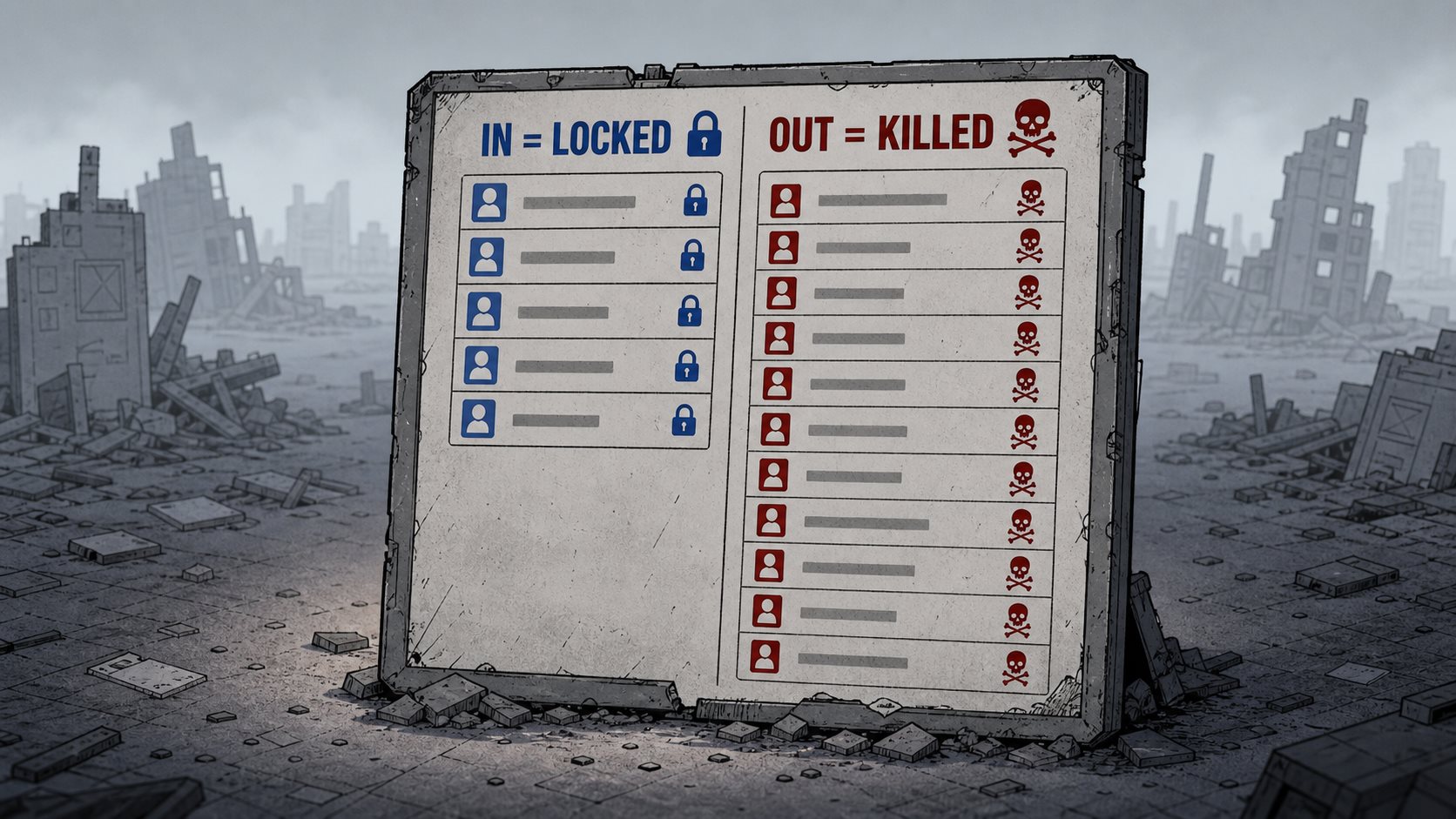
The out-of-scope list is where the document earns its keep. Writing "no team workspaces in v1" is a small act of violence against your own ambition. It's you, today, telling you, next Tuesday, that the feature you'll be itching to add is not allowed. That sentence is the only thing in the entire scope of work that can actually stop you from drifting, because it's the only part that says no.
Here's the test for whether your scope of work is real: read the exclusions list and notice if any of them sting a little. If none of them do, you haven't cut anything that matters, which means you haven't really decided anything. A scope of work with a painless exclusions list is just a to-do list wearing a contract's clothes.
This is also where scope creep gets stopped, or doesn't. Scope creep isn't a sudden event. It's a series of individually reasonable additions, each one a "this'll only take an hour." The exclusions list is the place you pre-decided your answer to every one of them. When the urge hits, you don't relitigate it. You check the list. If it's on the out side, you write it on a someday list and get back to what you locked.
A scope of work example
Here's a complete scope of work for a real-ish project: a small SaaS that turns a Markdown file into a hosted changelog page. Solo build, one developer, evenings and a weekend.
Project: Hosted changelog from a Markdown file.
Deliverables (in scope):
- Markdown upload that renders as a styled changelog page
- A unique public URL per changelog (changelog.myapp.com/acme)
- Email signup, login, password reset
- A single dashboard listing the user's changelogs with edit and delete
Exclusions (out of scope, this version):
- Custom domains (the public subdomain is enough for v1)
- Teams or multiple editors per changelog
- RSS feeds and email notifications
- Themes or visual customization beyond one default style
- Any billing or paid plan (validate that people want it first)
- An API
Done-criteria:
- Upload: a user can paste or upload Markdown and see it rendered correctly, including headings, lists, and links
- Public URL: visiting the URL in an incognito window shows the changelog with no login
- Auth: a new user can sign up, confirm by email, and log in from a second device
- Dashboard: a user can see all their changelogs, edit one, and delete one with a confirmation
Timebox: Two weeks of evenings plus one weekend. If it doesn't fit, custom themes were never in scope and the dashboard ships with edit-and-delete only, no extras.
That's the whole document. Under 200 words. It took ten minutes to write and it answers every "should I build this?" question I'll have for the next two weeks. Notice that the exclusions list is longer than the deliverables list. That's not an accident. That's the document working.
Handing your scope to an AI coding agent
If you're building with an agent, the scope of work doubles as a brief. Paste it in and add one line:
"Build only the deliverables in this scope. Treat the exclusions list as a hard boundary, even if a feature seems helpful. If something is ambiguous, ask before building."
Now the agent has a fence. It won't helpfully add a settings page you didn't ask for, because the exclusions section told it not to. When it produces something, you check it against the done-criteria: does this meet the bar, and is it in scope? If a generated feature lives on the out side of the line, you reject it, the same way you'd reject your own 11pm idea.
The agent makes building cheap, which is exactly why the boundary has to be explicit. A vague brief plus a fast agent equals a fast mess. A scoped brief plus a fast agent equals a shipped v1. This is the same reason a tight PRD outperforms a vague prompt: the bottleneck moved from typing code to deciding what code to type, and the scope of work is where you decide.
Common mistakes
Writing only the in-scope half. A scope of work with a fat deliverables list and a thin exclusions list isn't a scope of work, it's a wish list. The boundary lives in what you cut.
Scoping a v2 and calling it v1. If your deliverables list reads like a finished product, you haven't scoped, you've described the dream. Cut it to the smallest thing that's worth shipping, then cut once more.
No timebox. Without a deadline, the exclusions are negotiable, because there's always time to add "just one more." The box is what makes the cuts stick.
Treating it as permanent. This scope of work describes one version. When you ship it, the exclusions list becomes the starting menu for the next one. Don't append to the same document for three months until it constrains nothing. Write a fresh, small scope each version.
Skipping it because you have no client. This is the big one. "It's just my project, I don't need a formal doc" is exactly how the project never ends. No client is the reason you need the document, not the reason you don't.
Turn your scope of work into a boundary you can't cross
A scope of work written in a text file has one weakness: nothing stops you from quietly editing it. The exclusions list only works if it's harder to change than to obey. The moment "no custom domains in v1" is one keystroke from becoming a deliverable, the boundary is decoration.
That's the problem FoundStep's scope locking is built to solve. You define the scope, in and out, then lock it. The locked scope is the version you committed to, and expanding it mid-build is a deliberate, visible act instead of a silent drift. The out-of-scope list stops being a suggestion and starts being a wall. It's the same one-page discipline in this guide, except the document can't shrug when you're tempted, because you built the friction in on purpose. If shipping the micro SaaS you keep half-finishing is the goal, that friction is the feature.
Write the scope first. Four parts, one page, a real exclusions list that stings. Lock it. Then build only what's inside the line, and ship the thing.
Lock your scope with FoundStep and stop expanding the project you keep trying to finish.