Most PRD templates are built for product managers who need sign-off from six stakeholders. You're one person with a code editor and an AI agent that can generate features faster than you can decide what to build.
You need a different kind of product requirements document. One page. Eight sections. Just enough structure to stop you from building the wrong thing.
This guide shows you how to write a PRD as a solo developer, with a worked example and a free template you can fill out in your browser and export as Markdown, PDF, or Word.
What is a PRD?
A PRD (product requirements document) describes what you're building and why. It captures the problem, the target user, what features ship in v1, and what you're deliberately leaving out.
For a solo developer, the PRD answers one question before you write a line of code: what does "done" look like?
Without that answer written down, every coding session turns into a choose-your-own-adventure. You add a feature because it seems useful. Then another. Six weeks later you have 14 half-finished branches and nothing shipped.
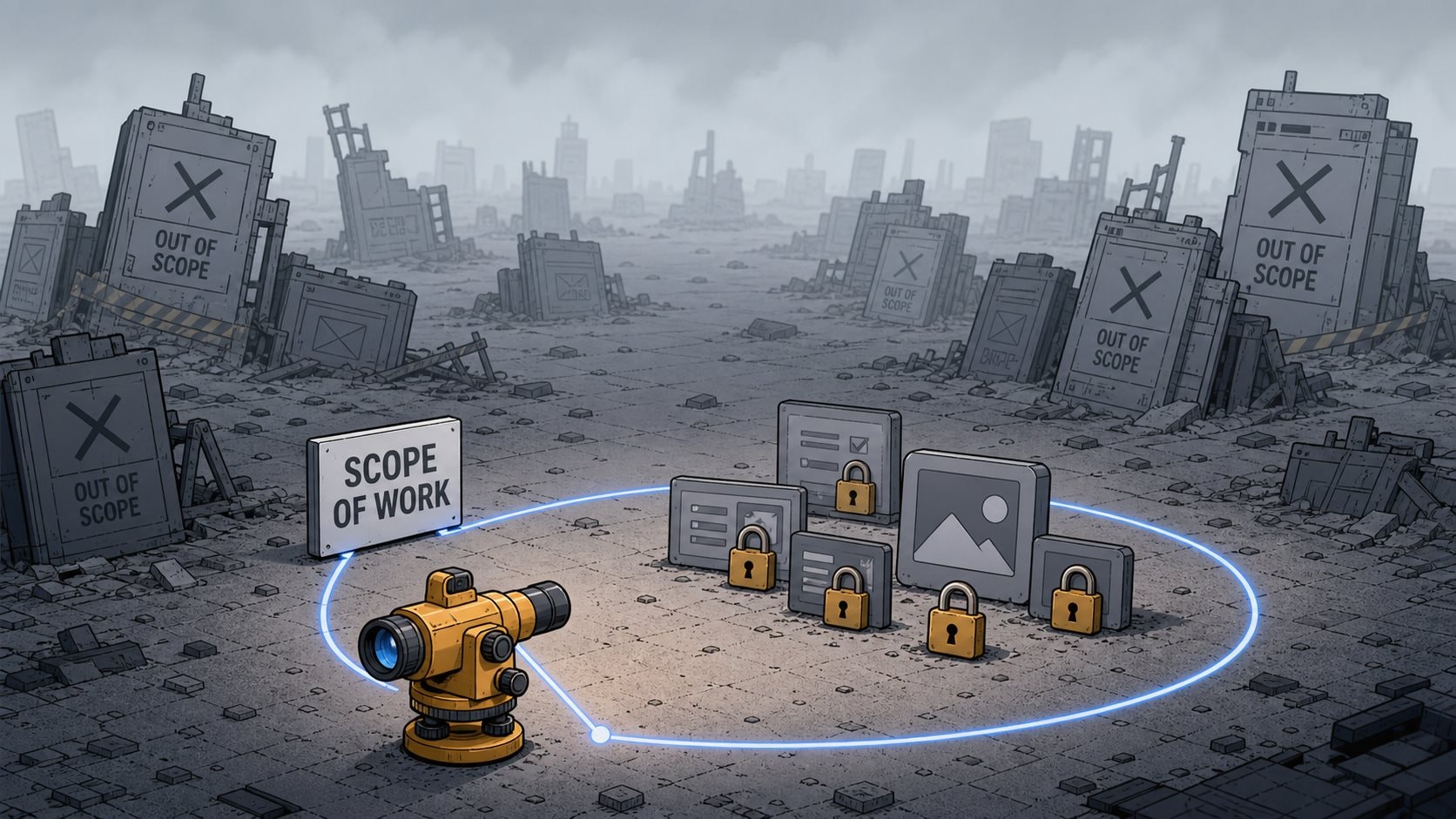
The PRD locks the scope. It turns "work on my app" into "build these five features, ship, then decide what's next."
Why Solo Developers Need a PRD More Than Teams Do
Teams have product managers. Standups. Quarterly planning. External pressure to ship something by a deadline.
You have none of that.
Nobody stops you from adding "just one more feature." Nobody asks why you're rebuilding the auth system for the third time. Nobody notices when you've been "almost done" for two months.
A PRD creates the external pressure you don't otherwise have. I think of mine as a written commitment I can point back to when I'm tempted to add something that doesn't belong.
And here's what changed in the last 18 months: AI coding agents. With Cursor, Claude Code, Lovable, or v0, you can generate working code in minutes. That speed makes a PRD more necessary, not less.
When you can build faster than you can think, the bottleneck shifts from implementation to decision-making. The PRD is where you make the decisions before handing them to your agent.
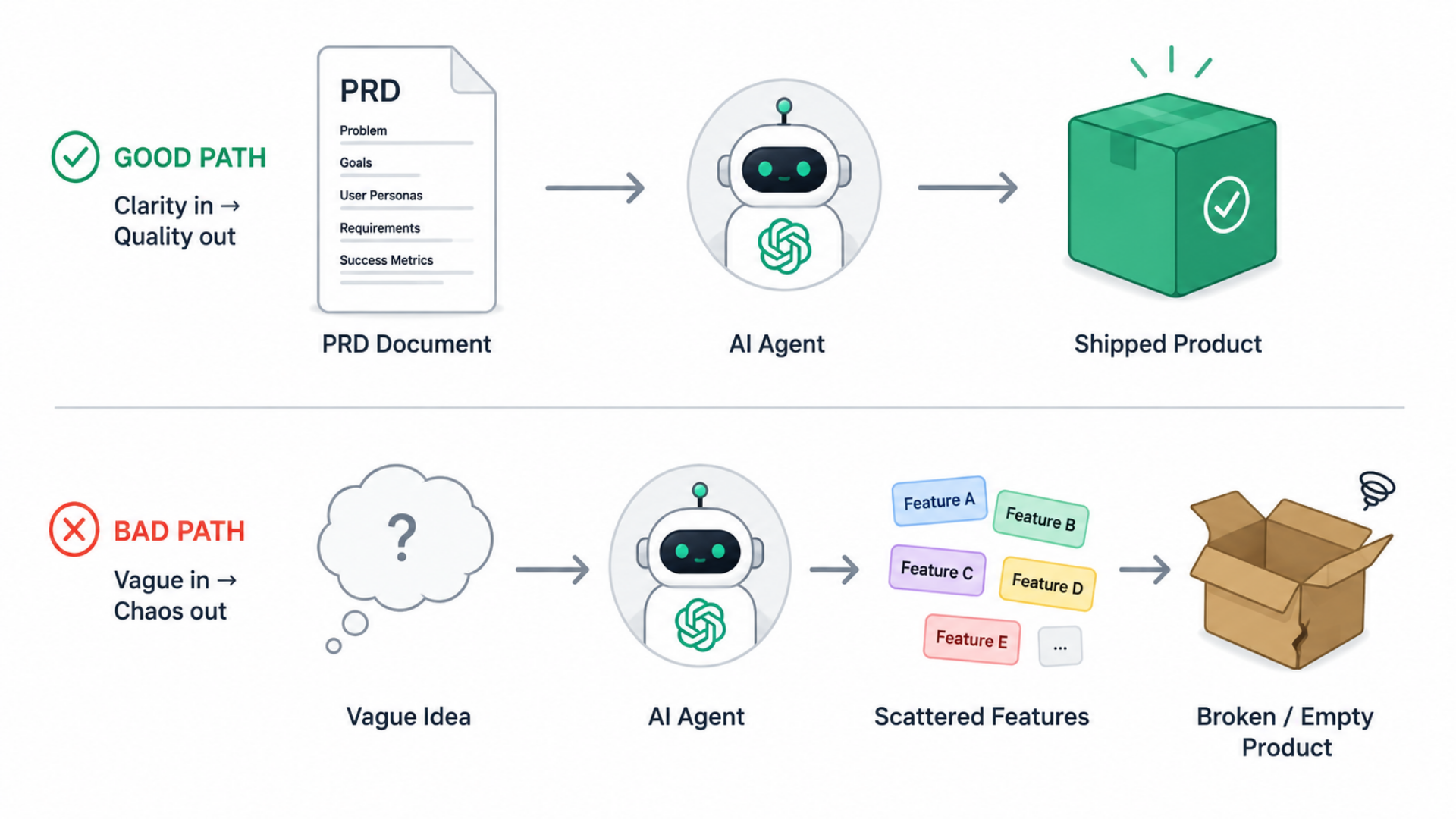
Without a PRD, you'll vibe-code your way into a mess. You'll prompt "add a dashboard" and get a dashboard. Then "add analytics" and get analytics. Then "add user settings" and get settings. None of it coheres because you never decided what the product actually is.
The Solo Developer PRD Format
Forget the 18-section corporate PRD. You don't need a stakeholder matrix, a change log, or a RACI chart. I've never written a RACI chart in my life and I've shipped plenty.
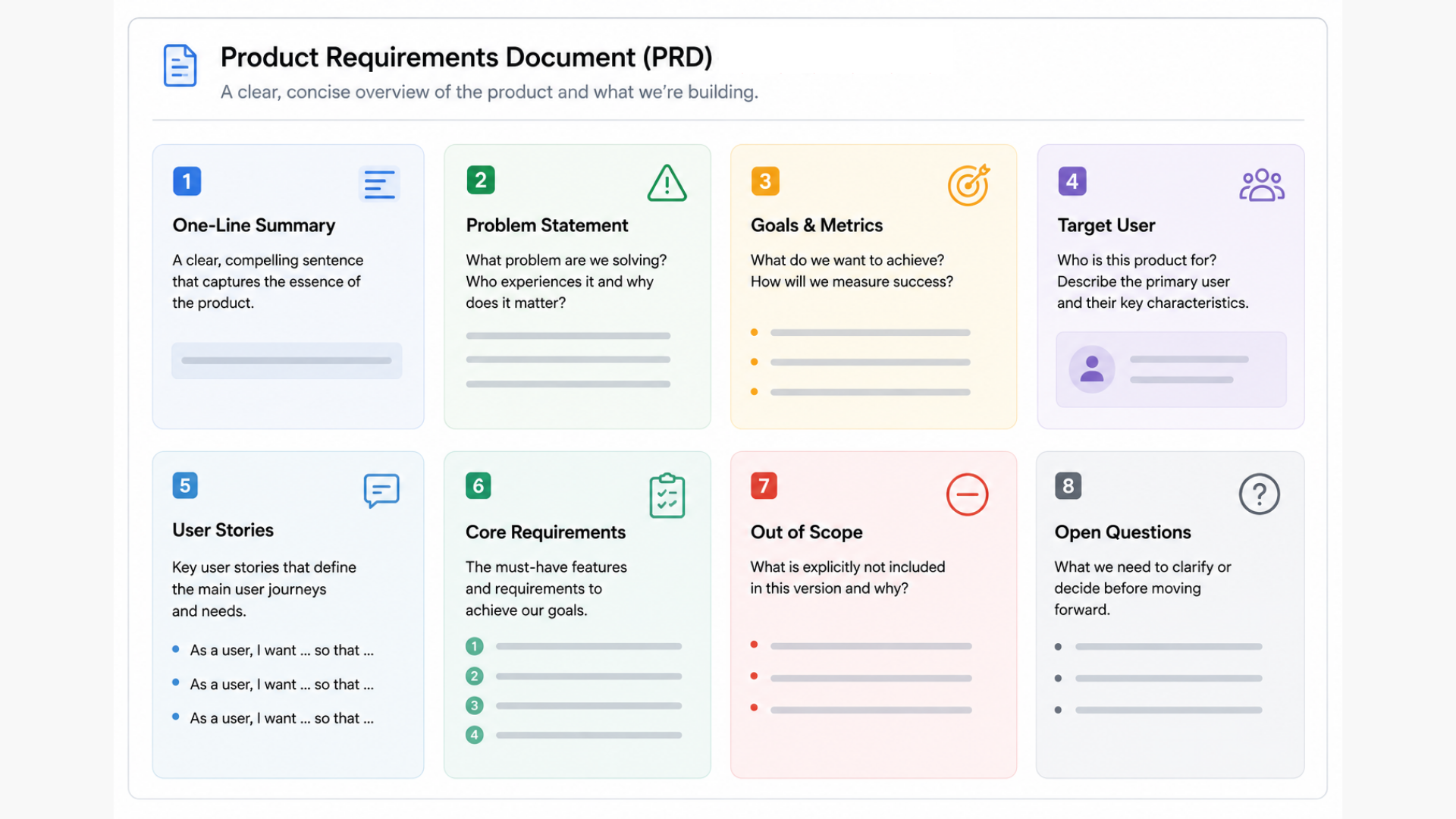
Here's what a solo dev PRD actually needs:
1. One-Line Summary
What is this thing? One sentence. If you can't say it in one sentence, you don't know yet.
Example: "A Chrome extension that blocks LinkedIn notifications during focus hours."
2. Problem Statement
What problem does this solve? Who has this problem? Why does it matter now?
Don't skip this. The problem statement is your defense against scope creep. When you're tempted to add a feature, ask: does this solve the problem I wrote down?
3. Goals and Success Metrics
How will you know this worked? Pick one to three metrics you can actually measure.
For a solo project, these might be simple: "10 paying users in 30 days" or "I use it daily for a week without wanting to rewrite it."
4. Target User
Who is this for? Be specific. "Developers" is too broad. "Solo developers who use AI coding agents and ship side projects" is better.
Writing down your target user forces a choice. That choice makes every other decision easier.
5. User Stories
What does the user need to do? Write three to eight user stories using the format: As a [user], I want to [action] so that [outcome].
Prioritize them. Use MoSCoW if you want structure: Must have, Should have, Could have, Won't have (this time).
6. Core Requirements
The specific features that must exist for v1. Not everything you might build someday. Just what ships first.
For each requirement:
- What it does (one line)
- Why it's in v1 (ties back to problem/goals)
- Acceptance criteria (how you'll know it works)
7. Out of Scope
This section matters as much as the requirements. What are you deliberately not building in v1?
Write it down explicitly. "User authentication" might be out of scope if you're validating the core idea first. "Mobile app" might be out of scope forever.
I've found that the out-of-scope list is the section I reference most when I'm mid-build and tempted to add something new. If you're building a micro SaaS, this discipline is non-negotiable.
8. Open Questions
What don't you know yet? What needs research or a decision before you can build?
Be honest here. Pretending you have answers you don't have leads to building the wrong thing.
How to Write a PRD: A Worked Example
Let's fill out a PRD for a real product: a URL shortener for solo developers who want branded short links without paying $29/month for Bitly.
One-Line Summary
A self-hosted URL shortener with custom domains and click tracking for developers who want branded links.
Problem Statement
I share links to my blog posts, tools, and projects across Twitter, newsletters, and GitHub READMEs. Generic bit.ly links look spammy. Bitly Pro costs $348/year for custom domains. I want branded short links (go.mysite.com/launch) with basic analytics, running on my own infrastructure for ~$5/month in hosting.
Goals and Success Metrics
- Primary goal: Replace my Bitly usage within 30 days
- Success metric: 50+ links created, all redirects working, analytics visible in a dashboard
- Stretch: 3 other developers ask me to open-source it
Target User
Solo developers and indie hackers who:
- Have a personal brand (newsletter, blog, Twitter)
- Own at least one custom domain
- Can deploy to Vercel/Railway/Fly.io
- Want link tracking but won't pay $30/month for it
User Stories
Must have:
- As a developer, I want to create a short link from a long URL so that I can share it on Twitter
- As a developer, I want to use my own domain so that links match my brand
- As a developer, I want to see click counts so that I know what content performs
Should have:
- As a developer, I want to edit a link's destination after creating it so that I can fix mistakes
- As a developer, I want to copy links to clipboard with one click so that sharing is fast
Won't have (v1):
- Team workspaces
- Link expiration
- QR codes
- API for programmatic link creation
Core Requirements
| Requirement | Why v1 | Acceptance Criteria |
|---|---|---|
| Create short link | Core functionality | Enter URL, get short link, link redirects correctly |
| Custom domain support | Key differentiator from free Bitly | User can configure their own domain via DNS |
| Click tracking | Basic analytics needed | Each redirect increments click count, displayed in dashboard |
| Dashboard | Need to see my links | List view of all links with click counts |
| One-click deploy | Target user wants easy setup | Deploy button for Vercel, clear docs for Railway |
Out of Scope (v1)
- Authentication / multi-user (it's my personal tool first)
- Link analytics beyond click counts (referrers, geo, etc.)
- API endpoints
- Team features
- Billing / SaaS features
Open Questions
- Should links have auto-generated slugs or require manual entry? Decision: Manual entry only, keeps it simple.
- SQLite or Postgres? Decision: SQLite for single-user deployments, easier to self-host.
- How to handle link conflicts? Decision: Error on conflict, user picks new slug.
That's the whole PRD. Under 400 words. Took 25 minutes to write. It answers every question I'll have while building v1.
Handing Your PRD to an AI Coding Agent
This is where the PRD format pays off. Copy the Markdown into Claude Code, Cursor, or your agent of choice. Add one line at the top:
"Build the application described in this PRD. Start with the core requirements. Ask clarifying questions if anything is ambiguous."
The agent now has what it needs: what to build, what order to build it, and what not to build. It won't waste cycles on team features you don't want. It won't ask "should I add user auth?" because you already answered that in the out-of-scope section.
When the agent generates code, you can check it against the PRD. Does this feature match the acceptance criteria? Is it in scope? If not, reject it.
The PRD becomes your code review checklist.
Common Mistakes to Avoid
Writing a PRD for a product you don't understand yet. If you can't fill out the problem statement and target user clearly, you're not ready for a PRD. Validate your idea first.
Making the PRD too detailed. A PRD is not a technical spec. It says what to build, not how. Your AI agent figures out the how.
Skipping the out-of-scope section. For solo developers, this is arguably the most important section. Without it, the PRD doesn't constrain anything.
Treating the PRD as permanent. A PRD describes v1. After you ship, you write a new one for v2. I've seen people append to the same document for months and end up with a mess that constrains nothing.
Not using a template. Starting from a blank page adds friction. Grab a template, fill in the blanks, ship.
The PRD Template You Can Use Right Now
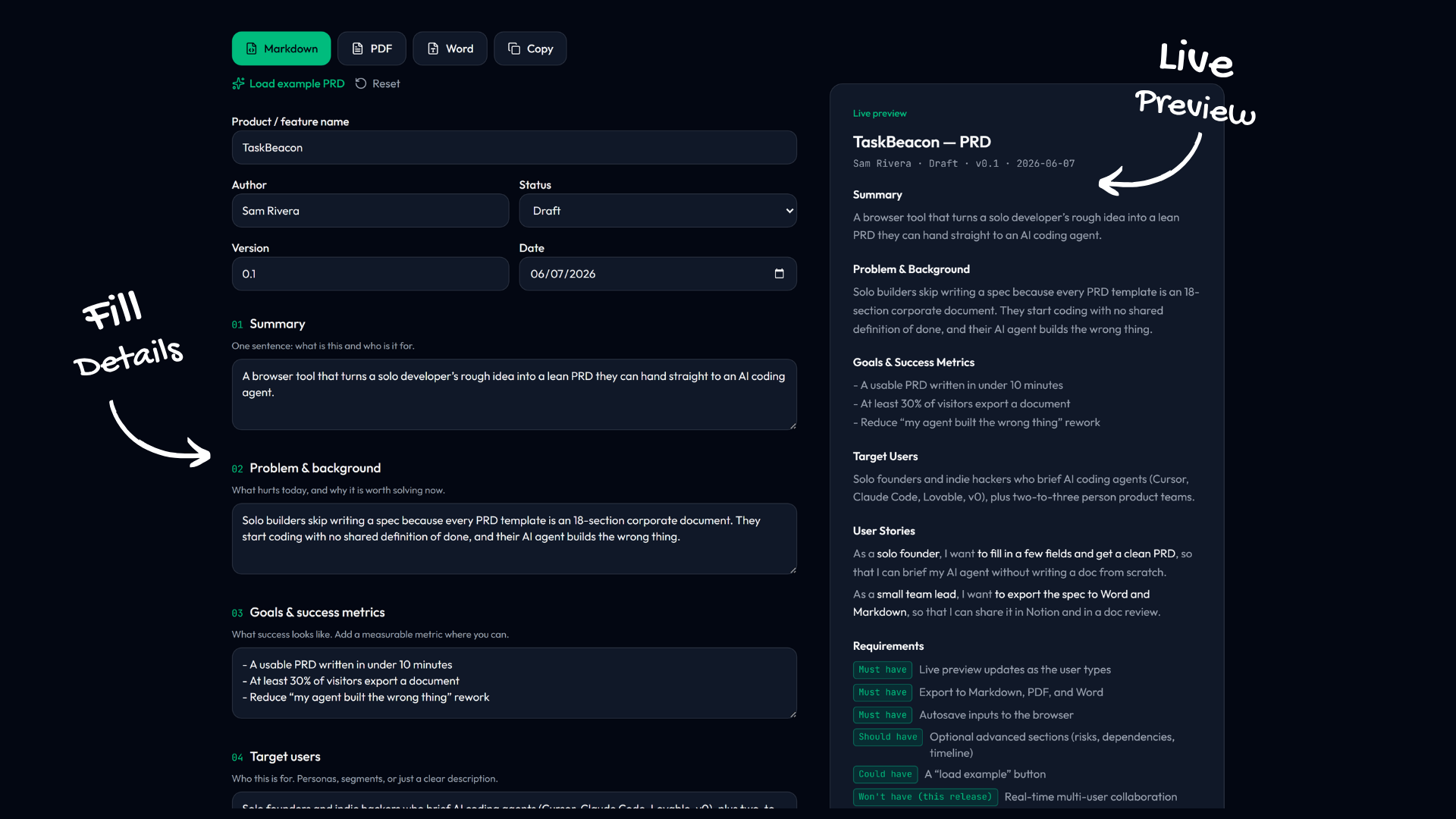
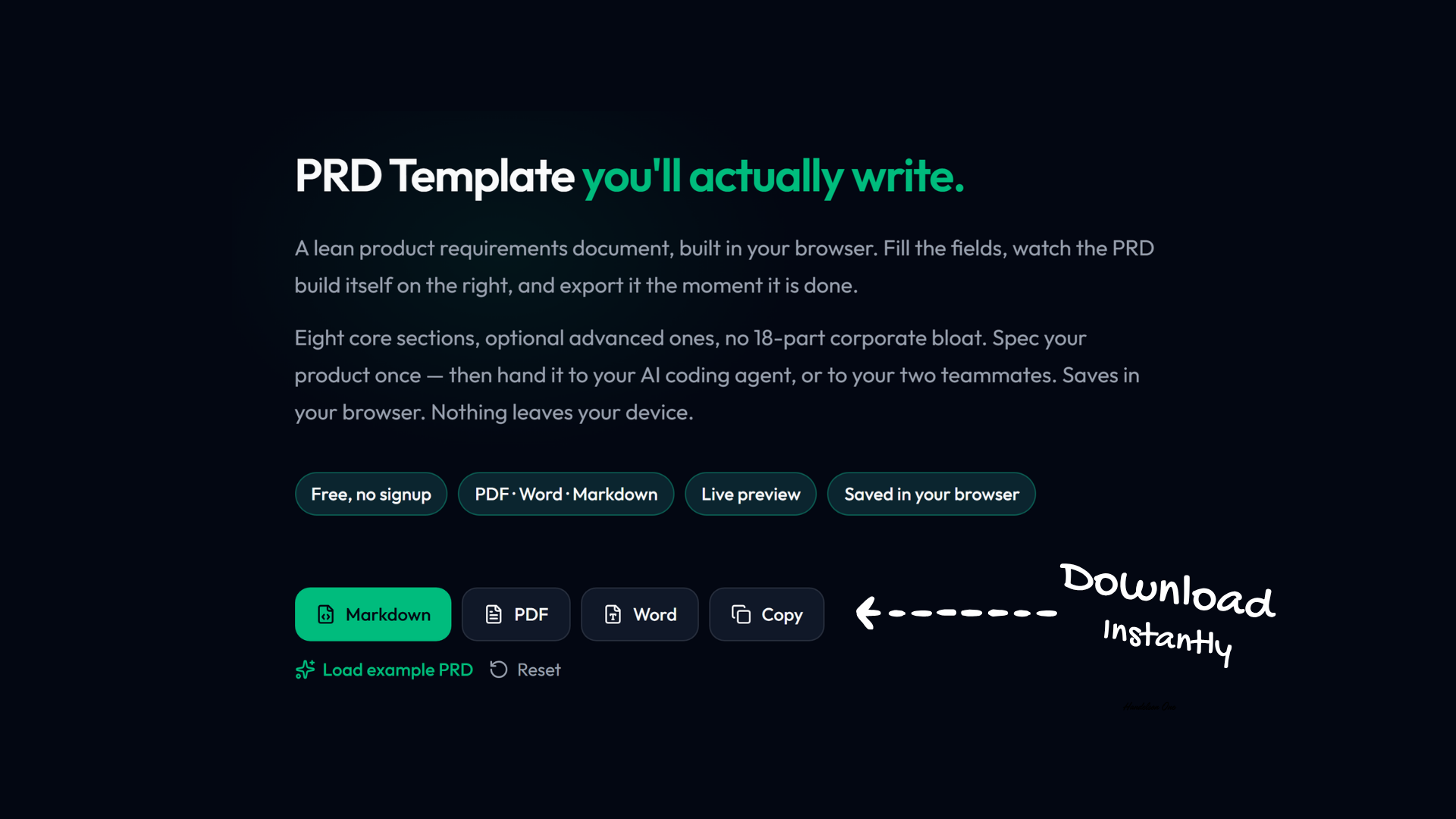
I built a free PRD builder at FoundStep that runs entirely in your browser. No signup, no email. Your inputs stay on your device.
Fill out the eight sections. Watch the PRD build itself in the live preview. Export as Markdown for your AI agent, PDF for reference, or Word if that's what you need.
The template matches the format in this guide. It takes about 30 minutes to fill out for a new project, maybe 15 if you already know what you're building.
Write the PRD. Hand it to your agent. Ship something this week.