AI Coding Tools and Workflow Management: A Practical Integration Guide

AI Coding Tools Make Building Faster. They Do Not Make You Ship Faster.
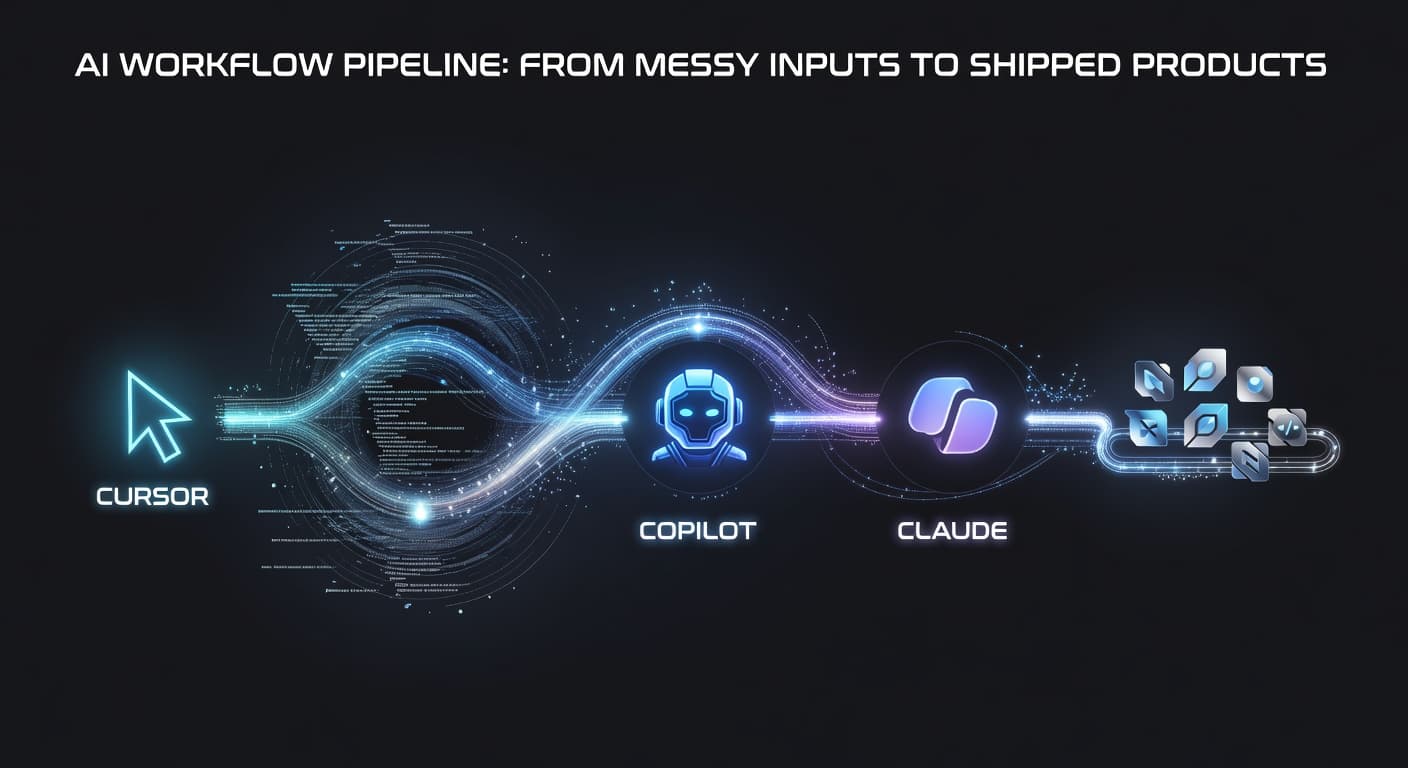
You can generate a full API endpoint in 30 seconds with Cursor. Claude Code scaffolds an entire feature while you get coffee. GitHub Copilot completes your boilerplate before you finish typing the function name.
And yet your project graveyard keeps growing.
That's the AI paradox for solo developers. According to the Stack Overflow Developer Survey, the overwhelming majority of developers now use AI coding assistants regularly. And GitHub's research shows developers with Copilot work measurably faster on individual tasks.
The catch: faster task completion does not mean more shipped projects. It means more projects started, more features scoped, more experiments running simultaneously. The project graveyard doesn't shrink. It fills faster.
If you're using AI coding tools and still abandoning projects, the problem isn't your editor. It's the system around it. This guide is about building a complete workflow that includes AI coding tools without being consumed by them.
The Current AI Coding Tool Landscape
Let me give you an honest assessment of the major players as of early 2026.
Cursor
Cursor is a full editor built around AI. It's not a plugin — the entire experience is designed for AI-assisted development. You can chat with your codebase, generate code from natural language, select code and ask for modifications, and use AI to debug issues.
Where it excels: Large code generation tasks. Building entire features from descriptions. Understanding and navigating large codebases. Multi-file edits that maintain consistency.
Where it struggles: It can generate more than you asked for. It sometimes makes architectural decisions you didn't intend. Because it's so capable, it encourages over-building. If you want a simple component, Cursor might give you a full system.
Best for: Developers who want AI at the center of their coding workflow and are comfortable with the AI doing heavy lifting.
GitHub Copilot
Copilot lives inside your existing editor (VS Code, JetBrains, Neovim) and provides inline suggestions as you type. Think of it as smart autocomplete that understands context.
Where it excels: Small-to-medium completions. Finishing functions you've started. Generating boilerplate. Test writing. It stays out of your way and speeds up what you're already doing.
Where it struggles: Large generation tasks. It's not built for "generate a complete auth system." It works best for line-by-line and block-by-block assistance, not feature-scale creation.
Best for: Developers who want to keep their existing editor and workflow but move faster within it.
Claude Code
Claude Code is a command-line tool that brings Claude's reasoning to your development workflow. You point it at your codebase, ask it questions, and request changes. It understands your project structure, reads files, and makes multi-file edits.
Where it excels: Complex reasoning tasks. Architecture planning. Code reviews. Refactoring large systems. Understanding unfamiliar codebases. Claude's reasoning capabilities mean it handles nuanced problems better than tools focused purely on generation speed.
Where it struggles: It's terminal-based, which some developers find less intuitive than an editor-integrated approach. Iterating on UI work is clunkier because you can't see the result inline.
Best for: Developers who want a thinking partner, not just a code generator. Particularly useful for planning, architecture decisions, and complex debugging.
Windsurf
Windsurf (formerly Codeium) takes a similar approach to Cursor but with its own editor and model stack. It offers AI-assisted code generation, chat, and editing with a focus on speed.
Where it excels: Fast generation, competitive pricing, solid multi-language support.
Where it struggles: Smaller ecosystem than Cursor or Copilot. Fewer integrations. Community and third-party support is still growing.
Best for: Developers who want a Cursor-like experience but prefer the specific models and pricing Windsurf offers.
How Each Tool Fits Into Different Workflow Phases
Here's the part nobody talks about. Each of these tools handles one phase of development really well and ignores every other phase.
Ideation and validation: None of these tools help here. They don't tell you whether your idea is worth building. This phase is on you. (FoundStep's AI MVP Planner handles the planning side, and 7-Step Validation handles the validation side.)
Planning and scoping: Claude Code is the only tool that's genuinely useful here because it can reason about architecture and help you think through a project structure. But it doesn't maintain a project plan for you, track your scope, or alert you when you're drifting. That's a PM function.
Code generation and editing: This is where all four tools shine. Cursor and Windsurf for large generation tasks. Copilot for incremental coding. Claude Code for complex, multi-file changes. This phase is well-served.
Code review and quality: Claude Code handles this reasonably well. Cursor can review code if you ask it to. But none of them evaluate generated code against your project scope or ask "should this feature exist?"
Shipping and deployment: None of these tools help you ship. They don't track your progress toward launch. They don't manage release checklists. They don't create accountability around shipping dates.
The coding phase is covered, multiple times over. Everything else is a gap. And if you're a solo developer, those gaps are where projects go to die.
The Workflow Gap
Let me describe the workflow most solo developers are currently running with AI coding tools.
- Have an idea
- Open AI coding tool
- Start generating code
- Keep generating code
- Generate more code
- Feel overwhelmed by how much code exists
- Lose motivation
- Abandon project
- Repeat
Steps 2 through 5 are where the tools live. Steps 1, 6, 7, 8, and 9 are the actual workflow problems, and no AI coding tool addresses them.
AI coding tools have made the project abandonment problem worse in a specific way. The old version was "I got stuck on a hard technical challenge and gave up." The new version is "I generated so much code so fast that I lost track of what I was building and gave up." Different cause, same result: nothing ships.
The missing piece is the management layer that sits above the coding tools and answers three questions throughout the project:
- What am I building? (scope)
- Am I still building the right thing? (tracking)
- When am I done? (shipping)
Building a Complete Workflow
Here's the workflow that actually works. It has five phases, and AI coding tools only appear in one of them.
Phase 1: Validate and Plan (Before Any Code)
Before you open any editor, answer two questions: "Who is this for?" and "What specific problem does it solve?"
Then build your plan. List your features. Cap it at seven for a v1. Define what "done" means for each feature. Set a ship date.
This phase takes anywhere from an hour to a few days, depending on complexity. It is the highest-leverage time you will spend on the project. Everything downstream is easier because of it.
The best workflow for solo developers always starts with planning, and AI tools haven't changed that. They've changed how fast you can build. They haven't changed the importance of knowing what to build.
Phase 2: Set Up Your Project Skeleton (Light AI Use)
Use your AI tool to scaffold the project. Generate the base structure, set up configs, create placeholder files for your planned features. This is where Cursor and Claude Code are helpful for saving setup time.
But scaffold only what's in your plan. Don't let the AI generate features during setup. "Set up the project structure for a bookmark manager with auth, tagging, and search" is a good prompt. "Build me a bookmark manager" is an invitation for scope explosion.
Phase 3: Build Feature by Feature (Heavy AI Use)
This is where your AI coding tools earn their keep. Take your feature list, start with the highest priority feature, and use Cursor, Copilot, Claude Code, or whatever you prefer to build it.
Work one feature at a time. Generate, review, test, complete. Then move to the next feature.
During this phase, you'll have ideas. Write those ideas on your v1.1 list. Do not build them. Keep your scope locked. This is the phase where AI tools make you 3-10x faster — but that speed only translates to shipped products if you stay within your scope.
Phase 4: Review and Stabilize (Light AI Use)
Before you ship, review what the AI built. This isn't just code review — it's scope review.
Look at every feature. Does it match what you planned? Did the AI add things you didn't ask for? Is there generated code that doesn't serve any feature on your list? Delete what doesn't belong.
Then stabilize. Fix bugs. Handle edge cases. Test the flows a real user would follow. The AI can help with this, but you need to drive it. The decision about what to fix before shipping versus what to fix in v1.1 is yours.
Phase 5: Ship (No AI Needed)
Deploy. Announce. Share.
This phase doesn't need AI coding tools. It needs a ship date you committed to, a deploy process you've tested, and the willingness to release something imperfect.
Create a Ship Card to document what you shipped and when. Ship faster by cutting ruthlessly and committing to your launch date.
Common Mistakes (and I've Made All of Them)
Letting AI Decide Scope
"Build me a complete project management tool" as your first prompt is not planning. It's abdicating planning to a model that has no context about your market, your users, or your resources. The AI will build whatever you ask for, which is exactly why you need to be precise about what you're asking for.
No Review Process
"The AI wrote it, so it probably works" is how you ship bugs, security vulnerabilities, and features that don't actually do what you think they do. Every piece of AI-generated code needs human review — an actual review where you understand what the code does and verify it does it correctly.
Generating Without Planning
Sitting down with Cursor and seeing what happens is fun. But exploration is not production work. If you're vibing, be in a throwaway repo. If you're building a product, have a plan before you open the editor.
Tool Hopping
Every tool switch costs context. Pick one primary tool for your coding phase and stick with it for the duration of the project. You can switch for the next project.
Confusing Speed with Progress
Generating ten files of code in an hour is not the same as completing a feature. Completing a feature means the code works, it's reviewed, it handles edge cases, and it's ready for users. Don't let the volume of generated code fool you into thinking you're further along than you are.
The Integration Principle
AI coding tools are not a workflow. They are part of a workflow.
A screwdriver is a great tool. But "screwdriver" is not a building plan. You need to know what you're building, which screws to drive, in what order, and when to stop. The same logic applies to Cursor, Copilot, Claude Code, and every AI coding tool that exists or will exist.
The developers who ship consistently with AI tools are the ones who have the full workflow figured out. They plan before they code. They scope before they generate. They review before they ship. And they ship on a schedule, not whenever the project "feels done."
Build your workflow first. Then plug in the AI tools where they help. Not the other way around.
If you want a comprehensive overview of what a complete indie developer setup looks like, the indie developer productivity system guide covers the full picture.
Frequently Asked Questions
Which AI coding tool is best for solo developers?
It depends on your workflow. Cursor is best for developers who want AI deeply integrated into their editor. GitHub Copilot is best if you want lightweight suggestions without leaving your existing IDE. Claude Code is best for complex reasoning and planning tasks. Most solo developers benefit from trying a few and picking the one that matches how they think.
Can I use multiple AI coding tools together?
Yes, and many developers do. A common setup is Copilot for inline completions and Cursor or Claude Code for larger generation tasks. Just be aware that multiple AI tools can sometimes conflict or produce inconsistent code patterns across your codebase.
Do AI coding tools replace project management?
No. AI coding tools handle code generation, editing, and debugging. They don't handle project planning, scope management, feature tracking, or shipping workflows. You need a separate system for those, and the gap between AI coding and project management is one of the biggest problems in modern solo development.
How do I avoid letting AI tools control my scope?
Plan your features before you start coding with AI. Lock your scope using a tool like FoundStep. Treat the AI as an executor of your decisions, not as a decision-maker. When the AI generates something unexpected, evaluate it against your scope before keeping it.
What's the biggest mistake developers make with AI coding tools?
Confusing code generation with project progress. Having a lot of generated code doesn't mean you're close to shipping. The biggest mistake is generating endlessly without defining done, tracking completed features, or setting a ship date.

Ready to ship your side project?
FoundStep helps indie developers validate ideas, lock scope, and actually finish what they start. Stop starting. Start finishing.
Get Started Free