Best Side Project Management App in 2026

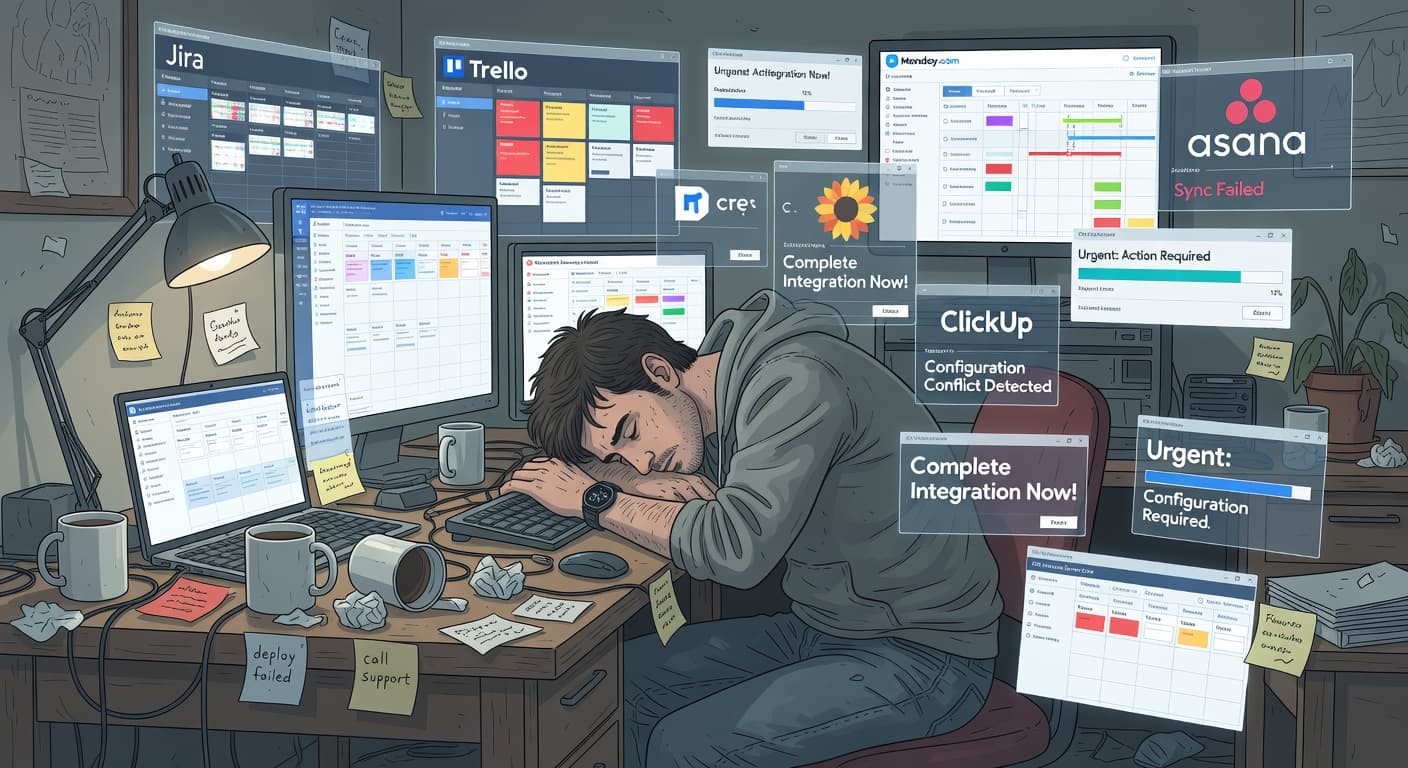
Why "Management" Is the Wrong Word
You have nine side projects. Two have commits from this month. One has a landing page. None have users.
The graveyard grows, and the instinct is always the same: find a better app to organize them. Maybe with the right kanban board, the right task list, the right system, you'd finally finish something.
You've been wrong every time. The problem was never the app. It was what the app optimizes for. Every side project management app you've tried optimizes for organizing, not shipping.
Think about it: have you ever abandoned a side project because you lost track of it? Because your kanban board wasn't pretty enough?
No. You abandoned it because:
- You started something newer and shinier
- The scope grew until it felt impossible
- Nobody was waiting for it, so stopping had zero consequences
- You never validated whether it was worth building in the first place
No app focused on "management" solves any of these problems. The best side project app focuses on finishing.
What Actually Matters for Side Projects
Side projects fail in specific, predictable ways. They grow in scope until they feel impossible. They get abandoned silently when motivation dips. They stall because the developer never validated whether the idea was worth building. They lose to the next shiny idea.
A good side project management app addresses these failure modes directly. Here's what matters:
Scope constraints. Can the tool prevent or discourage endless feature additions? Does it make you conscious of scope changes? Or does it silently accept everything you throw at it?
Accountability. Does the tool create any friction around abandonment? Is there a record of what you committed to and what you actually delivered? Or can you walk away without a trace?
Shipping focus. Does the tool distinguish between finishing tasks and shipping a project? Is there a concept of "done" at the project level, not just the task level?
Low setup cost. Can you start using the tool in under five minutes? Or do you need to spend an hour configuring views, databases, and workflows before you can create your first task?
Solo-first design. Was the tool built for one person, or is it a team tool that technically works for one person? These are different things with different implications.
The Options, Reviewed
FoundStep
FoundStep is built specifically for solo developers shipping side projects. Full disclosure: this is our tool. But here's what it does and why it matters.
The core concept is that side projects need constraints, not flexibility. Scope Locking freezes your feature list once you've defined your MVP. If you want to add something, you unlock the scope, make the change, and the change is permanently recorded in Shame History. This creates friction around scope creep, which is intentional. You should feel the weight of adding "just one more feature."
7-Step Validation walks you through evaluating your idea before you start building. This addresses the failure mode where developers build something nobody wants, then abandon it when they realize the mistake.
AI MVP Planner generates a project plan from a description, reducing setup time to near zero. You describe what you're building, and the tool creates your feature list and task breakdown.
Ship Cards and Harbor give you proof and a collection of shipped projects. When you finish, there's a record. When you look at your Harbor and see shipped projects instead of ten abandoned ones, that's accountability.
This is how you escape the side project graveyard — not through better organization, but through structural constraints on the behaviors that kill projects.
Scope management: Yes (Scope Locking) Accountability: Yes (Shame History) Shipping features: Yes (Ship Cards, Harbor) Setup time: Under 5 minutes Solo-first: Yes Price: Check current pricing
Notion
Notion is a blank-canvas workspace that can be configured into a project management tool. It's flexible, feature-rich, and widely used.
The strength of Notion for side projects is that it can be your everything app. Notes, docs, databases, task tracking, all in one place. If you want to keep your project's documentation alongside your task list, Notion does this better than anything else.
The weakness is setup time and the absence of constraints. Building a project management system in Notion takes hours, and the system won't stop you from expanding your scope indefinitely. There's no concept of shipping, no accountability, and no validation.
The Notion trap for solo developers is consistent: you spend a weekend building the perfect project management workspace, and it feels productive. It isn't. You just built a tool instead of building your project. For more on this, see why Notion is too complicated for side projects.
Scope management: No Accountability: No Shipping features: No Setup time: 1-3 hours for a proper setup Solo-first: No (team-focused with personal use possible) Price: Free for personal use, $10/month for Plus
For more detail, see our Notion comparison.
Linear
Linear is a fast, opinionated issue tracker for software teams. It's the best-designed tool in this category from a pure UX perspective.
For side projects, Linear's speed is a genuine advantage. Every interaction is snappy. Creating issues is fast. Navigating is fast. It respects your limited time.
The problem is that Linear thinks in terms of software teams. Cycles, backlogs, triage, team assignments. As a solo developer, you're using a team tool alone. It works, but it's like driving a bus to the grocery store. You'll get there, but the vehicle wasn't designed for your trip.
Linear has no scope constraints, no validation, and no shipping concept beyond marking a project as complete.
Scope management: No Accountability: No Shipping features: Minimal (project completion) Setup time: 5-10 minutes Solo-first: No (team-focused) Price: Free tier available, $8/user/month for paid
For more detail, see our Linear comparison.
Trello
Trello is a visual kanban board that's been the default personal project management tool for years. It's free, simple, and instantly familiar.
Trello's advantage is zero friction. Create a board, make some columns, start adding cards. No learning curve, no configuration needed.
For side projects, Trello's problems are well-documented. Unlimited cards enable scope creep. Archiving boards lets you abandon projects silently. Moving cards between columns creates an illusion of progress without actual shipping. That's exactly why Trello doesn't work for side projects — the simplicity that makes it easy to start also makes it easy to lose focus.
If your side projects are very small (under 10 tasks) and you just need a visual checklist, Trello is fine. For anything larger or more ambiguous, it doesn't provide enough structure.
Scope management: No Accountability: No Shipping features: No Setup time: 2 minutes Solo-first: No (team-focused, used for personal) Price: Free for personal use, $5/user/month for Standard
For more detail, see our Trello comparison.
GitHub Projects
GitHub Projects is a project management tool integrated into GitHub. If you're already using GitHub for code, it's right there.
The integration with your repository is the strongest argument for GitHub Projects. Issues can reference commits, pull requests can close issues, and everything lives in one place. For pure software development tasks, this integration reduces context switching.
For side project management more broadly, GitHub Projects shares the same gaps as the other team-focused tools. No scope constraints, no validation, no accountability, no shipping concept. Issues accumulate without bound, and abandoned projects just sit there until you archive the repository.
Scope management: No Accountability: No Shipping features: No Setup time: 5 minutes Solo-first: No (team-focused) Price: Free
Todoist
Todoist is a task management app, not specifically a project management tool. But many solo developers use it for side projects.
Todoist is excellent at capturing and organizing tasks. The natural language input, recurring tasks, and priority levels work well. It's fast, available everywhere, and the free tier is generous.
For side projects, Todoist is a to-do list. A very good to-do list, but a to-do list. It has no concept of project scope, no constraints on additions, no accountability for abandonment, and no shipping features. You can create a project and add tasks, but the tool treats "finish authentication" the same as "buy groceries."
If your side project is simple enough that a to-do list is sufficient, Todoist works. Most side projects are more complex than that.
Scope management: No Accountability: No Shipping features: No Setup time: 2 minutes Solo-first: No (general purpose) Price: Free tier, $4/month for Pro
Comparison Table
| Feature | FoundStep | Notion | Linear | Trello | GitHub Projects | Todoist |
|---|---|---|---|---|---|---|
| Scope Management | Yes | No | No | No | No | No |
| Accountability | Yes | No | No | No | No | No |
| Shipping Features | Yes | No | Minimal | No | No | No |
| Idea Validation | Yes | No | No | No | No | No |
| Setup Time | Under 5 min | 1-3 hours | 5-10 min | 2 min | 5 min | 2 min |
| Solo-First Design | Yes | No | No | No | No | No |
| Code Integration | No | No | Yes | No | Yes | No |
| Documentation | No | Yes | No | No | Minimal | No |
| Speed | Good | Moderate | Excellent | Good | Good | Excellent |
| Free Tier | Yes | Yes | Yes | Yes | Yes | Yes |
The Side Project Shipping Checklist
Forget elaborate workflows. Here's the process:
- Have an idea. Write it down. Don't open your editor yet.
- Validate it. 15 minutes. Seven questions. Build, Wait, or Kill.
- Scope it. Five to seven features. No more.
- Lock it. No additions without permanent justification.
- Build it. Two to four weeks. AI coding tools for speed.
- Ship it. Deploy to a live URL. Get a Ship Card.
- Decide. Iterate with v1.1 or start the next project.
The process works because it prevents the three killers: building without validating, expanding without accountability, and quitting without consequence. Read more about how to stop abandoning side projects for the psychological side of the equation.
My Pick and Why
For solo developers who struggle to ship side projects, FoundStep addresses the actual failure modes. Scope Locking prevents the most common way side projects die (scope creep). Shame History creates accountability that other tools don't have. The validation step prevents you from building things nobody wants. And the shipping features give you a finish line to cross.
If you're already shipping consistently with another tool, keep using it. Results matter more than features. Todoist, Linear, a plain text file — whatever works for you is the right tool for you.
But if you're reading this article because your side projects keep dying, consider whether your tool is part of the problem. A tool that accepts unlimited scope, enables silent abandonment, and has no concept of shipping is a tool optimized for something other than what you need.
For more side project management recommendations, check out our comprehensive side project tools guide and our solo developer project management guide.
Frequently Asked Questions
What makes a good side project management app?
Three things: constraints that prevent scope creep, accountability that makes abandonment uncomfortable, and a shipping concept that distinguishes between task completion and project launch. Most project management tools have none of these because they were built for teams, not for solo developers with side projects.
Do I really need a dedicated side project management app?
If you consistently ship side projects using whatever tool you have, no. If your side projects keep stalling, growing in scope, or getting abandoned, then yes. The right tool won't magically make you productive, but it can remove friction and add structure that keeps you moving forward.
Is a simple to-do list enough for side project management?
For very small projects with a clear scope (under 10 tasks), a to-do list works fine. For anything larger, you need scope management, progress tracking, and some form of accountability. A to-do list won't stop you from adding 50 more items or quietly abandoning the project.
Should I use the same tool for work and side projects?
Generally no. Work tools are designed for team collaboration with features you don't need solo. Using a team tool for personal projects means paying the complexity tax of features designed for other people. A dedicated side project tool can be simpler and more focused.
How much should I pay for a side project management app?
As little as possible. Side projects don't generate income initially, so spending fifty dollars a month on tooling is hard to justify. Most good options are free or under ten dollars a month. The value comes from shipping, not from the tool's feature list.
If your side projects keep dying in the planning phase, try FoundStep and see if constraints are the missing piece.

Ready to ship your side project?
FoundStep helps indie developers validate ideas, lock scope, and actually finish what they start. Stop starting. Start finishing.
Get Started Free