Best Tools for Indie Hackers in 2026


The Indie Hacker Toolkit in 2026
You bookmarked another "ultimate indie hacker toolkit" article last week. It had 47 tools. You signed up for three of them, configured none, and shipped nothing.
That's not a toolkit problem. That's a shipping problem.
The best tools for indie hackers in 2026 aren't the ones with the most integrations or the prettiest dashboards. They're the ones that help you go from idea to shipped product without drowning in setup, configuration, or the seductive lie that one more tool will fix your workflow.
Every tool in this guide earns its spot by answering one question: does it help you ship? This isn't a "top 50 tools" listicle. It's a focused selection of what actually matters. If a tool doesn't directly contribute to validating, building, or shipping your project, cut it. The indie hacker tool trap is treating tool shopping as progress.
If building a real indie developer productivity system matters to you, start with a short tool list, not a long one.
AI Coding Tools
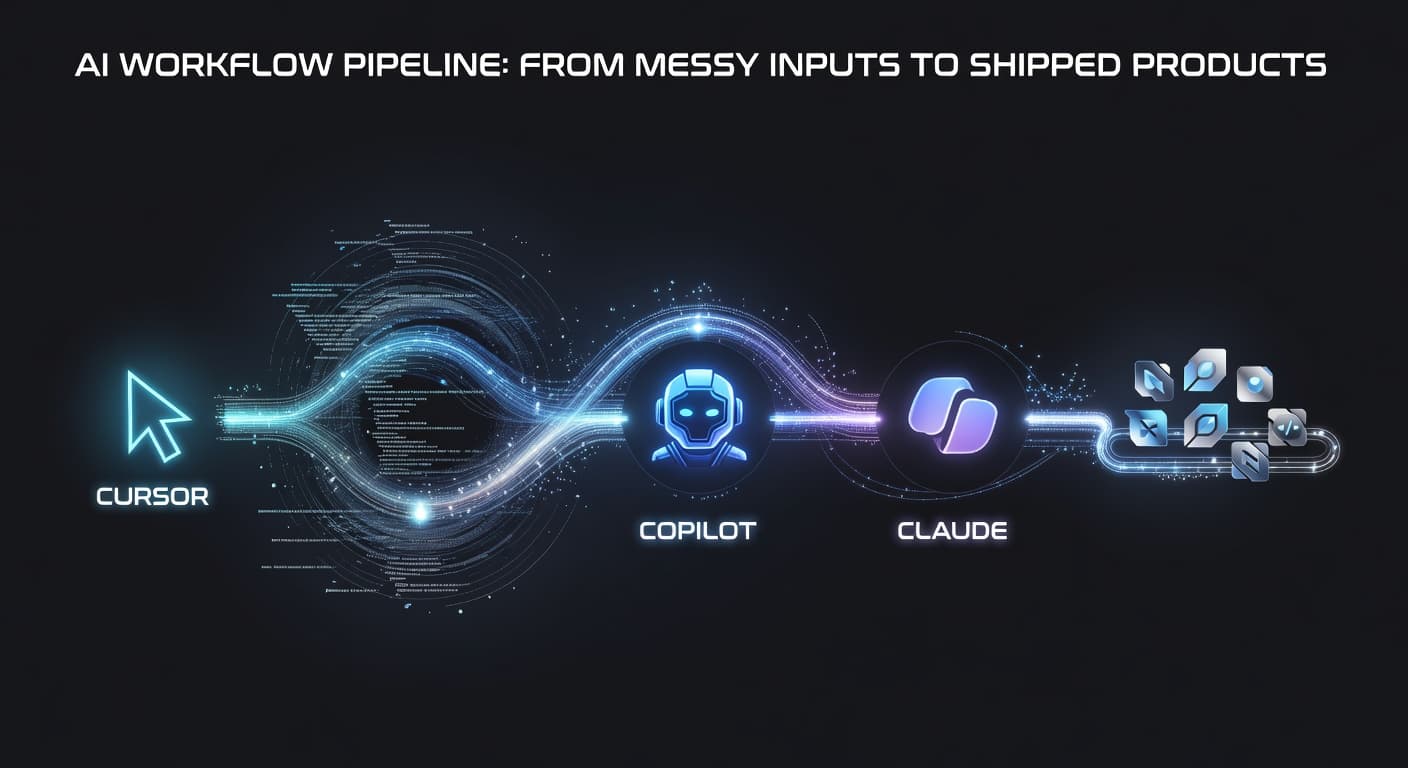
The single biggest productivity gain for indie hackers in 2026 is AI-assisted development. According to the 2025 Stack Overflow Developer Survey, the majority of professional developers now use AI coding assistants regularly. For indie hackers working alone, this multiplier is even more significant.
GitHub Copilot
What it does: Inline code suggestions inside your editor. Handles boilerplate, suggests completions, and speeds up routine coding.
GitHub Copilot has become table stakes. The free tier covers most indie hacker needs.
Ship impact: High. You write less boilerplate and move faster through the boring parts. More time for the code that matters.
Cursor
What it does: A VS Code fork with deep AI integration. Multi-file refactoring, codebase-aware editing, and feature building from natural language descriptions.
Cursor understands your entire project, not just the file you're editing. Ask it to refactor across modules, explain complex code, or scaffold features from a brief description.
Ship impact: High for projects with 10+ files. The codebase awareness eliminates the context-switching tax of jumping between files manually.
Claude Code
What it does: CLI-based AI development tool for repository-level tasks. Build features from specs, debug complex issues, refactor entire modules.
Ship impact: Best for heavy lifting. Use it to scaffold a feature end-to-end, then refine with Copilot or Cursor.
Project Management: FoundStep
I'll address the bias upfront: FoundStep is our product. But the reason it exists is that there was no project management tool designed for how indie hackers actually work.
Most project management tools assume you're part of a team. They have sprints, story points, team assignments, and capacity planning. None of that applies when you're one person building a product on nights and weekends.
FoundStep is built around the problems indie hackers actually face. Scope creep (solved by Scope Locking, which freezes your feature list and requires deliberate unlocking to change it). Idea paralysis (solved by 7-Step Validation, which walks you through evaluating whether your idea is worth building). Slow starts (solved by AI MVP Planner, which generates a project plan from a description). And the absence of accountability (solved by Shame History and Ship Cards).
The philosophy is that indie hackers don't need more flexibility. They need more constraints. A locked scope, a validated idea, and a permanent record of changes create the structure that makes shipping possible.
For more on this approach, see our indie hacker project management guide.
Pricing: Check current plans
Alternatives worth considering: Linear (fast, well-designed, but team-focused), Notion (flexible, but requires significant setup), GitHub Projects (free, integrated with code, but basic).
Code Hosting: GitHub
This one isn't controversial. GitHub won. It hosts your code, manages your issues, runs your CI/CD, and stores your packages. The ecosystem around it (Actions, Copilot, security scanning) makes alternatives hard to justify.
GitLab is a solid alternative if you want everything self-hosted, and it's arguably better for CI/CD pipelines. But the network effects of GitHub (community, packages, integrations) make it the default choice for indie hackers.
Pricing: Free for public and private repos. Paid plans add features like environments and larger Action minutes, but the free tier covers most indie hacker needs.
Deployment: Vercel and Railway
This is where things have improved the most in 2026. Deploying a web application is now trivially easy.
Vercel
Vercel is the default for Next.js projects, and it's the default for good reason. Push to main, your site deploys. Preview deployments for every branch. Edge functions. Image optimization. Analytics. The developer experience is excellent.
The pricing model is generous for small projects. The free tier handles hobby projects comfortably. The Pro tier ($20/month) is reasonable once you're getting real traffic.
The trade-off: Vercel is opinionated about architecture. It works best with Next.js and its own patterns. If you're building something that doesn't fit the Vercel model (long-running servers, WebSocket connections, heavy backend processing), you'll hit limitations.
Railway
Railway is what Heroku should have become. Simple deployment of any application with a database attached. Docker support, built-in Postgres, Redis, and other services. Good CLI, reasonable pricing.
For indie hackers building backends, APIs, or anything that isn't a static frontend, Railway is the pick. You deploy from a Dockerfile or from a Git repository, and Railway handles the infrastructure.
Pricing: Usage-based, starting at $5/month for the Hobby plan. Costs scale with usage, which is ideal for early-stage products.
Other options: Fly.io (more control, steeper learning curve), Render (similar to Railway, slightly different pricing), Coolify (self-hosted, free but you manage the server).
Payments: Stripe and Lemon Squeezy
Stripe
Stripe is the industry standard for payment processing. The API is well-documented, the dashboard is comprehensive, and the ecosystem of libraries and integrations is unmatched. If you're selling subscriptions, one-time purchases, or usage-based plans, Stripe handles it.
The downside is complexity. Stripe gives you primitives (customers, subscriptions, invoices, payment intents) and expects you to build the billing logic. For indie hackers, this means either writing significant code or using a billing abstraction layer.
Pricing: 2.9% + 30 cents per transaction. No monthly fee.
Lemon Squeezy
Lemon Squeezy is a merchant of record, which means it handles sales tax, VAT, and compliance for you. Stripe doesn't do this. If you're selling to customers globally, dealing with tax compliance yourself is a headache you don't need.
The trade-off is less flexibility than Stripe and slightly higher fees. But for indie hackers who don't want to think about tax jurisdictions, Lemon Squeezy removes a real burden.
Pricing: 5% + 50 cents per transaction. Higher than Stripe, but includes tax handling.
My recommendation: Use Lemon Squeezy if you're selling to individuals globally and don't want to deal with tax. Use Stripe if you need more control or if your customers are primarily in one country where tax is straightforward.
Analytics: Plausible and PostHog
Plausible
Plausible is privacy-focused, lightweight analytics. No cookies, GDPR compliant out of the box, simple dashboard. It tells you how many people visit your site, where they come from, and what pages they view. That's it.
For most indie hackers, this is enough. You don't need user-level tracking, cohort analysis, or funnel visualization when you have 50 daily active users. You need to know if anyone is showing up and which pages they're looking at.
Pricing: Starting at $9/month. Self-hosted option available for free.
PostHog
PostHog is the heavy artillery. Product analytics, session recording, feature flags, A/B testing, surveys. It does everything, and the open-source version can be self-hosted.
Use PostHog when you have enough users that user behavior data matters. If you're trying to understand why users drop off during onboarding or which features drive retention, PostHog is the right tool.
Pricing: Generous free tier (1 million events/month). Pay-as-you-go beyond that.
My recommendation: Start with Plausible. Switch to PostHog (or add it alongside Plausible) when your product has enough users that behavioral analytics provides actionable insights. Starting with PostHog too early means tracking data you don't have enough volume to interpret.
Email: Resend and Loops
Resend
Resend is a transactional email API that's clean, fast, and developer-friendly. Send verification emails, password resets, notification emails, and order confirmations. The API is simple, the documentation is clear, and the React Email integration makes building email templates bearable.
Pricing: Free tier (100 emails/day). Paid plans start at $20/month for higher volumes.
Loops
Loops is for marketing email. Newsletters, drip campaigns, product updates. It's designed for SaaS companies and indie hackers specifically, with a clean interface and reasonable pricing.
If you're building an audience alongside your product (and you should be), Loops handles the marketing email side while Resend handles the transactional side.
Pricing: Free tier (1,000 contacts). Paid plans start at $25/month.
Alternative: ConvertKit (now Kit) if you're more content-focused. Buttondown if you just need a simple newsletter.
Authentication: Clerk and Supabase Auth
Clerk
Clerk is a drop-in authentication solution. Pre-built sign-in/sign-up components, session management, user management dashboard, and integrations with popular frameworks. The developer experience is polished.
For indie hackers, Clerk's value proposition is time savings. Building auth from scratch takes days. Integrating Clerk takes hours. The pre-built components look good enough to ship without customization.
Pricing: Free tier (10,000 monthly active users). Paid plans at $25/month.
Supabase Auth
Supabase Auth is part of the Supabase platform, which gives you a Postgres database, auth, storage, and edge functions in one package. If you're already using Supabase for your database, using its auth is a no-brainer.
The auth system supports email/password, magic links, OAuth providers, and phone auth. It's less polished than Clerk's pre-built components, but it's free and integrated with your database.
Pricing: Free (included with Supabase's free tier).
My recommendation: Use Clerk if you want the fastest path to working auth with the best-looking components. Use Supabase Auth if you're already on Supabase or if you want to avoid adding another service to your stack.
Design: Figma
Figma won the design tool category. For indie hackers who design their own interfaces (which is most of them), Figma's free tier is generous enough for personal use.
The community files and templates are where Figma really helps indie hackers. Instead of designing from scratch, you can find UI kits, component libraries, and wireframe templates that accelerate your design process.
Pricing: Free for personal use (3 projects). Professional at $15/month if you need more.
Alternative: If you're coding your UI directly (which many indie hackers do), skip Figma entirely and use a component library like shadcn/ui with Tailwind CSS. Design in the browser. For UI generation, v0 by Vercel is worth exploring — describe what you want, get working React components. Useful if you're a developer who isn't a designer.
The Anti-Stack Warning
Here's the uncomfortable truth: your stack should have fewer tools than your fingers.
Indie hackers who ship consistently don't use 15 tools. They use four or five. An AI coding assistant. A shipping-focused project manager. A deployment platform. Maybe analytics post-launch. That's it.
Every additional tool adds cognitive overhead, another login, another notification channel, another thing to configure instead of code. The best indie hacker stack in 2026 is the smallest one that gets you from idea to shipped product.
The Indie Hackers community consistently shows this pattern — solo builders who actually ship tend to use the simplest possible tooling, not the most feature-rich.
The Stack Summary
Here's what I'd recommend as a starting point for an indie hacker building a web product in 2026:
- Project management: FoundStep (constraints and shipping focus)
- Code: GitHub (free, standard)
- AI coding: Cursor or Copilot (pick one, use it daily)
- Frontend deployment: Vercel (simple, fast)
- Backend deployment: Railway (flexible, affordable)
- Payments: Lemon Squeezy (handles tax) or Stripe (more control)
- Analytics: Plausible (simple) or PostHog (comprehensive)
- Transactional email: Resend
- Marketing email: Loops
- Auth: Clerk (fastest) or Supabase Auth (most integrated)
- Design: Figma or skip it entirely
Total monthly cost on free tiers: $0. Total monthly cost on basic paid tiers: roughly $50-80. That's a functioning product infrastructure for less than most people's coffee budget.
What I Deliberately Left Out
I didn't include monitoring tools (most indie hackers don't need APM until they have significant traffic), customer support tools (email works until you have hundreds of customers), or project management alternatives beyond the brief mentions (covered in detail in our side project tools guide).
I also didn't include AI tools beyond a brief mention, because the AI tool market changes monthly and any specific recommendation would be outdated quickly. Use whatever AI coding assistant makes you faster. Right now that's probably Copilot or Cursor, but by the time you read this, it might be something else.
The Real Advice
The tools matter less than you think. The stack above is a good default. It's modern, affordable, and removes friction from common tasks. But the tool that matters most is the one that keeps you building. Not configuring. Not optimizing. Building.
Pick your tools, commit to them, and spend your remaining energy on the thing that actually determines whether your indie hacking succeeds: building a product someone wants to pay for.
For more on the project management side specifically, see our indie hacker project management guide and the full features overview.
Frequently Asked Questions
What's the most important tool for an indie hacker?
Your deployment platform, because nothing matters until your product is live. You can use a mediocre project management tool, a basic analytics setup, and a simple payment integration. But if deploying is painful, you'll ship less frequently and lose momentum. Pick a deployment platform first, then build around it.
How much should an indie hacker spend on tools per month?
As little as possible, ideally under fifty dollars a month while you're pre-revenue. Most tools on this list have free tiers that work for early-stage products. Scale up spending as revenue grows. There's no reason to pay for enterprise tooling when you have zero customers.
Should indie hackers use the same tools as startups?
Not usually. Startups optimize for team collaboration, compliance, and scalability. Indie hackers optimize for speed, cost, and simplicity. Many startup tools add complexity you don't need while charging prices designed for funded companies.
Is it worth building your own tools instead of paying for them?
Almost never. Building your own auth system, payment integration, or analytics platform is a distraction from your actual product. Use existing tools, ship faster, and only consider building custom solutions if an existing tool is genuinely blocking you.
How often should I reevaluate my tool stack?
Once a year at most, or when a specific tool is causing measurable problems. Tool switching has a real cost in migration time and learning curves. Don't switch because something new and shiny appeared. Switch because your current tool is actively holding you back.
Stop optimizing your stack. Start shipping with it. Try FoundStep and build your next project with a system designed to get you to launch day.

Ready to ship your side project?
FoundStep helps indie developers validate ideas, lock scope, and actually finish what they start. Stop starting. Start finishing.
Get Started Free