The Solo Developer Workflow That Actually Ships Products


The Best Workflow for Solo Developers Is Opinionated, Constrained, and Accountability-Driven
You tried sprints. Two-week cycles with planning sessions, retrospectives, and velocity tracking. For a team of one. Working on a side project at 11 PM after your day job.
It lasted four days.
The best workflow for solo developers isn't a scaled-down version of what Spotify or Google uses. It's a completely different system built for a completely different reality — one where you're the developer, the designer, the PM, the QA tester, and the marketing department. Where your biggest threat isn't coordination overhead. It's abandonment.
Why Flexible Workflows Fail Solo Developers
That sentence probably feels wrong. Flexibility is supposed to be the whole point of working solo. No standups. No ticket process. No PM telling you what to build or when to ship. You get to do things your way.
And that's exactly why most solo projects die.
The default flexible workflow goes like this: you have an idea. You open your favorite tool — Notion, Trello, a text file, whatever. You create some kind of plan. Maybe it's detailed, maybe it's loose. You start building. Ideas come up along the way, and you add them because why not? There's no approval process. No sprint boundary. No reason to say no to yourself.
Three weeks in, your plan looks nothing like what you started with. But that's fine, right? You're being agile. You're iterating.
Except you're not iterating. Iterating means shipping something, learning from it, and adjusting. You're just expanding. The project gets bigger. The timeline stretches. The energy fades. A new idea appears. And the cycle restarts.
According to the 2025 Stack Overflow Developer Survey, solo developers consistently report that process overhead and lack of structure are their biggest productivity killers — not lack of skills or tools.
The developers who ship consistently don't use flexible workflows. They use rigid ones. They've taken all that freedom and deliberately traded most of it for structure. And it works, because structure is what gets things shipped when motivation runs out.
Here's the workflow. Six phases. Each one feeds into the next. Skip one and the whole thing breaks.
The 6-Phase Solo Developer Shipping Pipeline
Phase 1: Idea
Every project starts here. You have a thought. Maybe it's a tool you wish existed. Maybe it's a business idea. Maybe you just want to build something with a technology you're curious about.
The mistake most people make is jumping straight from Idea to Build. That skip is where 80% of project failures originate.
In this phase, your only job is to capture the idea clearly. Write it down in one or two sentences. What does it do? Who is it for? Why does it matter? If you can't answer those in a few sentences, the idea needs more time to marinate.
Don't start coding. Don't create a repo. Don't pick a tech stack. Just write the idea down and move to the next phase.
Phase 2: Validate
This is the phase that feels unnecessary and saves you the most time.
Validation means testing your idea against reality before you invest weeks building it. Not by building an MVP. By asking hard questions.
The full framework is covered in how to validate ideas as a solo developer, but the short version is:
- Does this problem actually exist, and for whom?
- How are people solving it right now?
- Would they switch to your solution? Would they pay?
- Can you build a useful v1 in under a month?
- Are you excited about the problem, or just the technology?
Most ideas don't survive validation. That's the point. Killing a bad idea in thirty minutes of honest questioning is infinitely better than killing it after six weeks of building.
FoundStep's 7-step validation forces you through this before a project can move forward. Every question requires a written answer. You can't skip to planning without completing it. Is that annoying? Absolutely. Does it prevent you from wasting months on unvalidated ideas? Also absolutely.
Phase 3: Plan
Your idea survived validation. Now you plan the v1.
Planning means writing down every feature your first version needs. Not wants. Needs. Apply the "would someone refuse to pay without this?" test from the scope creep article. If the answer is no, it goes on the v1.1 list.
Your v1 feature list should be 5-7 items. Not a suggestion. A hard cap. If your list is longer, you're planning a v2, not a v1.
For each feature, write one sentence describing what it does from the user's perspective. Not "implement authentication module" but "user can sign up and log in with email and password." Framing features as user-visible capabilities keeps you from over-engineering internal systems.
FoundStep's AI MVP Planner can generate a structured plan from a description of your idea, including features, subtasks, effort estimates, and a suggested v1.1 list. You still make the final decisions. But having a starting point generated from your validated idea saves the blank-page paralysis.
Phase 4: Lock
This is the phase that makes everything else work. You take your plan and you lock it.
Locked scope means the feature list is frozen. You can still change it, but changing it requires effort. You have to explicitly unlock, provide a reason, and that reason is recorded permanently. This is the difference between a plan you follow and a plan you ignore.
Most solo developer workflows fail here because there's no mechanism for enforcement. A Trello board doesn't stop you from adding cards. A Notion page doesn't push back when you expand the scope. The plan is advisory, and advisory plans get ignored the moment something more interesting comes along.
The lock phase converts your plan from advisory to structural. It adds friction to change. Not infinite friction — you can still adapt when you genuinely need to. But enough friction that casual additions stop. Enough that "wouldn't it be cool if..." gets written on the v1.1 list instead of becoming a new ticket.
Phase 5: Build
Now you code. Finally.
Notice where this phase falls in the pipeline: fifth out of six. Most developers start here. They skip the four phases that determine whether the project ships or dies. By the time you reach the Build phase in this workflow, you've already validated the idea, planned the scope, and locked the feature list. You know what you're building, why it matters, and exactly how far the finish line is.
Building with a locked scope feels different. Faster, usually. You're not making decisions about what to build anymore. Those decisions are done. You're just executing. When new ideas come up (and they will), they go on the v1.1 list. When you're tempted to refactor something that works but isn't elegant, you ask: is this in scope? If not, skip it.
The boring middle still exists. Around week two of a three-week project, you'll hit a stretch where the remaining work is unglamorous wiring and edge cases. The locked scope helps here too, because you can count the remaining features and see that you're 70% done. Progress is visible. The end is near. Push through.
One specific tip: batch your boring tasks. Tests, error handling, deployment config — all the things that aren't exciting but need to happen. Don't interleave them with feature work. Block out a day for boring tasks and grind through them. It's less painful in a batch than spread across two weeks.
Phase 6: Ship
Your v1 is built. It matches your locked scope. Now you ship it.
Shipping means putting it somewhere people can use it. Not "deploying to staging." Not "showing a friend." Putting it on the internet, accessible to anyone, with at minimum a landing page that explains what it does.
This is where perfectionism shows up pretending to be quality. "The landing page isn't ready." "I should add one more feature." "Let me fix this edge case first." No. Ship it. The thing you're embarrassed about probably doesn't matter, and the things that actually matter you can only discover through real usage.
After shipping, you have options. Look at your v1.1 list. Talk to the people who use it. Decide what to build next based on real feedback instead of assumptions. This is the actual beginning of iterating.
Put your shipped project in a visible place. Your portfolio, your Harbor in FoundStep, wherever. Building a visible record of shipped work changes your relationship with finishing. Each shipped project makes the next one more likely.
The Daily Workflow
Your daily workflow should be dead simple. Complex daily routines don't survive contact with real life.
Step 1: Check your next action. Open your project. Look at what needs doing. Pick the single highest-priority task. Not three tasks. One. FoundStep's AI Next Action does this automatically — it surfaces one action based on deadline proximity, completion percentage, and lock state. No decision fatigue.
Step 2: Work in focused blocks. Cal Newport's deep work concept applies directly. Set a timer. Work on your one task. No Slack, no Twitter, no "quick research" that turns into 40 minutes of reading Hacker News.
Step 3: Record progress. What did you finish? What's next? Two sentences in a log. If you're building in public, share a quick update. This takes 60 seconds and creates momentum for tomorrow.
Solo developers don't have the luxury of context switching efficiently. Every time you jump between features, you lose 15–20 minutes rebuilding mental context. One task per session, finished or with visible progress. Move to the next task tomorrow.
Handling Multiple Projects
You have three side project ideas. The workflow answer is simple: serial, not parallel.
Working on multiple projects simultaneously is how you end up with multiple unfinished projects simultaneously. Each project gets partial attention. None get enough momentum to reach launch.
The rule: one active project at a time. Other ideas go in a vault. When you ship (or kill) the current project, pull the next idea from the vault and validate it.
FoundStep enforces this with the workspace model and Idea Vault. Your ideas are captured and validated when you're ready. But only one project gets your active attention. Serial focus ships. Parallel attention kills.
The Weekly Review
Without a team, nobody is checking in on you. The weekly review fills that gap.
Every Sunday (or whatever day works), spend 15 minutes:
- What shipped this week? Features completed, bugs fixed, milestones hit.
- What blocked progress? Scope creep? Motivation dip? Technical rabbit hole?
- What's the priority for next week? One goal. Not five. One.
- Am I on track to ship by my deadline? Honest assessment. If not, cut scope.
No retrospective ceremony. No velocity calculations. Fifteen minutes of honest evaluation.
The weekly review catches drift early. If you've spent two weeks on a "quick feature" that keeps growing, the review forces you to see it. Cut the feature or redefine the timeline. No silent scope expansion.
Common Solo Developer Workflow Mistakes
Mistake 1: Planning as a substitute for building. You spent three days setting up your perfect Notion workspace. The workspace looks incredible. You haven't written a line of code. Planning feels productive. It isn't. Plan for 30 minutes. Then build.
Mistake 2: No deadline. A project without a deadline is a hobby. Hobbies are fine, but they don't ship. Set a deadline, even an arbitrary one. "Ship by April 30" creates urgency that "ship when it's ready" never does.
Mistake 3: Building features nobody asked for. You added dark mode, internationalization, and a settings panel before a single user tried your product. Ship the ugly MVP. Add features based on feedback, not imagination.
Mistake 4: Skipping validation. You coded for six weeks. Nobody wants the product. Validation takes 15 minutes. Skipping it costs weeks of wasted effort.
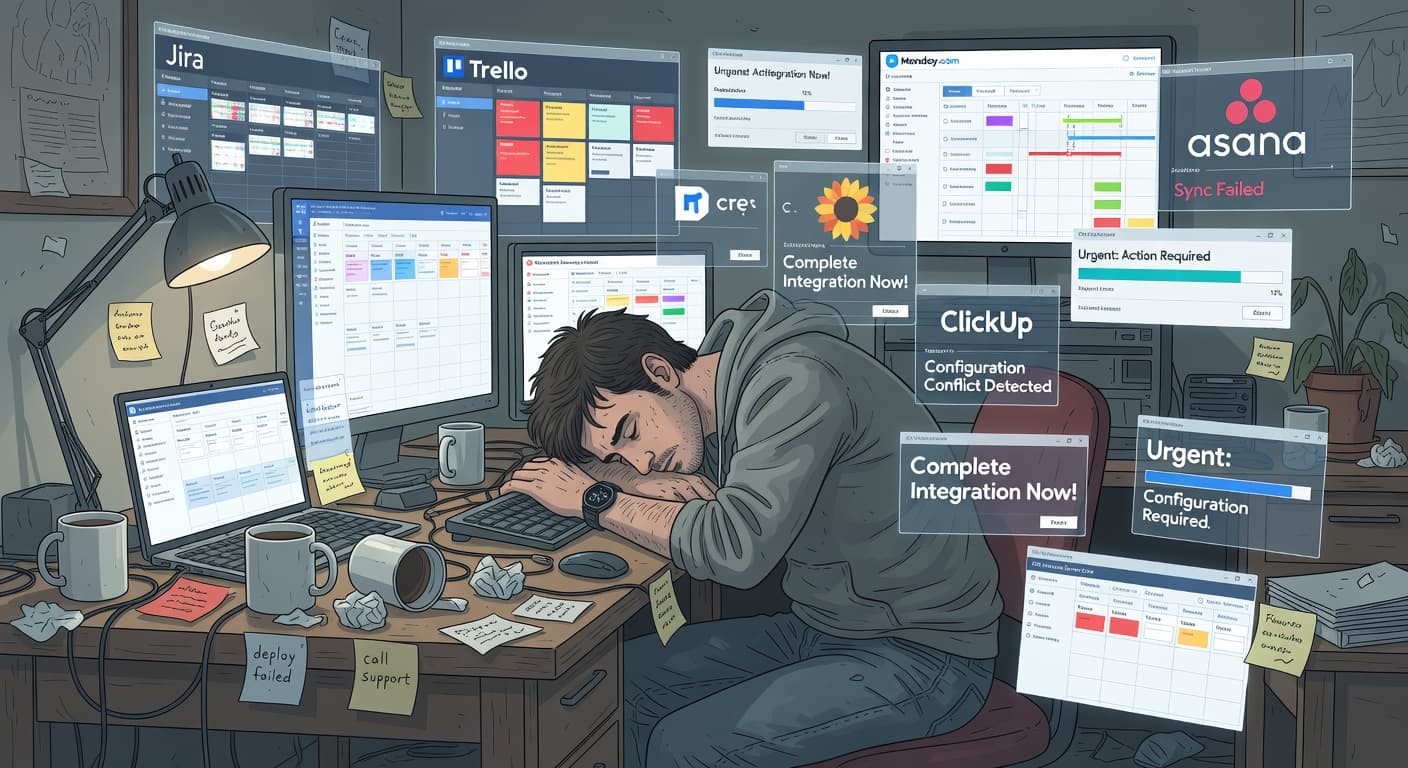
Mistake 5: Using team tools solo. Jira, Asana, and Monday.com were designed for teams. Using them solo means managing overhead that exists to coordinate people — and you're one person. Use tools built for solo builders.
Tools That Support This Workflow
The best solo developer workflow tools are the ones that enforce the workflow, not just display it.
A few things to look for:
Does it let you lock scope? If you can add tasks without friction, the tool is enabling scope creep, not preventing it.
Does it track scope changes? If your scope history is invisible, you can't see the pattern of creep that's killing your projects.
Does it care whether you ship? Most tools treat a completed board and an archived board the same way. A tool built for shipping should distinguish between "finished" and "abandoned."
FoundStep was built around this specific workflow. Validation, planning, scope locking, build tracking, and a shipped projects wall. It's opinionated because the workflow itself is opinionated. That's the whole idea.
But the workflow matters more than the tool. If you run this six-phase process with a text file and a calendar, you'll ship more than someone with every tool on the market and no system. Pick a process. Follow it. Ship things.
For a full overview of available tools, see our best project management for solo developers guide.
Frequently Asked Questions
What is the best workflow for solo developers?
An opinionated, constrained pipeline: Idea, Validate, Plan, Lock, Build, Ship. Flexibility sounds appealing but leads to endless scope changes and abandoned projects. The best solo developer workflow removes decisions and adds constraints at every stage.
How is a solo developer workflow different from a team workflow?
Teams have external checks like standups, sprint reviews, and code reviews. These provide natural friction against scope creep and accountability for follow-through. Solo developers need to build these constraints into their process because nobody else will enforce them. The workflow itself becomes your team.
Do solo developers need sprints?
Not traditional sprints with ceremonies and velocity tracking. But you do need fixed time boundaries. A 2-3 week ship deadline functions like a sprint boundary without the overhead. The point of a sprint isn't the standup or the retro. It's the time box that forces prioritization and prevents scope from expanding indefinitely.
What tools do solo developers need?
Something that enforces scope, tracks accountability, and makes shipping the goal, not organizing. Most tools are built for team coordination, which solo developers don't need. The worst thing you can do is spend a week setting up a Notion workspace that perfectly organizes work you'll never finish.
How do indie hackers stay productive?
By removing decisions, not adding options. The most productive indie hackers use opinionated systems that tell them what to do next, instead of flexible tools that let them reorganize endlessly. Productivity for solo developers isn't about efficiency. It's about follow-through.
Ready to build a workflow that actually ships? Try FoundStep and give your solo development workflow the accountability system it's been missing.

Ready to ship your side project?
FoundStep helps indie developers validate ideas, lock scope, and actually finish what they start. Stop starting. Start finishing.
Get Started Free