Why Trello Doesn't Work for Side Projects

The Board That Feels Like Progress
I have a confession. I've created somewhere around 30 Trello boards for side projects over the past few years. Real boards with lists, cards, labels, due dates. Some of them got pretty elaborate. Custom fields, checklists within checklists, color-coded priority labels.
You know how many of those side projects shipped?
Two.
And those two shipped despite Trello, not because of it. I finished them because I was angry enough about the problem they solved to push through. Trello didn't contribute. It just sat there, an increasingly stale snapshot of ambitions that drifted further from reality with every passing week.
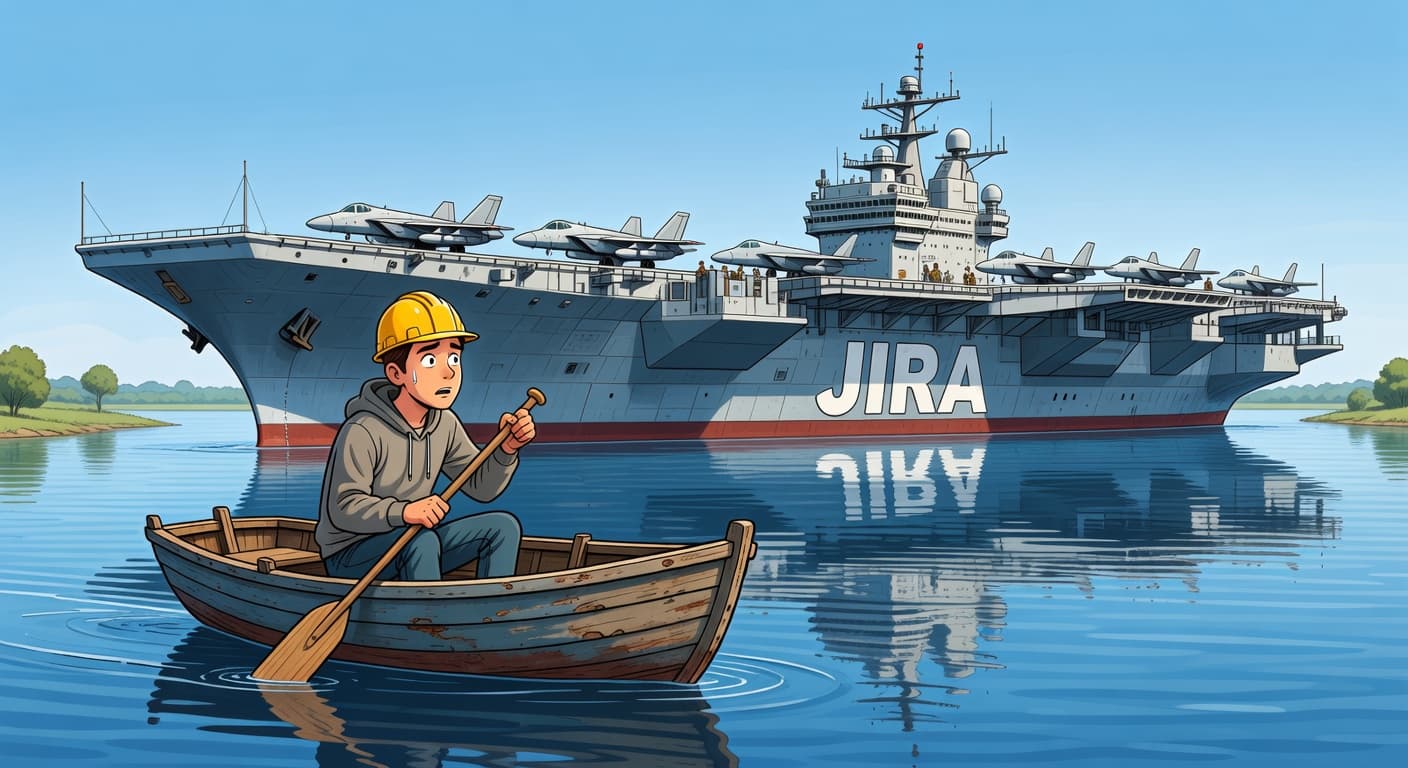
This isn't a rant about Trello being a bad product. Trello is a perfectly fine collaborative task board for teams. But that's the point. Trello was designed for teams sharing work, not for one developer trying to finish a side project on nights and weekends. When you use it solo for side projects, every design decision that makes it good for teams works against you.
The Illusion of Progress
Moving cards across a Trello board triggers a specific feeling. It's the same dopamine hit you get from crossing items off a to-do list. You dragged something from "To Do" to "In Progress." You did a thing. You're making progress.
Except you're not, necessarily. You moved a card. That's it. The card might represent five minutes of work or five weeks. The board doesn't know and doesn't care.
This is the core problem with why Trello doesn't work for side projects. Side projects don't die from lack of task tracking. They die from lack of momentum, lack of constraints, and lack of accountability. Trello addresses none of these. What it does, and does well, is create a visual representation of work that makes you feel organized. Feeling organized and being productive are different things entirely.
I used to spend the first 30 minutes of a coding session reorganizing my Trello board. Moving cards around, updating labels, adding new cards for things I'd thought of during the day. By the time I was "ready to work," I'd burned my best energy on card management. The board was immaculate. My codebase hadn't changed.
This is a pattern I've heard from dozens of developers. The board becomes a substitute for the work itself. You can spend an hour in Trello and feel like you accomplished something meaningful. But your users can't use a Trello board.
The Archive Problem: Where Side Projects Go to Disappear
Trello has a feature called archiving. You can archive cards, lists, or entire boards. When you archive something, it vanishes from view. It's still there technically, buried in a menu somewhere. But it's gone from your daily experience.
This is how side projects die on Trello. Not with a bang, not with a conscious decision to quit. They just drift. You stop opening the board. A few weeks pass. Eventually you archive it to clean up your workspace. The project disappears without a trace, and you never have to confront the fact that you abandoned it.
Compare this to what happens at a company when a project gets cancelled. There are meetings. Post-mortems. Someone has to explain why the project didn't ship. The decision is documented. People learn from it.
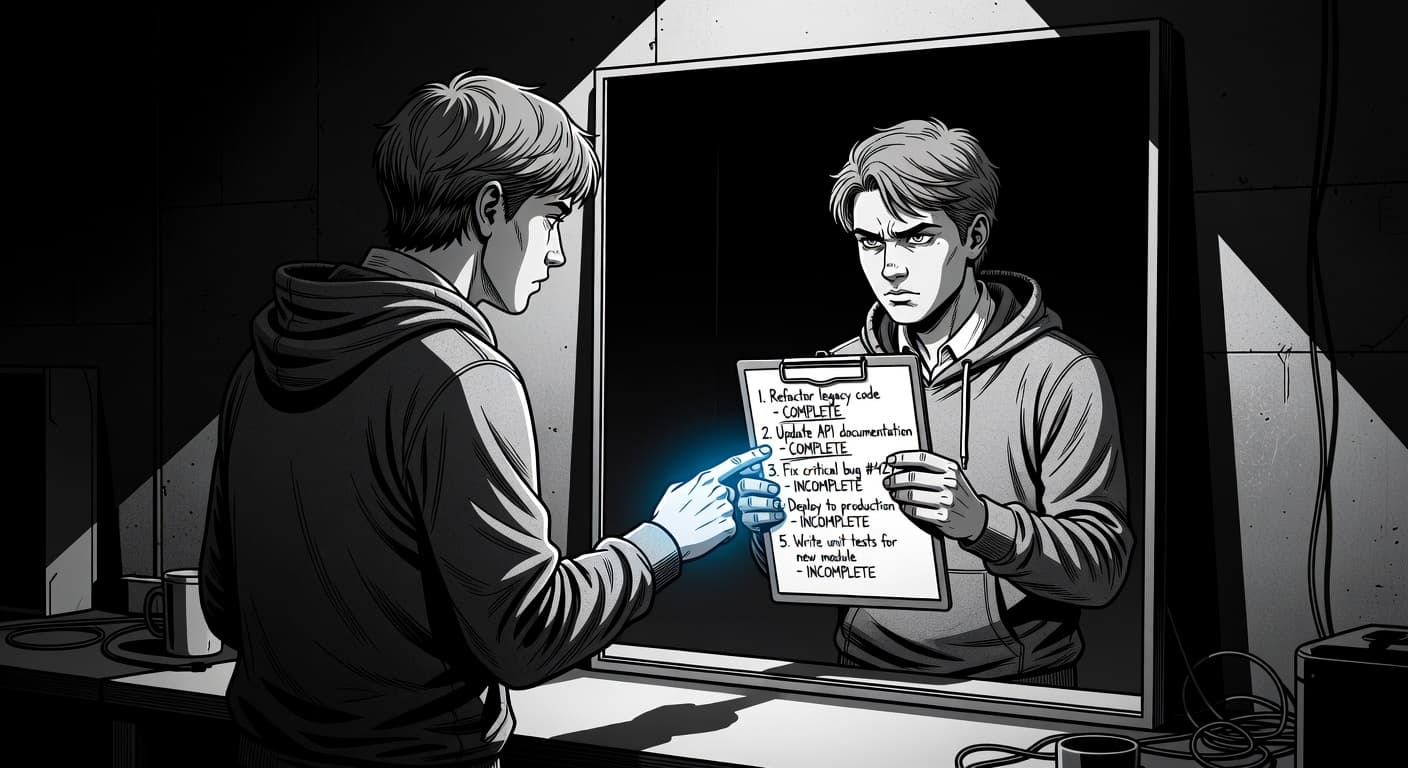
On Trello, your side project evaporates. No record of why you stopped. No accountability for the decision. No uncomfortable moment where you have to say "I quit this." You just archived a board, which feels administrative rather than like giving up.
This frictionless abandonment is poison for side projects. The easier it is to walk away, the more projects you'll walk away from. Tools like FoundStep handle this differently. With Shame History, every change to your project's scope is permanently recorded. You can't silently remove features or quietly abandon plans. The record exists, and it forces you to be honest about what happened. That discomfort is the point.
Unlimited Everything, Constrained Nothing
Open Trello. Create a board. Now add a list. Add another. And another. Create 15 lists if you want. Now add cards. Add 200 cards. Add cards with checklists that have 50 items each. Add labels. Add custom fields. Add attachments. Add comments.
Trello will never stop you. It will never say "that's too many lists." It will never suggest "maybe you should finish some cards before adding new ones." It will never flag that your side project has expanded from 12 tasks to 87 tasks over the past month. It just accepts everything, silently, infinitely.
For a team managing ongoing work, this flexibility makes sense. Teams need the ability to represent complex workflows with many stages and many parallel tasks. But for a side project, unlimited capacity is the enemy.
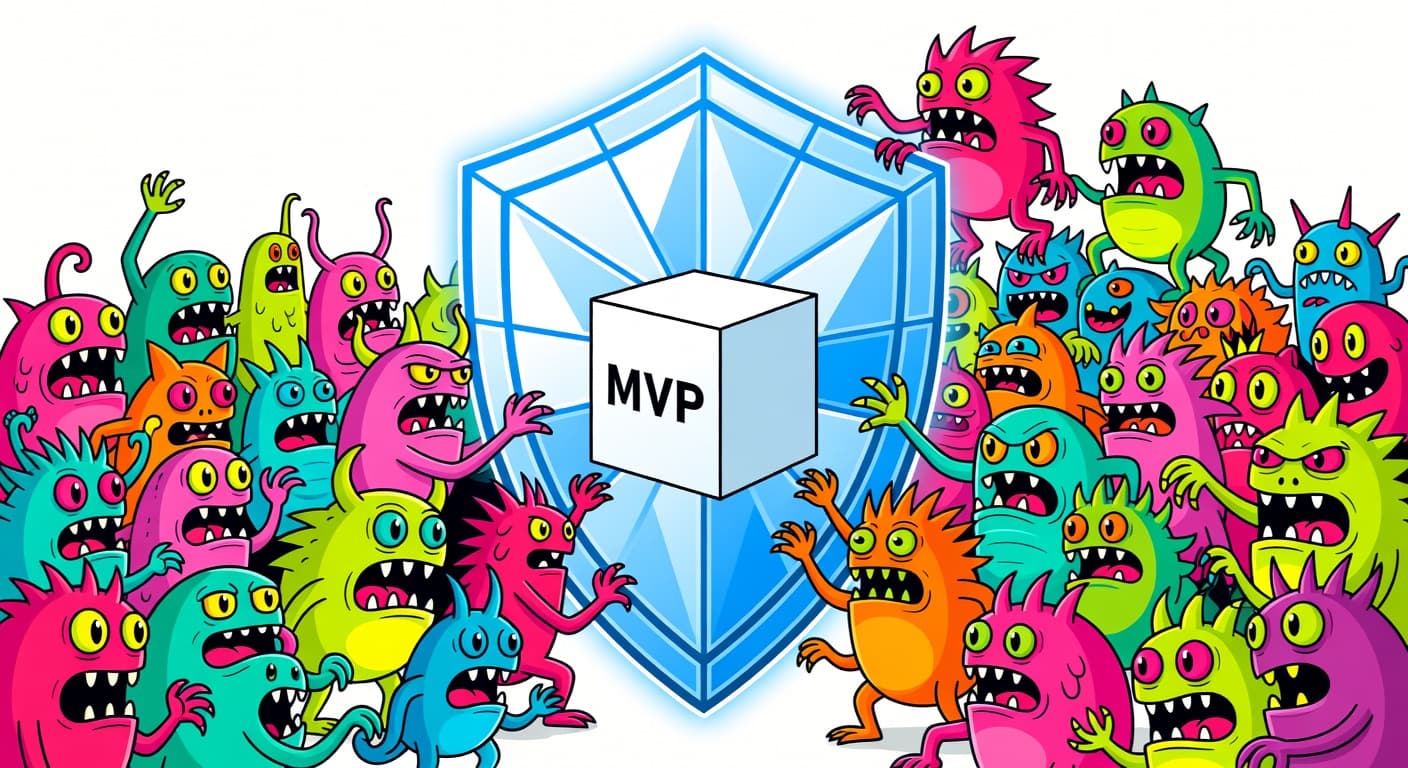
Side projects die from scope creep. The number one killer of side projects is scope creep. Not lack of motivation, not lack of skill, not bad technology choices. Scope creep. You start with a simple idea, and you keep adding things until the project feels impossible to finish.
Trello is a scope creep enabler. Every feature it has makes it easier to expand your project's scope. Need to add a new feature idea? New card, done. Want to break that feature into subtasks? Checklist, done. Think of five more things while you're at it? Five more cards, done. Trello will happily hold an infinite backlog for you. It will never push back.
What side projects actually need is the opposite. They need a tool that says "no." A tool that makes it hard to add scope, that forces you to justify new additions, that freezes your plan and makes you finish what you started before dreaming up new things. This is the philosophy behind scope locking, and it's the opposite of what Trello provides.
Visual Simplicity Is Not a Constraint
Trello's biggest selling point is its simplicity. Three columns. Cards you can drag. Visual, intuitive, clean. Anyone can use it in seconds.
This simplicity gets confused with constraint, but they're not the same thing at all. A simple interface with no rules is just an easy way to create chaos. The three-column default (To Do, Doing, Done) looks structured, but there's nothing enforcing the structure. You can rename columns, add columns, remove columns, put cards wherever you want, move them in any direction. The structure is cosmetic.
Real constraints limit what you can do in ways that make you more productive. A word count limit on an essay forces you to be concise. A deadline forces you to prioritize. A budget forces you to make tradeoffs. These constraints feel annoying in the moment but lead to better outcomes.
Trello has approximately zero constraints relevant to side project completion. You can create unlimited cards, move cards in any direction, archive anything at any time, create unlimited boards, and add cards to "Done" without any verification.
A tool designed for side project shipping would constrain at least some of these. It would limit how much you can add. It would make backward movement visible and uncomfortable. It would distinguish between "I finished a task" and "I shipped the project." Trello does none of this because that's not what it was built for.
The Multiple Board Trap
Here's a pattern that plays out constantly. A developer starts a side project on Trello. They work on it for a few weeks. Then they have a new idea. Instead of finishing the first project, they create a new board. Now they have two boards. The new one gets all the energy. The old one gets forgotten.
Repeat this five times and you have five boards, four of which are slowly rotting, and one that's about two weeks from joining them.
Trello makes creating a new board trivially easy. There's no friction, no warning that says "you have three unfinished projects already." It treats every board as independent. Your portfolio of abandoned projects is invisible unless you actively go looking for it.
Compare this to how a physical workshop works. If you're building furniture and you start five projects, you can see all five half-finished pieces sitting around your workshop. They take up space. They get in your way. They're a constant, physical reminder that you didn't finish what you started.
Trello boards take up no space. They generate no friction. You can have 30 abandoned projects and your workspace looks exactly as clean as someone who finishes everything they start.
This is why having a concept like a Harbor for shipped projects matters. When your tool has a dedicated space for things you've actually finished and shipped, the absence of projects in that space is uncomfortable. Tracking what you're working on matters, but confronting what you've completed matters more.
Where Your Trello Boards End Up
Here's what the typical Trello side project lifecycle looks like.
Stage 1: Excitement. You create the board. Clean columns. Color-coded labels. You add 15-20 cards for your MVP features. It looks like a plan.
Stage 2: Expansion. Over the next few weeks, you add cards. New feature ideas. Nice-to-haves. Edge cases. The board grows from 20 cards to 50. The "To Do" column is now three screens long.
Stage 3: Overwhelm. You open the board and feel the weight of everything left to do. You start a session but don't know which card to grab first. You close the tab.
Stage 4: Abandonment. You stop opening the board. Weeks pass. Then months. The board sits in your sidebar, a quiet monument to another project that didn't ship.
Stage 5: Repeat. A new idea hits. You create a new board.
This cycle repeats because Trello has no mechanism to prevent it. No accountability for abandonment. No forced decision point where you ship or kill. No consequence for creating board number 24 while boards 1-23 sit untouched.
What Side Project Management Actually Needs
After years of failing to ship side projects with Trello (and every other tool), I've come to believe that the right tool for side projects needs a fundamentally different philosophy. Not flexibility. Not customization. Not unlimited capacity. The opposite of all those things.
Here's what actually helps:
Scope constraints that prevent you from endlessly adding features. Your MVP should be defined once, locked, and only changed with deliberate effort and documented reasoning. Not a list you casually add to while watching Netflix.
Accountability mechanisms that make abandonment uncomfortable. Not impossible, because sometimes you should quit a project. But uncomfortable enough that the decision is conscious rather than passive. You should have to say "I'm stopping this" out loud, not just close a browser tab.
A concept of shipping that's separate from task completion. Finishing all your tasks and shipping your project are different milestones. Your tool should know the difference and care about the one that matters.
Validation before building. Most side projects fail not because the execution was bad but because the idea wasn't validated. A tool that helps you check whether your idea is worth building before you start would prevent more abandoned projects than any amount of task management.
Low setup cost. If you spend more than five minutes configuring your project management tool, something has gone wrong. Every minute spent on setup is a minute not spent building.
When Trello Actually Works
I should be fair. Trello works in some contexts.
If you're collaborating with someone on a project, Trello's shared boards are genuinely useful. The real-time updates, commenting, and assignment features serve their intended purpose.
If you need a quick brainstorming space to dump ideas before organizing them elsewhere, Trello is fine for that. It's fast, visual, and disposable.
If you're managing ongoing, repetitive work (content calendars, weekly tasks, shopping lists), the board format works well. These aren't projects that "ship." They're processes that continue indefinitely.
But for a side project with a specific goal and a specific endpoint? For something you intend to build and launch? Trello is not the right tool. The fact that millions of developers use it for side projects doesn't make it the right choice. It makes it the default choice, which is a completely different thing.
Moving Past the Board
If you're reading this and your Trello board is open in another tab, I'm not saying you need to delete it right now. But I am saying you should honestly evaluate whether it's helping you ship or just helping you feel busy.
Ask yourself: How many side projects have you shipped using Trello? How many boards do you have that haven't been touched in months? How many cards have been sitting in your "To Do" column since you created the board?
If the answers to those questions make you uncomfortable, the tool might be the problem. Not the only problem, because shipping side projects is hard regardless. But a tool that enables your worst tendencies instead of constraining them is working against you.
There's a reason why opinionated tools exist. There's a reason why the best approaches for side project management emphasize constraints over flexibility. Freedom feels good. Constraints ship products.
Your Trello board will accept anything you throw at it, forever, without complaint. That's not a feature. That's the problem.
Here's what to do next:
- Count your Trello boards. Count your shipped projects. Notice the gap.
- Pick one project from your board history worth finishing.
- Cut the scope to the smallest version that's shippable. Lock it.
- Ship it or kill it. No middle ground.
For a deeper look at how Trello compares to alternatives built for solo work, check out our detailed Trello comparison.

Ready to ship your side project?
FoundStep helps indie developers validate ideas, lock scope, and actually finish what they start. Stop starting. Start finishing.
Get Started Free