Switching from Notion: A Solo Developer's Guide


You're probably reading this because you already know
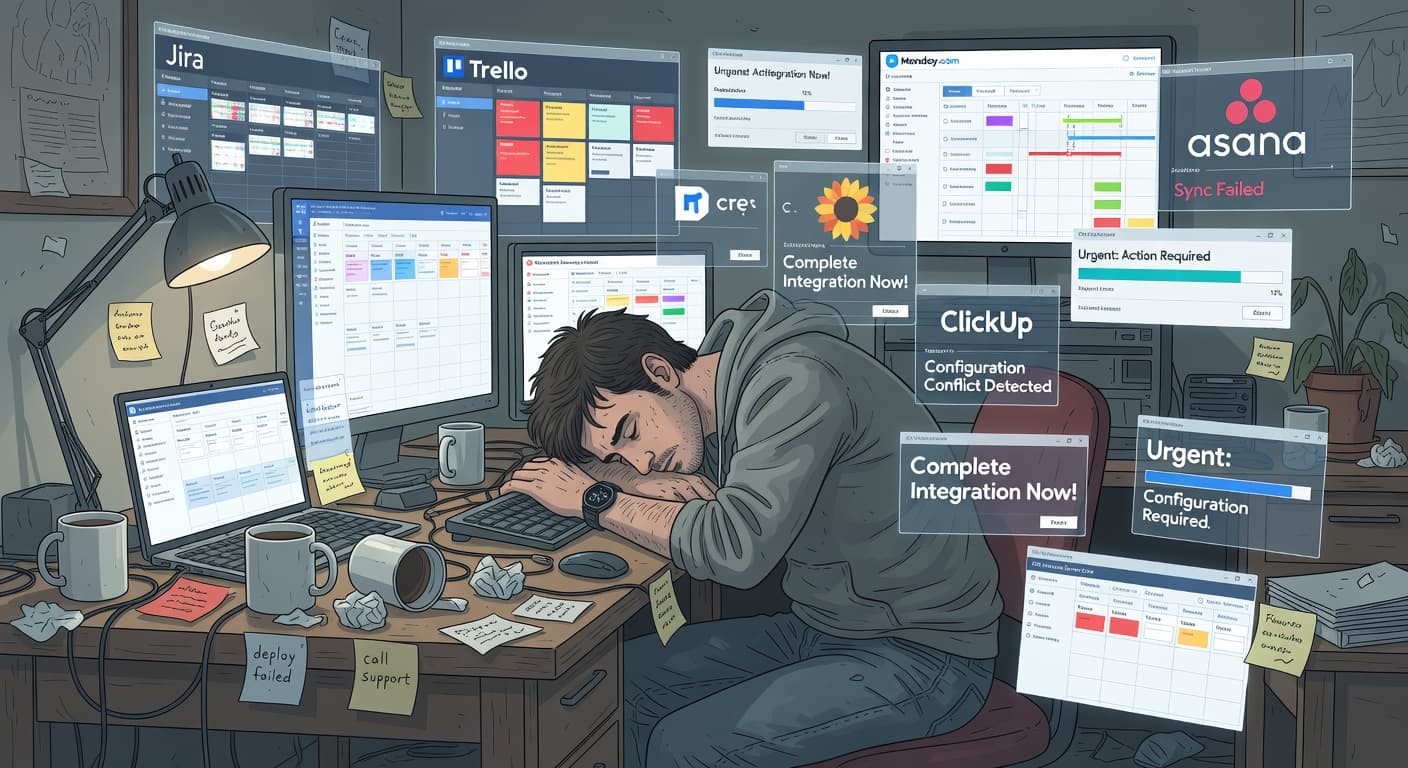
You've spent three hours this week inside Notion. Reorganizing your project database. Adding a new view. Tweaking the template you use for sprint planning. Adjusting property types.
Your actual project? Zero commits.
If you've searched for switching from Notion to something simpler, you've already crossed a threshold. You're not looking for Notion tips or productivity hacks. You're looking for permission to leave.
So here it is: your Notion workspace has probably become more project than the projects it's supposed to track. That's normal. It happens to most solo developers who use Notion for project management. And switching to something simpler isn't giving up. It's recognizing that your tool should serve you, not the other way around.
According to the Stack Overflow Developer Survey, developers value simplicity and speed in their tools above almost anything else. Notion offers neither when you're building alone.
This guide is practical. I'll cover the signs that it's time to switch, what to look for in an alternative, how to actually migrate without losing your work or your momentum, and what you can safely leave behind without a second thought.
Signs it's time to leave Notion
Some of these will sting. That's fine.
You spend more time in Notion than in your IDE
This is the clearest signal. If your weekly time in Notion rivals or exceeds your time writing code, the tool has become the work. Opening Notion to "check on your project" turns into thirty minutes of reorganizing, updating properties, creating new views, or browsing templates. Meanwhile, your actual project hasn't had a commit in nine days.
Your templates take longer to set up than your projects take to plan
I've talked to developers who have project templates in Notion that auto-generate five databases, twenty properties, three views, and a linked page structure. Setting up a new project from this template takes fifteen minutes of customization. The project itself has twelve tasks and will take three weekends to build.
When your template overhead exceeds your project complexity, the system has outgrown its purpose.
You have databases with properties you never use
Open your main task database. Count the properties. Now count the ones you've actually filtered or sorted by in the last month. If more than half your properties are decorative, you built a system for a version of yourself that doesn't exist.
You've redesigned your workspace more than twice
First redesign: you're learning. Second redesign: you're refining. Third redesign and beyond: you're procrastinating. If you've migrated your projects between Notion templates or restructured your workspace layout multiple times, you're optimizing the wrong thing.
Your sidebar gives you anxiety
When you open Notion and feel overwhelmed by the sidebar — pages nested four levels deep, archived projects mixed with active ones, half-finished templates, and databases you created six months ago and forgot about — the tool is adding cognitive load instead of removing it.
Why Notion's flexibility works against solo developers
Notion's value proposition is "build any workflow you want." For solo developers, this creates a specific failure mode: you spend more time designing the workflow than doing the work.
Every productivity guru on YouTube has a "My Notion Setup" video. Every indie hacker forum has a "Share your Notion system" thread. The meta-productivity ecosystem around Notion is massive, and it's a trap.
When your PM tool requires you to watch tutorials to use it effectively, something is broken.
Compare this to constraint-based tools. You don't customize the workflow. The workflow is the product. Validate your idea. Lock your scope. Build. Ship. That's it. Notion never tells you to stop adding features. It never asks why you're expanding scope. It never records your scope changes. It never forces you to validate an idea before building it.
What to look for in an alternative
Before you switch, you need to know what you actually need. Most solo developers who leave Notion make the mistake of looking for "another Notion but simpler." That's the wrong frame. You don't need a less flexible workspace. You need a fundamentally different approach.
Opinionated over flexible. The biggest lesson from your Notion experience should be this: flexibility is expensive. Every decision the tool asks you to make costs time and attention. The best alternative is one that makes those decisions for you.
Look for tools that prescribe a workflow rather than letting you build one. A tool that says "here's how projects work" is better for solo developers than one that says "build whatever structure you want." You've already proven that unlimited flexibility doesn't lead to productivity. It leads to system-building.
Built-in constraints. Your next tool should say "no" to you sometimes. That sounds strange, but think about what Notion never does. It never stops you from adding a feature. Never questions whether your project scope has grown too large. Never makes you justify expanding your task list.
Scope locking is the specific constraint that matters most for solo developers. When you commit to a set of features, those features should be frozen until you deliberately choose to change them, with a recorded reason for the change.
Shipping focus. Your tool should care about whether you finish things. Not just track tasks, but actively orient your work toward completion.
Minimal configuration. Your next tool should require less than five minutes of setup per project. If the tool asks you to choose between database types, configure properties, or design views, walk away.
For a full feature-by-feature comparison, the FoundStep vs Notion comparison breaks down these differences in detail. And for a full look at solo developer project management, the principles apply beyond any single tool.
How to migrate without losing momentum
Here's the step-by-step process. It's simpler than you think, because most of what's in your Notion workspace doesn't need to come with you.
Step 1: Export only what matters
Notion supports export to Markdown and CSV. Use it, but be selective. Export these things:
Active project specs and documentation. If you have a spec or design doc for a project you're currently building, export it. This is reference material you might need.
Current task lists. Export the tasks you're actively working on. Not the backlog. Not the "someday maybe" list. The things you plan to do in the next two weeks.
Reference documentation that you actually reference. Things you look up regularly.
That's it. Everything else stays in Notion or gets deleted.
Step 2: Kill the dead projects
This is the hard part and the most freeing part.
That elaborate project template? Leave it. The quarterly goals database? Leave it. The reading list with 200 entries you've never read? Leave it.
You are not migrating your Notion workspace to a new tool. You are starting fresh with only the work that's actually in progress. Be honest with yourself about which projects are active. If you haven't touched it in three weeks, it's not active.
Step 3: Set up your new tool in under thirty minutes
Whatever you switch to, the setup should be fast. If it takes more than thirty minutes, you're either choosing the wrong tool or over-configuring it. The entire point of leaving Notion is to stop spending time on your tool.
For FoundStep: create an account, add your active project, define your features, lock your scope. Done.
For Trello: create a board, add three columns (To Do, Doing, Done), add your current tasks as cards. Done.
For a markdown file: open your IDE, create TODO.md, write your task list. Done.
Step 4: Don't look back for two weeks
This is the rule that makes the migration stick. After you've moved your active work to the new tool, don't open Notion for project management for two weeks. You can still use it for docs if you want. But don't touch your project databases, your task lists, or your templates.
Two weeks gives you enough time to build a habit around your new tool. If you keep going back to Notion "just to check," you'll end up using both tools, which is worse than using either one alone.
Step 5: Evaluate honestly after thirty days
After a month with your new tool, ask yourself two questions. First: am I spending less time on project management? If yes, the switch is working. Second: am I shipping more? If yes, the switch was worth it. If no to both, the problem might not be the tool.
What you can safely leave behind
Solo developers leaving Notion often worry about losing something they'll need later. Here's what you can abandon without regret.
Complex database structures. If you need the data, export it as CSV. You don't need the structure. The structure was the problem.
Linked databases and relations. These are Notion-specific features that don't port anywhere. They were probably overkill for your use case anyway.
Custom formulas and rollups. These are the clearest sign of over-engineering. A formula that calculates your project's percent-complete from sub-task status is solving a problem that doesn't need solving. You know how done your project is. You don't need a formula to tell you.
Notion-native automations. If you built Butler automations or Notion API integrations, those are sunk costs. Don't try to recreate them in your new tool. Ask yourself whether you actually needed them or whether they were another form of meta-productivity.
What to keep using Notion for
I want to be clear: I'm not saying delete your Notion account. Notion is good at some things, and those things are worth preserving.
Documentation and knowledge management. Notion's editor is pleasant, its organization is flexible (this is where flexibility actually helps), and search works well.
Writing and content. Blog post drafts, newsletter planning, content calendars. Notion handles this well.
Personal reference material. Bookmarks, saved articles, research notes. These are the use cases Notion was originally designed for.
The split approach — Notion for docs and knowledge, something else for project management — acknowledges what each tool does well. You're not replacing Notion entirely. You're removing the part where it causes problems.
What you gain and what you lose
Be clear-eyed about the tradeoffs before switching.
You gain:
- Shipping speed — no setup overhead
- Focus — one lifecycle, no customization decisions
- Accountability — permanent scope change records
- Clarity — one next action, not a board with 47 items
- A shipping record — visible proof of what you've actually completed
You lose:
- Infinite customization
- Pretty dashboards and polished databases
- Flexible views and linked relations
- The ability to build elaborate organizational systems
For teams and knowledge workers, those losses matter. For solo developers who need to ship, they don't. The tool that enforces shipping constraints will always outperform the tool that lets you design your own workflow.
A week after switching: what actually changes
Here's what happens in the first week after switching from Notion to something more opinionated:
Day 1–2: You'll miss Notion's flexibility. You'll want to customize things. Resist.
Day 3–4: You'll notice you're actually building instead of organizing. This is the first sign the switch is working.
Day 5–6: Your scope is locked. A feature idea hits. You write it in a parking lot document instead of adding it to your project. The system is working exactly as intended.
Day 7: You can point to concrete progress. Features done, not tasks completed. The finish line feels visible.
The adjustment period is short. The payoff compounds.
Common mistakes when switching
Trying to recreate Notion in the new tool. Your new tool will have different concepts and different structures. Don't try to force it into a Notion-shaped mold. Start with the new tool's defaults and only customize if you hit a genuine problem.
Switching to another flexible tool. If you leave Notion for Coda, or Clickup, or Airtable, you'll end up in the same place. The problem wasn't Notion specifically. It was the category of "build your own PM system" tools. Switch to something with opinions, not another blank canvas.
Migrating everything. You don't need to bring your entire history. Active projects, current tasks, essential reference docs. That's the migration list.
Not giving the new tool a fair chance. Every tool feels worse than Notion for the first week because Notion does have a great editor and a polished UI. Give your new tool thirty days before judging it. The metric that matters is whether you're shipping more, not whether the tool looks as nice.
Where to go from here
If you're ready to switch, here's the specific action plan.
Today: export your active project specs as Markdown. List your current, genuinely active projects. Be ruthless about what counts as active.
This week: set up your new tool with only your active work. Our best project management tools for solo developers guide can help you choose.
This month: use the new tool exclusively for project management. Keep Notion for docs if you want. Evaluate whether you're spending less time on tooling and more time on building.
The goal isn't to find a perfect tool. The goal is to find one that stays out of your way and helps you ship. For most solo developers, that means something simpler, more opinionated, and less interesting than Notion. Less interesting is a feature.

Ready to ship your side project?
FoundStep helps indie developers validate ideas, lock scope, and actually finish what they start. Stop starting. Start finishing.
Get Started Free