Jira for Personal Projects: An Honest Review


Why are you even considering this?
I mean that as a genuine question, not a judgment. Because there are really only two reasons a developer considers Jira for a personal project, and understanding which one applies to you matters.
Reason one: you use Jira at work. It's familiar. You know where things are, how issues flow, what the statuses mean. When you sit down on Saturday to work on your side project, reaching for the tool you already know feels efficient. Why learn something new when you already know something?
Reason two: Jira is "serious" software. It's what real companies use. If you're going to build a real product, maybe you should use real project management. There's a subtle belief that using enterprise tools signals that you're treating your project seriously, that it's not just a hobby.
Both reasons are understandable. Both lead you to the wrong tool.
What Jira was built for
Jira was created by Atlassian in 2002 as a bug tracker for software teams. Over twenty-plus years, it evolved into an enterprise project management platform used by companies with hundreds or thousands of developers. Its feature set reflects that audience.
Jira has issue types (epics, stories, tasks, subtasks, bugs) because large teams need to categorize work at different granularities. A product manager creates epics. A tech lead breaks those into stories. Developers create tasks and subtasks within stories. This hierarchy makes sense when twenty people need to understand how their work fits together.
Jira has workflows (customizable state machines with transitions, validators, and post-functions) because enterprise teams have compliance requirements, approval processes, and handoff protocols. A bug might need to go from "Reported" to "Triaged" to "In Development" to "Code Review" to "QA" to "Staging" to "Production." Each transition might have rules about who can move it and what conditions must be met.
Jira has sprints, velocity tracking, burndown charts, and retrospective tools because Scrum teams of 5-9 people use these ceremonies to coordinate. Sprint planning distributes work. Daily standups catch blockers. Sprint reviews demonstrate progress. Retrospectives improve process. All of these assume multiple people.
Jira has permissions, roles, and project schemes because organizations need to control who sees what and who can do what. A developer can't move a ticket to "Done" without QA sign-off. A contractor can see the project board but not the billing details.
Every one of these features solves a real problem. None of these problems exist when you're one person working on a personal project.
The overhead tax
Let me walk through what setting up Jira for a personal project actually looks like.
You create an Atlassian account (if you don't have a personal one already). You create a project. Jira asks you to choose between Scrum and Kanban. You pick one. Now you have a board.
If you chose Scrum, you have a backlog and you need to create a sprint before you can move issues onto the board. Creating a sprint means defining a start and end date. For your personal project that you work on whenever you have free time, the concept of a two-week sprint is already awkward. You don't have predictable availability. But you set dates because Jira requires them.
Now you create issues. Jira asks you for an issue type. Epic? Story? Task? Bug? For a personal project where the distinction between a "story" and a "task" is meaningless because you're the only person who will ever see it, this is pure overhead. You pick "Task" for everything and ignore the type system.
Each issue has fields: summary, description, assignee, reporter, priority, labels, sprint, story points, original estimate, remaining estimate, epic link. Most of these are irrelevant when you're working alone. The assignee is always you. The reporter is always you. Story points are a team estimation technique. You fill in the summary and leave everything else blank. The empty fields stare at you, silently suggesting you're doing it wrong.
You want to start working, so you drag your first issue to "In Progress." Jira records the transition. The sprint burndown chart shows a single line. The velocity chart has one data point. The reports section, designed to give managers insight into team performance, displays your solo work as an underwhelming trickle.
All of this takes fifteen to thirty minutes the first time. And throughout the process, every screen reminds you that this tool was not designed for what you're doing.
The familiarity trap
"But I already know Jira" is the most common justification, and it's worth examining closely.
You know Jira as a user. You know how to create issues, update statuses, and search with JQL. What you probably don't know, because someone else handles it, is how to administer Jira. At work, someone set up your project, configured the workflows, defined the issue types, created the screens, and maintains the scheme. You just use what's there.
When you set up Jira for personal use, you're both the admin and the user. The admin work is the overhead that makes Jira exhausting for one person. Configuring workflows, setting up boards, managing notification schemes, maintaining project settings. At work, this cost is distributed across an admin team and amortized across many users. At home, it's all on you for an audience of one.
The familiarity you have with Jira at work doesn't transfer to Jira administration for personal projects. These are different skills. Using a car and maintaining a car are different activities, and being good at driving doesn't mean you want to change your own oil every weekend.
The Stack Overflow Developer Survey consistently shows that developers prefer simpler, lower-friction tooling for personal work. Knowing a tool from your day job doesn't make it the right fit for your evenings.
The psychological cost
This is the part nobody talks about, and I think it matters more than the practical overhead.
Your side project should not feel like work.
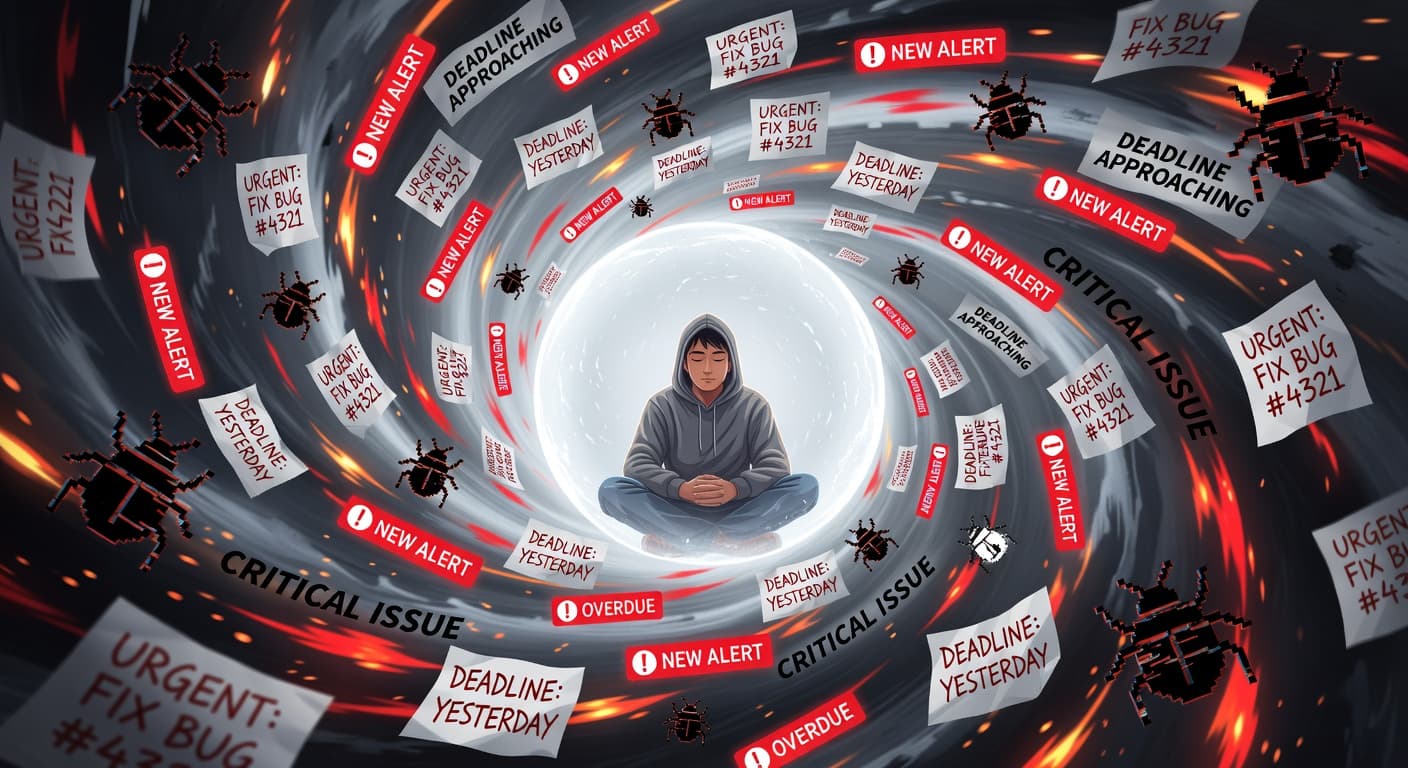
I don't mean it shouldn't be hard. Building software is hard regardless of context. I mean the meta-experience of working on your project should feel different from your day job. If you spend eight hours at work navigating Jira, writing status updates, and sitting through sprint ceremonies, the last thing your brain wants on Saturday morning is to open the same tool for your personal project.
There's a psychological boundary between "work" and "creative pursuit" that matters for motivation and sustainability. Using the same tools for both erases that boundary. Your side project starts feeling like a second job, with the same processes, the same interfaces, and the same overhead. Except nobody's paying you and nobody's depending on you, so the motivation to push through the overhead is much lower.
Using a different tool for personal projects creates a mental context switch. When you open your personal PM tool and it looks different from work, your brain shifts into a different mode. It's a small thing, but small things matter for projects that depend entirely on your voluntary motivation.
What actually happens with Jira personal projects
I've seen this pattern play out dozens of times, both in my own use and in conversations with other developers.
Week one: setup and optimism. You configure Jira, create your issues, maybe set up a sprint. Everything feels organized and professional.
Week two: you work on your project, update some issues, move cards across the board. The sprint burndown chart moves. You feel productive.
Week three: you don't have time to work on the project. The sprint still has five unfinished issues. Jira doesn't care. The burndown chart flatlines. The sprint ends with 40% completion. You create a new sprint with the same issues. The velocity chart shows a sad decline.
Week four: you open Jira and feel vaguely stressed. The incomplete sprint. The stale issues. The burndown chart that looks like a plateau. You should update the board, but updating the board isn't building your project. You close Jira. You don't write code either.
Week six: you haven't opened Jira or worked on the project. The sprint ended automatically. Jira sent you notification emails that you stopped reading. The project exists in your Jira workspace as a reminder of something you didn't finish.
Month three: you create a new personal project. You set it up in Jira because you already have the workspace. You add a few issues. History repeats.
This cycle isn't unique to Jira. Any PM tool can become a graveyard. But Jira accelerates the cycle because its overhead makes even small gaps feel significant. Missing a sprint in Linear or Trello is invisible. Missing a sprint in Jira generates metrics that quantify your inactivity. When those metrics are designed for team performance tracking, seeing them applied to your personal project is demoralizing.
There's also a subtler problem: Jira has no concept of "done" in the sense that matters for solo developers. Completing an issue sets a status. There's no validation step, no scope locking, no accountability for abandonment. Your abandoned project sits in a workspace quietly, with no record of the decision to stop.
When Jira might actually make sense for personal use
I want to be fair. There are narrow situations where Jira for personal projects is defensible.
If you're learning Jira administration for career purposes, setting up a personal project is legitimate practice. You'll learn workflows, schemes, and configuration that make you better at your job. The personal project is a training exercise, not a productivity tool.
If your personal project is genuinely complex, with multiple components, teams of contributors (even if they're part-time collaborators), and a need for formal issue tracking, Jira's power is real. This is rare for personal projects, but it exists. An open-source project with a dozen external contributors is a legitimate team coordination problem — and Jira's issue tracking, labeling, and assignment features become genuinely useful there.
If your personal project might become your next company and you anticipate hiring within months, starting with Jira means less migration later. This is a speculative bet that usually doesn't pay off, but the logic is sound if you're genuinely close to hiring.
Outside of these cases, Jira adds overhead without adding value for personal use.
What personal projects actually need (that Jira doesn't provide)
Personal projects have fundamentally different needs from team projects. It helps to name them explicitly.
Idea validation before building. Before creating a single ticket, you need to know if the idea is worth building. A framework that gives you a Build, Wait, or Kill verdict before you open your editor. Jira has no concept of this — you go straight from idea to backlog.
Scope locking. Not an infinite backlog, not a prioritized list. A hard constraint that prevents you from adding features without writing a justification. The friction of a deliberate unlock is the point. Jira's backlog grows silently; there's no record of how many times you changed direction.
Shipping accountability. A permanent, honest record of decisions. Did you ship it? Did you abandon it? How many times did scope expand? Jira's activity log is an audit trail for teams, not an accountability system for solo builders. When you abandon a Jira project, you archive it silently. No record. No consequence.
Visibility into finished work. When you ship something in Jira, you get a completed sprint. There's no shareable proof of shipping, no portfolio entry, no signal to yourself or anyone else that something real was finished.
What to use instead
The right alternative depends on what you actually need from a PM tool for personal projects.
If you need simple task tracking with minimal overhead, Trello gives you cards and columns with zero configuration. Our Trello review covers its strengths and limitations.
If you want a developer-oriented tool with speed and polish, Linear is the closest thing to "Jira but lighter and faster." It still has team-oriented features, but they're less intrusive. Our Linear review goes into detail.
If your problem isn't organization but discipline, scope management, and actually shipping, FoundStep was built specifically for solo developers. It addresses the behavioral problems that no amount of issue tracking can solve — scope creep, silent abandonment, and the lack of any forcing function to ship.
If you want maximum simplicity, a TODO.md file in your project repository costs nothing, requires no setup, and lives next to your code. It won't track velocity or generate burndown charts. You don't need velocity or burndown charts for a personal project.
For a comprehensive comparison of Jira against alternatives built for individual use, see our Jira comparison page. The best side project management tools list ranks options specifically for solo and personal project use. If you want a deeper look at the structural mismatch, Jira is overkill for solo developers explains why enterprise tooling fails solo builders by design, not just by complexity.
The core question
Before you set up Jira for your personal project, ask yourself one question: what problem am I solving?
If the answer is "I need to track my tasks," Jira is overkill. A dozen simpler tools track tasks without the enterprise overhead.
If the answer is "I need to feel like my project is legitimate," that's a feeling, not a tooling problem. Your project's legitimacy comes from the work, not from the PM tool you manage it in. Nobody has ever said "I would have used that app, but the developer tracked their work in a markdown file instead of Jira."
If the answer is "I need help actually finishing things," Jira won't help with that either. Its sprint model assumes a team with mutual accountability. You're alone. A missed sprint in Jira doesn't create social pressure. It just creates a sad chart.
The best workflow for solo developers prioritizes tools that match the scale and nature of solo work. Jira is the wrong scale. It was built for a different nature of work. Using it for personal projects is like renting a bus for your daily commute. It gets you there, but the cost of driving it makes you wonder why you bothered.
The verdict
Don't use Jira for personal projects.
That's the short version. The long version is everything above, but it boils down to a simple mismatch. Jira was designed for enterprise teams. You are one person building something on your own time. The tool's strengths (complex workflows, team coordination, enterprise reporting) are irrelevant to you. Its weaknesses (configuration overhead, sprint rigidity, team-centric UI) affect you directly.
Use something lighter. Use something that respects your time. Use something that treats "one person with an idea" as a first-class use case rather than an edge case that technically works if you ignore most of the features.
Your side project deserves a tool that was designed for projects like yours. Jira wasn't.
Can I use Jira for personal projects?
You can. Jira's free tier supports up to 10 users, so a single-person project is technically covered. But Jira was designed for enterprise teams, and its complexity, terminology, and workflow assumptions make it a poor fit for personal projects.
Is Jira free for one person?
Yes. Jira's free tier supports up to 10 users with basic Scrum and Kanban boards. You get 2GB of storage and community support. For personal projects, you won't need more than the free tier. The question isn't whether you can afford Jira. It's whether Jira is worth the overhead.
Why is Jira bad for personal projects?
Jira requires project setup, workflow configuration, issue types, and sprint planning that assume team coordination. For a personal project with 10-20 tasks, this overhead costs more time than it saves. The tool's complexity adds friction to work that should feel lightweight.
What should I use instead of Jira for personal projects?
For simple task tracking: Trello or a markdown checklist. For structured project management with shipping discipline: FoundStep. For fast issue tracking with a developer-friendly interface: Linear. All of these require less setup and maintenance than Jira.
Should I use Jira for my side project because I use it at work?
Familiarity is a valid consideration, but it's also a trap. You know Jira because your employer configured it, maintains it, and has a team using it the way it was designed. Using Jira alone means you're both the admin and the only developer, handling overhead that a team would distribute.

Ready to ship your side project?
FoundStep helps indie developers validate ideas, lock scope, and actually finish what they start. Stop starting. Start finishing.
Get Started Free