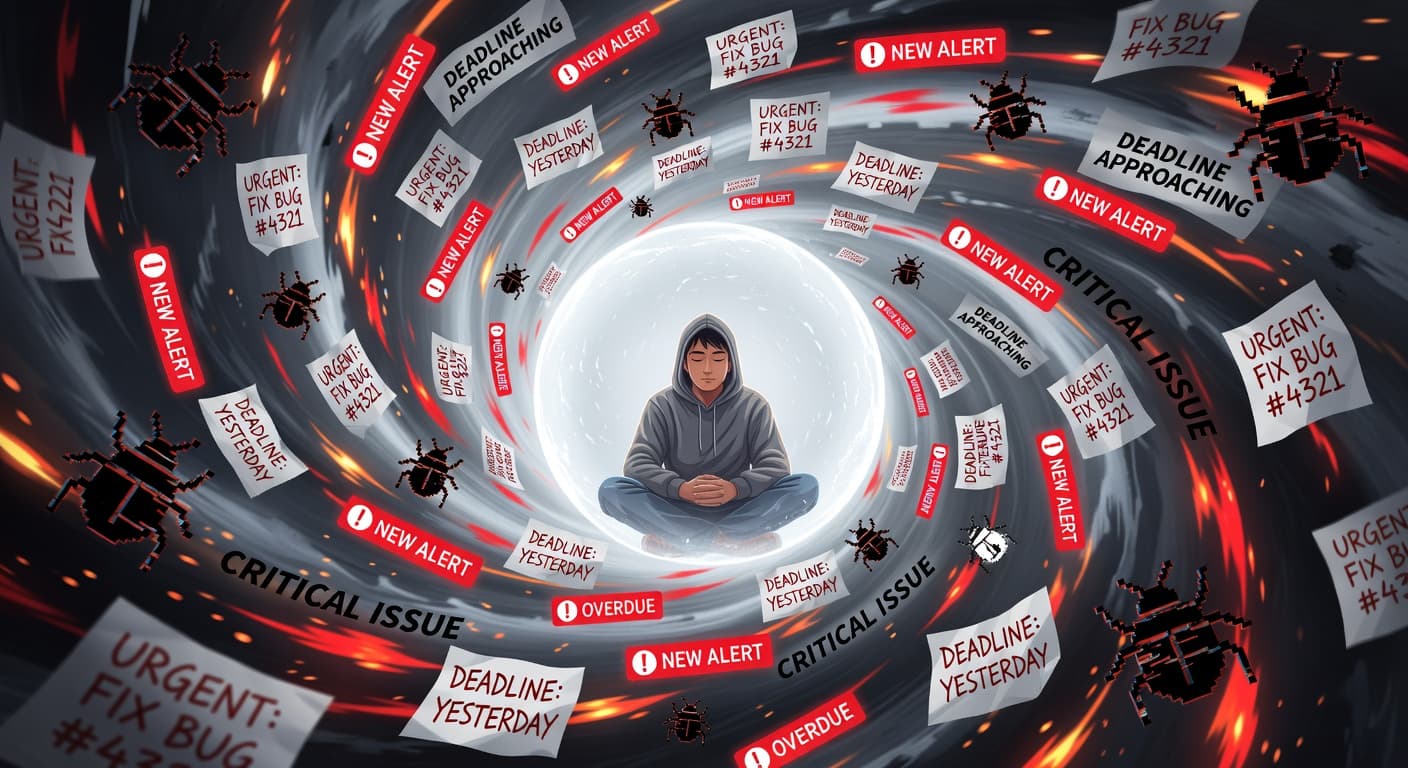
GitHub Projects for Solo Developers: An Honest Review

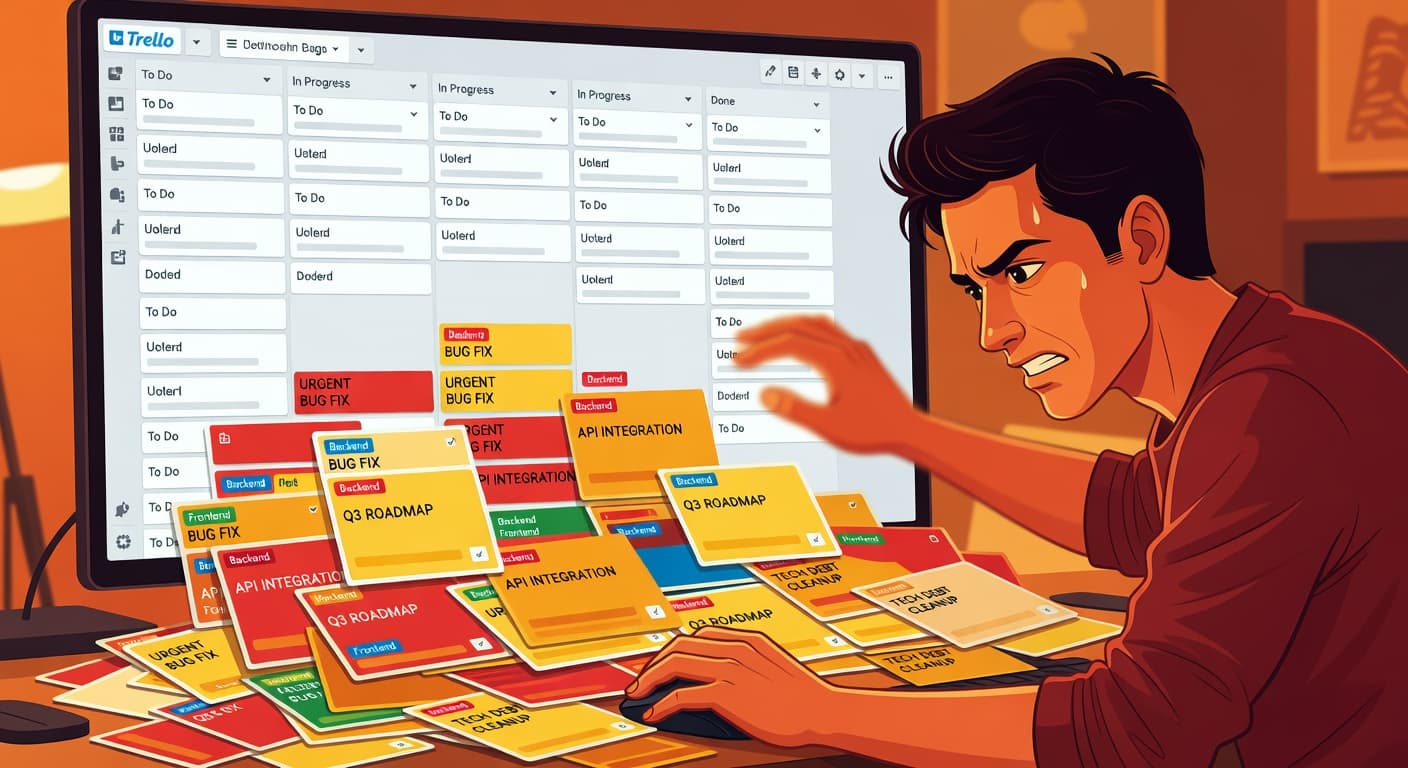
It's Already There, So Why Not Use It?
GitHub Projects sits right next to your code. You're already on GitHub every day pushing commits, reviewing pull requests, managing issues. The "Projects" tab is right there. It's free. It integrates with issues you're already creating. Why would you use anything else?
This is the exact reasoning that keeps millions of solo developers using GitHub Projects, and it's the exact reasoning that makes it worth examining carefully. "It's already there" is a convenience argument, not a quality argument. The vending machine in your office hallway is also already there. That doesn't make it the best place to get lunch.
I've used GitHub Projects for solo work for about two years across multiple side projects. This review is based on that experience, and I'll try to be honest about both what works and what's genuinely missing.
What GitHub Projects Does Well
Let me start with the positives, because there are real ones.
It lives where your code lives
This is the strongest argument for GitHub Projects and I won't downplay it. When your project management tool is integrated with your repository, certain things become frictionless. The GitHub Projects documentation covers the full feature set including table views, board views, and roadmap views — all built natively into your existing workflow. You can reference issues in commit messages. You can close issues automatically with pull requests. You can see which branch relates to which task. This integration is genuinely useful.
For solo developers, the friction reduction matters even more than for teams. You don't have time to context-switch between multiple tools. Having your tasks visible in the same interface where you write code means fewer tabs, fewer logins, fewer places to check.
It's actually free
Not "free tier with limitations" free. Not "free for 30 days" free. Actually free. Every feature in GitHub Projects is available to every GitHub user at no cost. For solo developers on a budget, which is most solo developers, this matters.
Issues are lightweight
Creating a GitHub issue takes seconds. Title, optional description, done. You don't need to fill out custom fields, assign story points, or categorize things into epics. You can add that structure if you want, but the default is simple. For a solo developer who needs to quickly capture a task and get back to coding, this low friction is good.
Automation exists
GitHub Actions can automate issue management. Auto-close stale issues, auto-assign labels, auto-move items between project columns based on pull request status. If you invest time setting this up, you can create workflows that reduce manual overhead. The automation layer is more powerful than what most standalone project management tools offer, though it requires YAML configuration and some GitHub Actions knowledge.
Views are flexible
The newer version of GitHub Projects (the table/board/roadmap views) is a significant improvement over the old project boards. You can create custom views, filter by fields, group by status, and switch between table and board layouts. It's not as polished as Linear or Notion, but it's competent.
What's Missing for Solo Developers
Here's where the review gets less favorable. GitHub Projects has genuine gaps that matter specifically for solo developers trying to ship projects.
No idea validation
GitHub Projects assumes you already know what to build. You create issues for work that needs doing. But for side projects, the biggest risk isn't poor execution. It's building the wrong thing. Most side projects that fail do so because the idea wasn't validated, not because the code was bad.
There's no step in GitHub Projects where you evaluate whether your project is worth building. No framework for testing assumptions. No validation checklist. You go straight from "I have an idea" to "let me create issues for implementing it." This skips the most important decision point entirely.
Tools that include validation steps address this. Not every project management tool needs to validate ideas, but for side projects specifically, it's where most failures originate.
No scope management
This is the big one. GitHub Projects has no concept of a locked scope. You can add issues at any time, without limit, without justification, without anyone or anything pushing back. The issue list just grows.
For teams, this makes sense. Products evolve. Requirements change. New issues come in from users, from QA, from stakeholders. The issue tracker needs to accept ongoing input.
For a side project, an infinitely expandable scope is a death sentence. You defined your MVP as 10 features. Two weeks later it's 15. A month later it's 23. Each addition felt reasonable in isolation. Together, they turned a three-week project into a three-month project that never ships.
GitHub Projects won't warn you about this. It won't flag that your issue count has doubled since you started. It won't make you uncomfortable about adding more scope. It just accepts everything, the same way Trello does, the same way every tool designed for teams does.
Scope Locking exists to solve this specific problem. When your scope is locked, adding a new feature requires unlocking it first, which creates a permanent record in your project's history. That friction is intentional. It's the difference between a tool that enables scope creep and one that resists it.
No shipping concept
GitHub Projects has no notion of "this project shipped." You can close all your issues, which means all the tasks are done. But there's no celebration, no record, no proof that you built something and put it out into the world.
You might think this is trivial, but it's not. The absence of a shipping concept means there's no finish line. Work just... continues. Issues get closed, new ones get opened. The project is never "done" in a way the tool recognizes.
For ongoing products, this is correct behavior. For side projects, it's a missed opportunity. Having a clear moment where your tool says "you shipped this" creates motivation for the next project. A collection of shipped projects serves as evidence that you finish things. GitHub Projects gives you nothing equivalent.
Project boards are basic
Despite improvements to the views system, GitHub Projects still feels basic compared to dedicated project management tools. Custom fields are limited. There's no native time tracking. The roadmap view is rudimentary. Reports and analytics are minimal.
For a solo developer, you might not need advanced features. But even simple things like progress tracking (what percentage of my MVP is done?) require manual calculation. The tool won't tell you where you stand relative to your goal.
Context fragmentation across repositories
If you're a solo developer working on multiple projects (and most are), each project has its own repository and its own project board. There's no unified view across all your projects. You can create an organization-level project, but it's clunky for personal use.
This means your project management is scattered across repositories. You can't easily see "across all my side projects, what am I working on?" without clicking into each repository individually.
The "Good Enough" Trap
This is what I really want to talk about, because it's the subtle danger of GitHub Projects for solo developers.
GitHub Projects is good enough that you'll never feel compelled to switch. It's not so bad that it frustrates you. It's not so limited that it blocks you. It's just... there. Doing an adequate job. Never great, never terrible.
The problem with "good enough" is that it prevents you from finding something that's actually good. You never evaluate alternatives because your current tool doesn't have any obvious failures. It just has a collection of small absences that add up to a tool that doesn't actively help you ship.
I spent a year using GitHub Projects for a side project. During that year, I:
- Added 47 issues to the project (started with 12)
- Closed 31 of them
- Shipped nothing
- Never once questioned whether the tool was contributing to my inability to finish
The tool wasn't the only reason I didn't ship. Motivation, time management, scope creep, life getting in the way. All of those played a role. But GitHub Projects didn't help with any of them. It just tracked my tasks while I failed to complete my project, and it did so without complaint.
A better tool would have flagged that my issue count tripled. Would have made me justify each addition. Would have reminded me that I'd been working on this project for months without shipping. Would have made my scope changes visible and uncomfortable.
GitHub Projects did none of that because it's not designed to. It's designed to track issues for software teams, and it does that job well. My problem was treating "adequate for teams" as "adequate for me."
Who Should Use GitHub Projects
I'll be straightforward about this. GitHub Projects is the right choice if:
You're working on an open-source project where contributors need to create and track issues. This is what GitHub was built for and it works well here.
Your side project is genuinely small. If you have fewer than 10 tasks and you're confident you can finish in a week or two, the overhead of a dedicated tool isn't worth it. Just use issues.
You're already deeply embedded in the GitHub ecosystem and switching tools would create more friction than it's worth. If your entire workflow revolves around GitHub, adding an external tool might actually slow you down.
You need automation between your code and your tasks. GitHub Actions integration is powerful and hard to replicate with external tools.
Who Should Look Elsewhere
GitHub Projects is the wrong choice if:
You struggle with scope creep. The tool will not help you here at all. You need something with constraints.
You need accountability. GitHub Projects won't track your scope changes, won't confront you about abandoned projects, and won't create any friction around quitting.
You're working on multiple side projects and want a unified view of your progress across all of them.
You want validation before building. GitHub Projects assumes the decision to build has already been made.
You want a concept of shipping, something that distinguishes between "all tasks done" and "project launched."
For these needs, you'll want to look at tools specifically designed for solo developer project management.
The Decision Framework
Here's the honest filter.
If your problem is "I need a place to organize tasks and issues," GitHub Projects is solid. Free, integrated, no learning curve. The Stack Overflow Developer Survey consistently shows GitHub as the dominant platform for developers, and Projects benefits from that ubiquity.
If your problem is "I keep starting projects and never finishing them," GitHub Projects won't fix that. A task board doesn't create validation gates, scope constraints, or accountability mechanics. Those are the structural conditions that turn starters into shippers, and a task board is not designed to provide them.
Some developers use both: GitHub for code-level issue tracking on live products, and a shipping-focused tool for the full project lifecycle from validation to launch.
The Verdict
GitHub Projects is a competent, free, well-integrated task tracker that happens to live next to your code. For that specific combination of attributes, nothing beats it.
But "competent task tracker" is a low bar for a tool you're relying on to help you ship side projects. Task tracking is maybe 20% of what solo developers need. The other 80% — scope management, validation, accountability, shipping recognition — is completely absent.
My honest assessment: GitHub Projects is the best free option for tracking tasks if you're already on GitHub. It is not the best option for actually finishing and shipping side projects. Those are different goals, and recognizing the difference matters.
If you're shipping consistently and GitHub Projects works for you, ignore everything I just said. Results beat methodology arguments every time. But if you've been using GitHub Projects and your side projects keep stalling, it might be worth considering that your choice of tool is part of the problem.
For a more detailed feature comparison, see our GitHub Projects comparison page.

Ready to ship your side project?
FoundStep helps indie developers validate ideas, lock scope, and actually finish what they start. Stop starting. Start finishing.
Get Started Free