Trello for Solo Developers: An Honest Review

The appeal of Trello
There's a reason Trello has been around since 2011 and still has millions of users. It's simple. You open it, you see columns, you see cards. Drag things left to right. That's it. No learning curve, no onboarding wizard, no 45-minute YouTube tutorial before you can track your first task.
For solo developers, that simplicity is genuinely appealing. You don't want to spend your limited evening hours learning a PM tool. You want to dump your tasks somewhere, see what's next, and get back to coding. Trello promises exactly that.
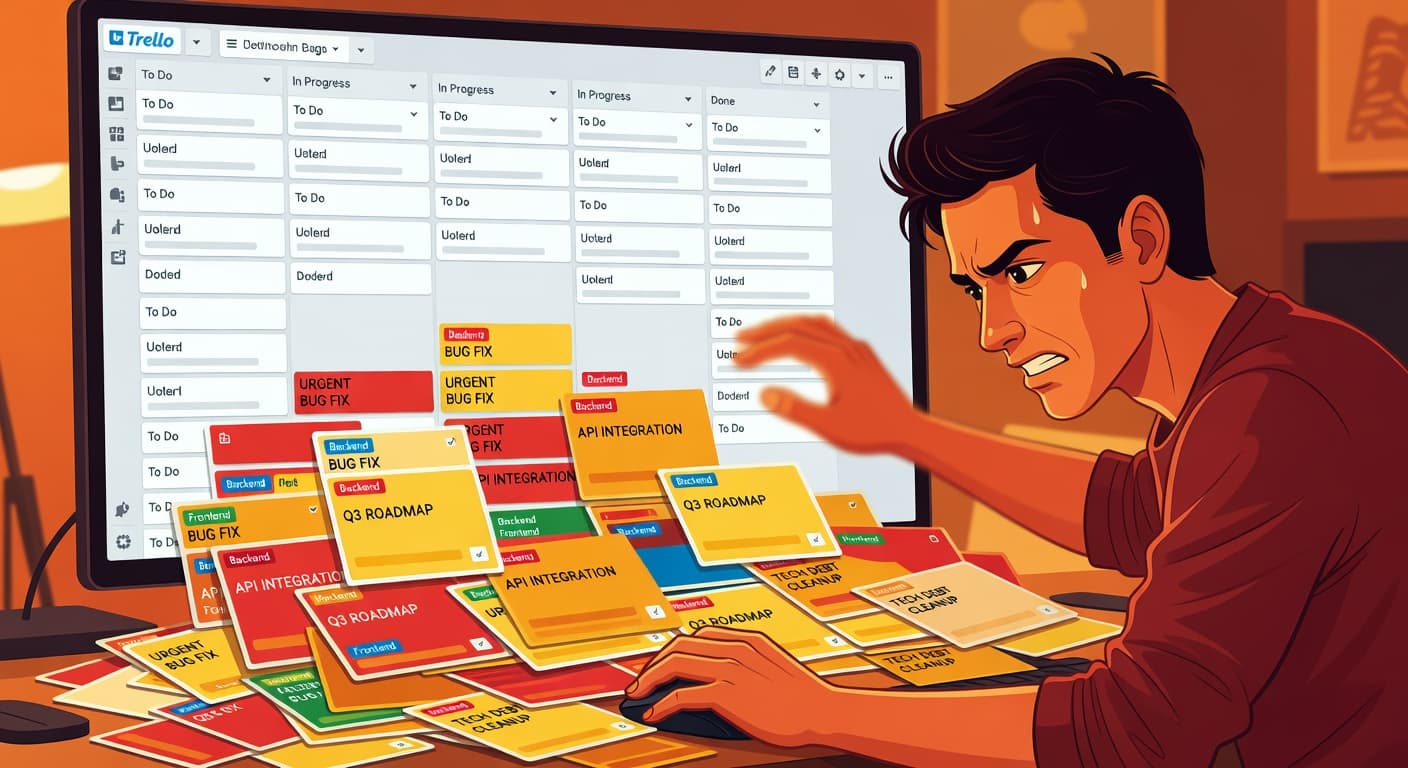
I've used Trello for side projects at least a dozen times over the years. Every time, I start enthusiastic. Clean board, three columns, a handful of well-defined cards. Every time, I end the same way. A board with 40 cards spread across six columns, half of them stale, the project quietly abandoned, the Trello board still technically open but never visited.
This review is about why that keeps happening.
What Trello does well
Credit where it's due. Trello gets several things right.
The visual simplicity is real, not just marketing. A Trello board communicates project status at a glance better than almost any other tool. You can see everything. Nothing hides behind a menu or requires a filter to find.
The free tier is generous. Unlike Linear or some other tools that gate useful features behind paid plans, Trello's free tier covers genuine project management needs. You get unlimited cards, basic automation with Butler, and enough boards for a handful of projects.
Trello is fast. Pages load quickly, cards open instantly, and drag-and-drop feels responsive. It doesn't try to be more than it is, and that restraint keeps the experience snappy.
Labels, due dates, and checklists cover basic task management. Checklists inside cards are surprisingly useful for breaking down implementation tasks. If you're building a feature and need to track the subtasks, Trello checklists handle that well.
The mobile app is decent. If you have an idea while walking the dog, you can open Trello and add a card in seconds.
Where Trello falls apart for side projects
No idea validation
You open Trello. You create a board. You start adding cards. At no point does Trello ask: "Is this idea worth building?"
There's no validation step. No framework to assess whether the problem is real, whether anyone wants a solution, or whether you can ship in a reasonable timeframe. You jump from idea to task list with zero friction and zero challenge.
This is dangerous for Trello for solo developers. The most common reason side projects fail isn't technical difficulty — it's building something nobody needs. A tool that skips validation enables this failure mode.
No scope management
This is Trello's biggest problem for solo developers, and it's a problem by design. Trello is a blank canvas. You can add cards forever. There's no mechanism to freeze your scope, no scope locking that says "you committed to building these 12 things, so building thing number 13 requires an explicit decision."
Every card you add is silent. Trello doesn't track when your project went from 10 cards to 25. It doesn't record the moment you expanded scope. It doesn't ask why. For a solo developer, scope creep is the most common reason projects fail. Trello has nothing to say about it.
Archiving is too easy and consequence-free
When a Trello card becomes irrelevant or embarrassing, you archive it. Click, gone. The card disappears from your board. There's no record on the main board that it ever existed. No tally of archived cards. No question asking "why are you archiving this?"
For teams, archiving is housekeeping. For solo developers, archiving is how projects die. You archive the hard cards, the ones you don't want to think about. Over weeks, you archive more and more. The board shrinks. Eventually you archive the whole board. Project over. No evidence remains of what happened.
A tool that helps solo developers should make abandonment visible, not invisible. Trello does the opposite.
No accountability
Trello has no concept of streaks, shipping records, or progress tracking beyond what's visible on the board at any given moment. There's no way to see "I shipped 3 projects this quarter" or "I've been stalled on this project for 6 weeks" unless you manually track that somewhere else.
When you work alone, the absence of accountability is the default state. Your PM tool is the only thing positioned to fill that gap. Trello doesn't try.
The Kanban problem for solo developers
Here's where things go wrong, and it's not really Trello's fault. It's a Kanban problem.
Kanban boards were designed for manufacturing and later adapted for software teams. The core concept is work-in-progress limits: you only pull a new item when capacity frees up. In a factory, physical space enforces this. On a software team, the team lead enforces it.
When you're alone, nobody enforces it.
Trello lets you create unlimited cards in any column. There's no work-in-progress limit unless you manually count cards and exercise willpower. For a solo developer who just had three new ideas in the shower, those cards are going into the backlog column before breakfast.
Moving cards between columns creates a feeling of progress that may or may not correspond to real progress. Dragging a card from "To Do" to "In Progress" feels productive. It takes half a second. You haven't actually done anything yet, but the board looks different, and different feels like forward motion.
This is the Kanban illusion for solo developers. The board shows activity. The project shows nothing.
The card accumulation problem
Trello makes it incredibly easy to create cards. Open a list, type, press enter. You can create ten cards in thirty seconds.
Every card represents a commitment, or at least a vague promise to your future self. The problem is that "at some point" cards accumulate faster than you can process them. Within a few weeks of active use, a solo developer's Trello board has more cards than they could complete in three months.
At that point, the board stops being a project management tool and becomes an anxiety generator. You open Trello, see 40 cards, feel overwhelmed, close Trello. The board now actively discourages you from working on the project.
Trello vs. constraint-based tools for solo developers
The core difference between Trello and shipping-focused tools isn't features. It's philosophy.
Trello's philosophy: Give you a flexible board. Let you organize however you want. Track status.
Constraint-based philosophy: Enforce a lifecycle. Lock scope. Record accountability. Measure shipping.
| Aspect | Trello | Constraint-Based (FoundStep) |
|---|---|---|
| Idea validation | None | Required before building |
| Scope control | Unlimited card addition | Scope Locking with permanent records |
| Lifecycle | Status columns (flexible) | Validate, Build, Ship (enforced) |
| Accountability | None | Shame History, public unlock count |
| Shipping metric | Cards in "Done" column | Projects in Harbor with Ship Cards |
| Focus | Multiple boards, no constraint | One active version per project |
Atlassian's own research on team productivity shows kanban boards are effective for visualizing team workflow — with teams being the operative word. When multiple people share a board, the social pressure of visible progress creates accountability. Solo developers don't have that social layer. Kanban without accountability is just a list with extra steps.
See the full feature-by-feature breakdown in the FoundStep vs Trello comparison.
When Trello works for solo developers
Despite everything above, Trello does work in specific situations.
Short-term projects with a fixed scope benefit from Trello's simplicity. If you're building a weekend project and you know exactly what needs to happen, a Trello board with 8-10 cards is a clean, effective way to track progress. The problems appear when projects extend beyond a few weeks and scope starts creeping.
Non-software projects work well in Trello. Planning a move, organizing a trip, tracking a home renovation. These projects have natural scope boundaries that compensate for Trello's lack of scope controls.
If you pair Trello with external discipline, like a public build log or an accountability partner, the gap shrinks. Trello provides the task tracking, and something else provides the constraint. This works, but it means admitting that Trello alone isn't enough.
Simple freelance project tracking, where the scope is defined by a client and not by your imagination, is another decent use case.
When to switch away from Trello
Switch when Trello is enabling the problem instead of solving it:
- You have more abandoned boards than active ones. Your board graveyard is growing and your shipping record isn't.
- You've never shipped a personal project using Trello. If Trello hasn't helped you ship in six months of use, it's not going to.
- You keep adding cards but never finishing boards. Scope creep is your default, and Trello has no mechanism to stop it.
- You need accountability, not flexibility. If your problem is discipline, you need a tool that enforces it, not one that gives you more options.
- You want a shipping record. Trello doesn't track what you've shipped. It tracks what you've organized.
Practical advice if you're using Trello now
If you're committed to Trello, here are concrete ways to make it work better for solo development.
Limit your backlog to 10 cards maximum. If you want to add card number 11, you must either complete or delete an existing card first.
Never use more than three columns. "To Do," "Doing," "Done." Every column beyond those three is a place for cards to stagnate.
Set a weekly review alarm. Every Sunday, open Trello. Archive anything you're not going to do. If a card has been sitting in "To Do" for a month, it's not a plan. It's a wish. Archive it.
Consider whether Trello is actually solving your problem. If you finish projects consistently and just need a lightweight place to track tasks, Trello is perfectly fine. If you don't finish projects, Trello isn't the solution.
For a full feature-by-feature comparison with purpose-built alternatives, our best tools for solo developers guide breaks down what matters most.
What to expect when you switch away from Trello
The transition from Trello to a shipping-focused tool has a predictable curve.
Week 1: You'll miss dragging cards. The visual satisfaction of kanban is real, and constraint-based tools feel less flexible at first. That's the point — but it takes getting used to.
Week 2: You're building instead of organizing. No more "just update the board" sessions that eat 30 minutes. You open the tool, see your one next action, and build.
Week 3: Your scope is locked. A new feature idea hits. You capture it somewhere safe instead of adding a card. This is the system working.
Week 4: You ship something. A real shipped project, not a "Done" column. Your Harbor has its first entry. This feels different from moving cards — it feels final in the best way.
Trello by use case: honest summary
| Use Case | Trello Fit | Alternative Needed? |
|---|---|---|
| Team task tracking | Good | No |
| Client project management | Good | No |
| Personal errands / to-dos | Good | No |
| Solo developer side projects | Poor | Yes — needs lifecycle enforcement |
| Indie hacker MVP building | Poor | Yes — needs scope constraints |
| Full-time indie dev workflow | Poor | Yes — needs accountability |
The pattern is clear: Trello works when there's an external force (a team, a client, a shared board) providing accountability. Remove that external force and Trello becomes a graveyard.
The "simple is better" fallacy
Solo developers often gravitate toward Trello because "I just need something simple." That instinct makes sense. You don't want Jira-level complexity for a side project.
But simple and effective are different things.
A plain text file is simpler than Trello. A sticky note is simpler. The question isn't "is this tool simple?" but "does this tool solve my problem?" If your problem is that you can't find your task list, Trello solves it. If your problem is that you start projects, expand their scope, lose momentum, and abandon them, Trello does nothing. It's simple, yes. It's also inert.
The best tools for solo developers are simple in the right places and opinionated in others. They don't make you configure a sprint board. But they do impose structure where solo developers need it: scope boundaries, validation gates, and shipping accountability.
Trello is honest about what it is. A simple, visual board for tracking work. The dishonesty comes from solo developers telling themselves that tracking work is the same as managing a project. It's not.

Ready to ship your side project?
FoundStep helps indie developers validate ideas, lock scope, and actually finish what they start. Stop starting. Start finishing.
Get Started Free