Developer Productivity with ADHD: Working With Your Brain, Not Against It

Why "just use a to-do list" doesn't work
If you have ADHD and someone has told you to "just make a list and work through it," you already know how that goes. You make the list. It's a great list. You feel productive for having made it. Then you put the list somewhere, forget where, start a different task that isn't on the list, hyperfocus on that for three hours, and end the day having accomplished something that wasn't planned while the list sits untouched.
This isn't a discipline problem. It's a neurology problem. ADHD affects executive function, which is the brain's ability to plan, prioritize, initiate tasks, manage time, and regulate attention. Every piece of standard productivity advice assumes these functions are working normally. For ADHD brains, they're working differently.
I'm not a psychologist, and this isn't medical advice. If you suspect you have ADHD and haven't been evaluated, please talk to a professional. What I can offer is practical strategies gathered from developers with ADHD who've figured out how to ship projects despite (and sometimes because of) how their brains work.
The ADHD Developer Paradox
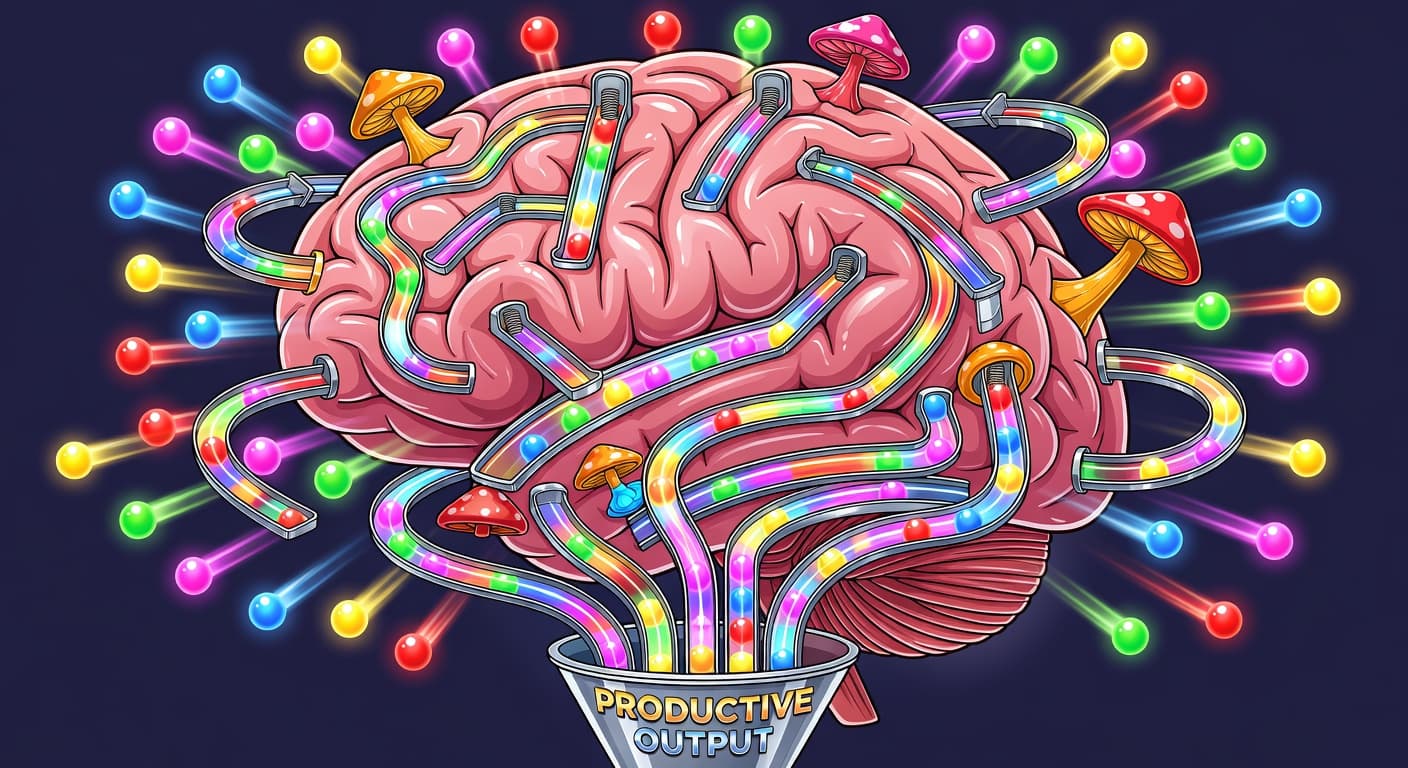
ADHD developers live in a strange contradiction. During hyperfocus, they produce more than most neurotypical developers produce in a week. But ADHD brains are wired for novelty, not completion — they respond to interest, challenge, and urgency, not importance, deadlines, or rewards.
The ADHD prevalence in tech is estimated at 15–20%, higher than the general adult population of 4–5%. Developers self-select into a field that rewards pattern recognition, creative problem-solving, and intense focus bursts — all ADHD strengths. But the field also demands sustained execution, project completion, and scope discipline — all ADHD challenges.
Standard productivity advice — Pomodoro, GTD, time blocking — was designed for brains that struggle with motivation. ADHD brains don't struggle with motivation. They struggle with regulation. That's a completely different problem.
The ADHD Advantages Nobody Talks About
Before we get to strategies, let's talk about what ADHD gives you that neurotypical developers often lack.
Hyperfocus. When an ADHD brain finds something genuinely interesting, it can lock onto it with an intensity that neurotypical brains can't match. Those marathon coding sessions where you lose track of time and produce an astonishing amount of work? That's hyperfocus, and it's a legitimate superpower for development. The challenge isn't the focus itself. It's directing it toward the right things.
Pattern recognition. ADHD brains are often exceptionally good at seeing connections between seemingly unrelated things. This translates directly to debugging (noticing that two unrelated bugs share a root cause), architecture (seeing how components should connect), and product thinking (understanding how users will actually behave).
Creative problem-solving. The same distractibility that makes it hard to follow a linear process makes ADHD brains great at approaching problems from unexpected angles. When your mind wanders freely, it sometimes wanders to brilliant solutions.
Comfort with chaos. ADHD developers are often more comfortable with ambiguity and rapid change than their neurotypical peers. Starting a project with unclear requirements, pivoting mid-build, adapting to new information. These are stressful for many developers but natural territory for ADHD brains.
The goal of any productivity system for developers with ADHD should be to preserve these advantages while compensating for the genuine difficulties. Not "fix your brain." Work with it.
Why standard productivity systems fail ADHD developers
Let's be specific about what doesn't work and why.
To-do lists rely on working memory (remembering to check the list) and prioritization (deciding what to do next). ADHD affects both. The list becomes wallpaper, something you see without processing.
Calendar blocking assumes you can follow a predetermined schedule. ADHD brains resist schedules because they require initiating tasks at specific times regardless of interest level. Task initiation is one of the hardest executive functions for ADHD.
Pomodoro Technique (25 minutes on, 5 minutes off) assumes that focus comes in predictable intervals. ADHD focus is variable. Sometimes you can't focus for 5 minutes. Sometimes you're in hyperfocus and a 25-minute timer is an unwelcome interruption. Rigid time boxes fight your natural attention patterns.
Sprint planning requires estimating effort, which requires time awareness. ADHD affects time perception. A task that "should take an hour" might take 15 minutes if you're in the zone or three hours if you can't get started. Estimation-based systems set you up for failure.
Complex organizational systems (elaborate Notion setups, detailed project management boards) are attractive to ADHD brains because building them is novel and stimulating. But maintaining them is boring and repetitive, which means they get abandoned after the initial setup energy fades.
The common thread: these systems require consistent internal regulation that ADHD brains struggle to provide. The solution is external structure, systems that work because of their constraints, not because of your willpower.
Strategies that work with ADHD
External structure over internal discipline
The single most effective strategy for ADHD productivity is replacing internal regulation with external constraints.
Instead of "I'll try to stay focused," use website blockers that make distraction physically harder. Instead of "I'll stick to my plan," use Scope Locking to make changing the plan require deliberate effort. Instead of "I'll remember to check my progress," use automated tracking that records your activity without your involvement.
The principle is simple: don't rely on yourself to do the right thing. Build an environment where the right thing is the easiest thing.
For ADHD developers working on side projects, scope locking is especially useful. The ADHD tendency to add features is strong because new features are novel and exciting. Locking your scope creates a barrier between the impulse to add a feature and the action of adding it. The barrier doesn't have to be high. It just has to be there. That tiny friction is often enough to filter out impulsive additions while still allowing deliberate ones.
Working with hyperfocus instead of against it
Hyperfocus is your most powerful tool, but it's not fully controllable. You can't summon it on demand. What you can do is create conditions that make it more likely to appear and have systems that capture its output when it does.
Lower the activation barrier. The hardest part of any task for an ADHD brain is starting. Once you're engaged, focus often follows. Make starting as easy as possible. Leave your editor open to the exact file you need to work on next. Write a comment in the code that says what the next step is. Reduce the distance between "sitting down" and "typing useful code" to as close to zero as you can.
Don't interrupt hyperfocus for productivity theater. If you're in a flow state, don't stop to update your task tracker, write standup notes, or check your schedule. Those can wait. Hyperfocus is rare and valuable. Interrupting it to maintain a productivity system defeats the purpose of having a system.
Have a capture system for tangential ideas. During hyperfocus, your brain will generate ideas that aren't related to the current task. If you chase them, you lose your focus. If you try to remember them, they consume working memory. Have a quick capture system (a text file, a notes app, a physical notepad) where you can dump the idea in under 10 seconds and return to your focus.
The body doubling effect
Body doubling is working in the presence of another person, even if they're doing something completely different. For many people with ADHD, having someone else nearby makes it dramatically easier to initiate and sustain focus.
The mechanism isn't fully understood, but it works. Some developers use co-working spaces, coffee shops, or libraries. Others use virtual body doubling through video calls where both people work silently on their own projects, or livestreaming their coding sessions.
If you find it hard to start working at home but productive in a coffee shop, body doubling is probably why. Lean into it. Structure your work sessions around environments where body doubling happens naturally.
Novelty management
ADHD brains are drawn to novelty. New projects are exciting. New technologies are fascinating. New ideas are irresistible. This drive toward novelty is what makes ADHD developers great at exploring new territory, but it's also what makes them start projects they never finish. This pattern — also called shiny object syndrome — hits ADHD developers harder than anyone because it's not a character flaw. It's brain chemistry.
The fix isn't to suppress the novelty drive. It's to manage it.
Channel novelty within your current project. If you're bored with the feature you're building, switch to a different feature within the same project instead of starting a new project. This satisfies the novelty craving without abandoning your commitment.
Keep a "shiny objects" list. When a new project idea strikes, write it down. Don't research it, don't create a repo, don't install dependencies. Just write it down and go back to what you're doing. The act of capturing the idea reduces the anxiety of losing it, which is often what drives the impulse to pursue it immediately.
Make finishing the novel thing. If you've never been the kind of person who finishes projects, finishing one would be genuinely new and exciting. Reframe shipping as the novelty. Using Ship Cards to create a shareable record of what you shipped adds a tangible reward to the act of finishing.
Time boxing with flexibility
Rigid time boxes (strict Pomodoro, calendar-blocked days) don't work for most ADHD developers. But having zero time structure is also a problem because it provides no external cue to start or stop.
The compromise is flexible time boxing. Set a rough time block ("I'll work on my project this evening between 7 and 9"), but within that block, follow your energy. If you're in the zone after 90 minutes, keep going. If you're struggling after 20, take a break and try again in 15 minutes. The block provides a container. What happens inside the container is fluid.
The start of the block is the hard part. Use a ritual to make it easier. Same chair, same music, same first action (open the editor, read the last thing you wrote). Rituals bypass the executive function barrier of task initiation by making the start automatic rather than deliberate.
Accountability that doesn't depend on memory
I mentioned this above but it deserves its own section. Any accountability system that requires you to remember to use it will fail for ADHD developers. Your working memory is already overtaxed.
The solution is accountability that's built into the workflow. Not a separate check-in you have to schedule. Not a journal you have to remember to write in. Not an app you have to remember to open.
Shame History works this way. It records your scope changes automatically as part of the unlock process. You don't have to remember to log anything. The act of changing your scope is the act of creating the record. This kind of embedded accountability works for ADHD brains because it doesn't add a separate task to remember.
Similarly, staying accountable as a solo developer is easier when the accountability mechanism is passive rather than active. You don't have to do something extra to be accountable. The system does it for you.
The finishing problem
Let's address the elephant in the room. ADHD developers are great at starting projects and terrible at finishing them. This is probably the single most frustrating aspect of ADHD for developers.
The reason is neurological. Starting a project activates the dopamine reward pathway because it's novel and full of possibility. As the project progresses, novelty decreases, challenges increase, and the dopamine reward drops. By the time you're at 70% completion, doing bug fixes and edge cases, the dopamine reward is at its lowest. This is exactly when the next new project idea sounds most appealing.
You can't change this neurological pattern. But you can work around it.
Make your projects small enough to finish during the high-novelty phase. If you can ship a project in two weeks, you're more likely to finish it before the novelty wears off. If it takes six months, you'll almost certainly lose interest before it's done. Scope accordingly. Five features, not twenty. Ship it fast, while you still care.
Front-load the boring work. Do the tedious parts (deployment setup, user auth, database schema) first, when your novelty-fueled energy is high. Leave the fun parts (core features, UI polish, the thing that made you want to build this) for later, when you need the dopamine boost to keep going.
Create artificial deadlines. ADHD brains perform well under pressure because deadlines create urgency, and urgency creates dopamine. Set a ship date and tell someone about it. The external pressure of a known deadline can sustain motivation past the novelty drop.
Celebrate finishing, not starting. ADHD brains tend to get their dopamine hit from starting new things. Deliberately create reward for finishing. Ship Cards, a shipping celebration, telling someone you shipped. Train your brain to associate finishing with reward.
Tools and environment
What to look for in tools
Tools for ADHD developers should be:
Simple to start using. If setup takes more than 10 minutes, you'll never get past it. Or you'll spend three hours perfecting the setup and never do the actual work.
Low maintenance. If the tool requires regular upkeep (grooming backlogs, updating statuses, maintaining categories), it'll be abandoned within weeks.
Constraint-based. Tools that enforce limits work better than tools that track activity. A locked scope is more useful than a burndown chart.
Immediately rewarding. Tools that provide instant visual feedback (a shipped project appearing in your Harbor, a streak counter, a progress bar hitting 100%) work better than tools where the reward is delayed.
Environment design
Your physical and digital environment matters more for ADHD than for neurotypical developers.
Physical space. Work in the same place for your side project every time. Minimize visual distractions. If your desk faces a window with a view, put your back to the window. This sounds extreme but ADHD brains process visual stimuli constantly, and each piece of visual noise competes for attention.
Digital space. Close everything you don't need. Not minimize. Close. If the tab exists, your brain knows about it and allocates a small amount of attention to it. Use a dedicated browser profile or a separate user account for coding sessions.
Noise. Many ADHD developers work better with consistent background noise (lo-fi beats, white noise, ambient sound) than with silence. Silence leaves room for internal distractions. Consistent noise fills that space without demanding attention.
Notifications. Turn off everything. Not just social media notifications. Email, Slack, chat, phone. Everything. A single notification can derail an ADHD focus session for 30 minutes. The notification itself takes one second to read. The re-focusing takes 29 minutes and 59 seconds.
A weekly system for ADHD developers
Here's a minimal system designed specifically for ADHD developer brains.
Sunday or Monday (10 minutes). Look at your project. Pick 2 to 3 things to ship this week. Write them on a physical sticky note and put it next to your monitor. Physical matters because it's always visible without opening an app.
Each work session. Sit down. Look at the sticky note. Pick one thing. Work on it. If you finish, pick the next thing. If you don't finish, that's fine. It'll be there tomorrow.
End of week (5 minutes). Cross off what shipped. Count the items. That's your week. No journaling, no retrospective, no detailed analysis. Just a count.
This system works for ADHD because it's low overhead, uses physical visibility instead of digital memory, doesn't require estimation, and provides a clear, simple metric (things shipped this week).
If you want more structure, add scope locking and automatic history tracking. But start here. The best productivity system is one you'll actually use, and for ADHD developers, that means the simplest one that still provides structure.
Managing Too Many Projects at Once
If having too many side projects is a familiar problem, that's ADHD working against you at the project level. The fix is structural: one active project at a time, with everything else in a vault. New ideas go into the vault, not into new repos. When you ship or kill your current project, pull the next idea from the vault and validate it.
Serial focus ships. Parallel attention creates a portfolio of 70%-complete repos and zero shipped products.
Accepting the Brain You Have
I want to end with something that isn't tactical but matters.
If you have ADHD, you've probably spent years trying to force your brain to work like a neurotypical brain. More discipline. More structure. More willpower. And when those things didn't work, you probably blamed yourself.
You don't have a broken brain. You have a different brain. It's exceptionally good at some things and genuinely bad at others. The goal of an ADHD productivity system isn't to fix the bad parts. It's to build an environment where the good parts thrive and the bad parts are compensated for by external structure.
Some weeks you'll hyperfocus and ship more than your neurotypical peers could dream of. Other weeks you'll struggle to start. Both weeks are part of the ADHD experience, and a good system accounts for both.
Build the environment. Use the tools. And give yourself credit for shipping in a world that was designed for a brain type that isn't yours.

Ready to ship your side project?
FoundStep helps indie developers validate ideas, lock scope, and actually finish what they start. Stop starting. Start finishing.
Get Started Free