Cursor AI and Project Management: Filling the Gap Between Code and Shipping

Cursor Is Incredible at Code. That's the Problem.
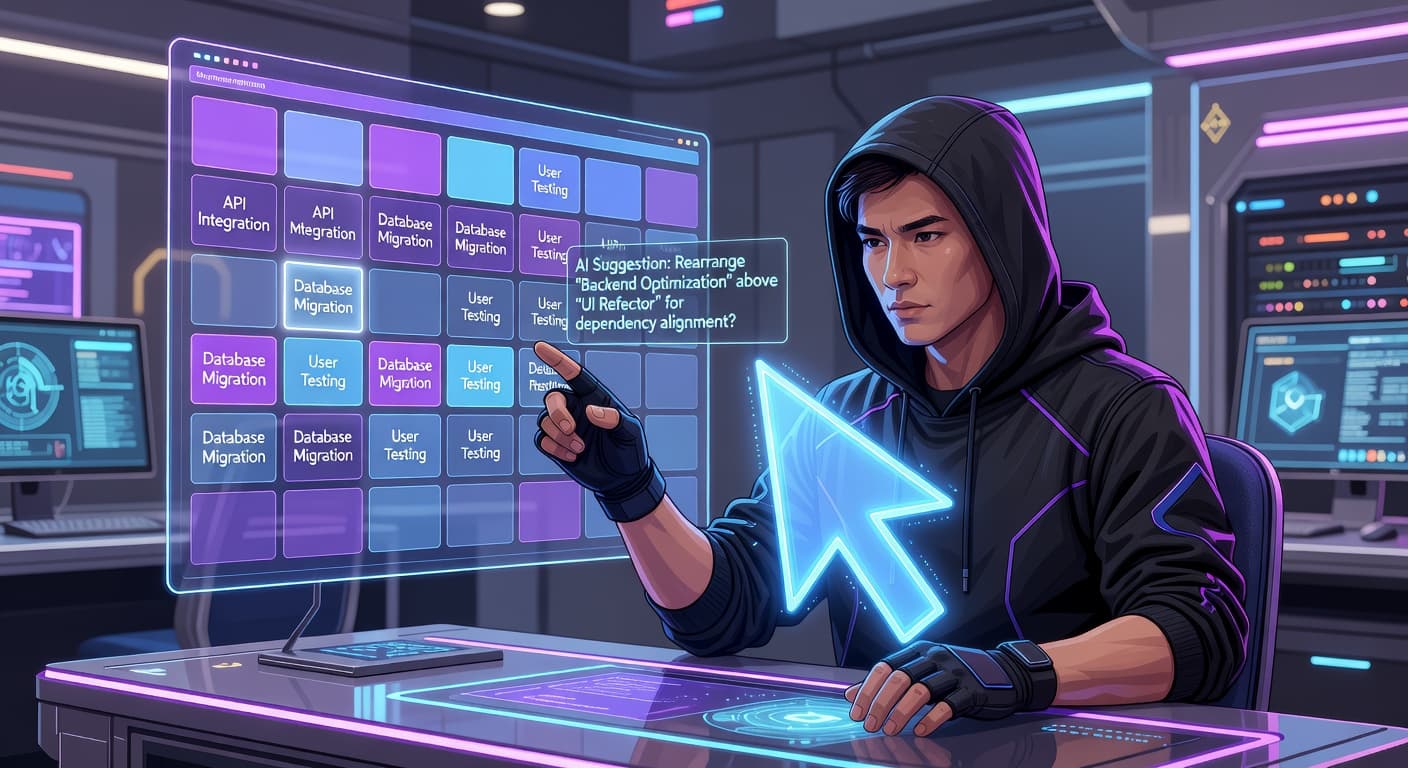
I'm going to say something that sounds ungrateful: Cursor is almost too good at its job. You describe what you want, and it builds it. You select a function and ask for a refactor, and it refactors. You paste an error, and it fixes the bug. The gap between having an idea and having working code has never been smaller.
And that's exactly where things go wrong.
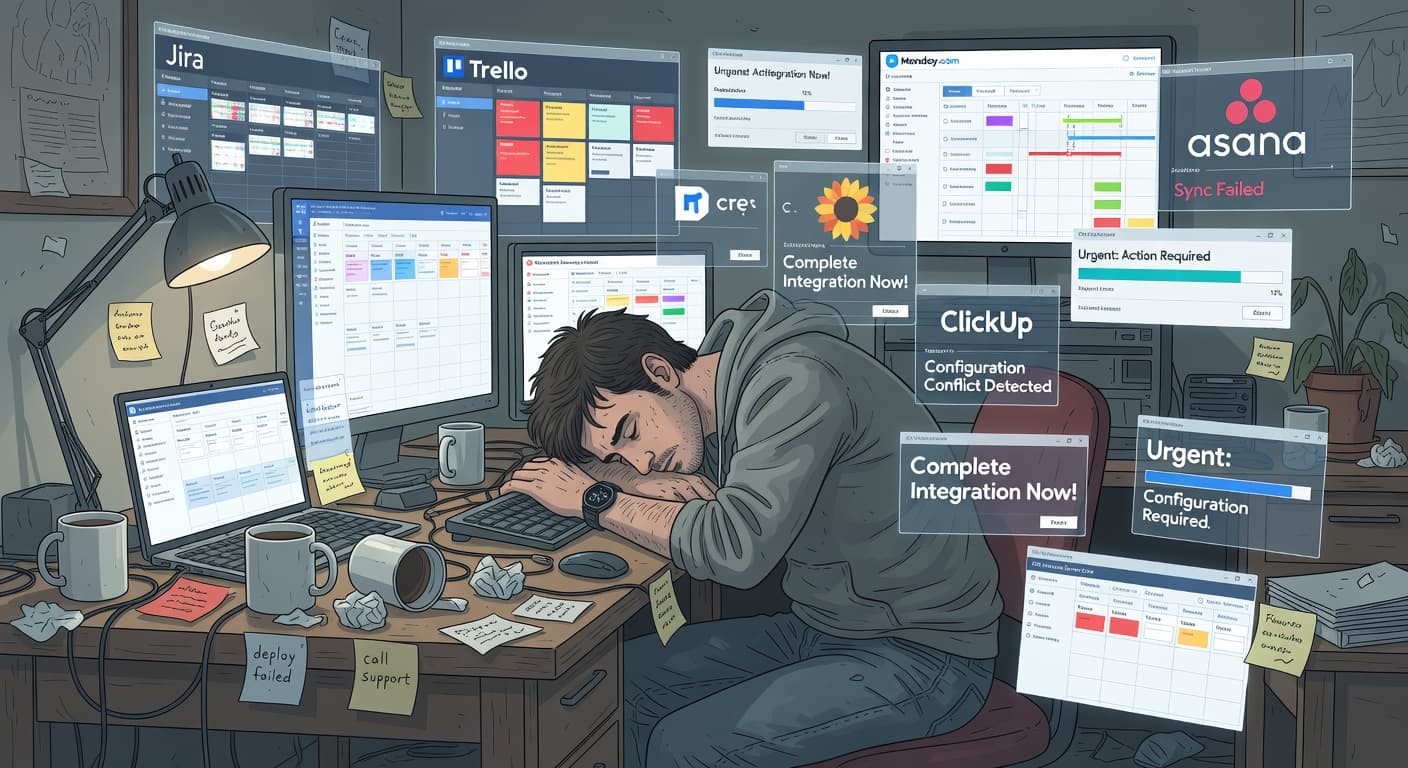
Because Cursor solves the coding problem so effectively, it exposes a different problem that was always there but never mattered this much. The problem of knowing what to build, when to stop building, and how to actually get the thing out the door. Cursor project management is, to put it plainly, nonexistent. Cursor manages code. Nobody is managing your project.
I've spent the last year watching developers (including myself) use Cursor to build things at absurd speed, only to end up with bloated, half-finished projects that somehow have more features than they started with and less chance of ever shipping. The tool isn't the issue. The gap between what the tool does and what we actually need is the issue.
What Cursor Does Well (and It Does It Really Well)
Let's give credit where it's due. Cursor has changed how I write code, and I don't think that's an overstatement.
Developers using AI coding tools report coding 2–3x faster than without them. The bottleneck has shifted from implementation to decision-making — and most developers haven't adjusted their workflow to account for that shift.
Code generation from natural language. You describe a component, a function, an API endpoint, and Cursor writes it. Not boilerplate. Actual, working, context-aware code that understands your project structure. I've had it generate entire CRUD flows in minutes that would have taken me an afternoon.
Intelligent editing. Selecting a block of code and asking Cursor to modify it, refactor it, add error handling, convert it to TypeScript, whatever you need, works shockingly well. It understands the surrounding context, respects your patterns, and usually gets it right on the first try.
Codebase chat. Being able to ask questions about your own codebase and get accurate answers is something I didn't know I needed until I had it. "Where is the authentication logic?" "What does this function do?" "Why is this test failing?" Cursor reads your code and gives you real answers.
Debugging assistance. Paste an error, point to a failing test, or describe unexpected behavior. Cursor traces through the logic and finds the problem faster than I can.
If all you need is a faster way to write code, Cursor is the answer. But here's the thing: most developers who fail to ship don't fail because they code too slowly. They fail because they build the wrong things, build too many things, or never decide that the thing they built is done enough to release.
What Cursor Doesn't Do (And Doesn't Pretend To)
Cursor isn't trying to be a project management tool. That's fair. But the result is a significant gap in the solo developer's workflow.
Cursor doesn't help you decide what to build. It will generate whatever you ask for. A settings page? Done. An admin dashboard? Done. A notification system? Done. It never asks whether any of those things belong in your MVP or whether you're building features nobody asked for. It's an obedient executor with no opinions about scope.
Cursor doesn't track your features or progress. There's no concept of "these are the five things I need to build for v1" inside Cursor. No feature list. No progress tracking. No way to see that you've completed three of seven planned items and you're drifting into unplanned territory.
Cursor doesn't help you scope. When you can generate a feature in twenty minutes, the cost of adding "just one more thing" feels negligible. Cursor won't tell you that you've added your eighth unplanned feature this week. It won't flag that your project has grown 3x from your original plan.
Cursor doesn't have a shipping workflow. There's no concept of "this is done, mark it as shipped." No milestone tracking. No launch checklist. No mechanism to push you from building to releasing.
This isn't a criticism of Cursor. It's a code editor, not a project manager. But if you're a solo developer using Cursor as your primary tool, you need to understand that you're operating with half a workflow. The coding half is turbocharged. The planning and shipping half is completely manual, and most people aren't doing it at all.
The "Vibe Coding" Problem
There's a term that's gotten popular in 2025 and 2026: vibe coding. The idea is simple. You sit down, open your AI-assisted editor, and just start building based on whatever feels right. No plan. No scope document. No feature list. You describe what you want, the AI generates it, and you iterate based on vibes.
This is intoxicating. I've done it. You've probably done it. And the first hour feels magical. You're producing more working code per hour than you ever have in your career. The dopamine is real.
The problem shows up on day three, or day ten, or whenever you look at what you've built and realize you have no idea what the actual product is supposed to be anymore. You have a login system, three different dashboard layouts (because you kept asking Cursor to try different approaches), a notification system that nobody needs, and the core feature, the reason you started the project, is 60% done because you kept getting distracted by peripheral features.
Vibe coding without project management is like driving a sports car with no steering wheel. You go fast. You just don't go anywhere useful.
The speed that Cursor gives you doesn't solve the direction problem. If anything, it makes the direction problem worse because you cover so much ground so quickly that by the time you realize you've gone off course, you're miles from where you should be. For more on this, I've written about the specific challenges of vibe coding project management.
How AI Speed Becomes AI Scope Creep
Here's a pattern I've lived through multiple times.
Day 1: "I'll build a simple tool that does X. Three features. Ship in two weeks."
Day 2: Using Cursor, I have the basic structure done. Auth is working. The main feature is 80% complete. I'm ahead of schedule.
Day 3: Since I'm ahead of schedule, I ask Cursor to add a settings page. Takes fifteen minutes. Done.
Day 4: "You know what would be cool? A dashboard with analytics." Cursor generates it in thirty minutes.
Day 5: "Users might want to export their data." CSV export, forty-five minutes.
Day 6-14: I'm now behind schedule on a project that has twice the features I originally planned, because every time I was "ahead," I filled the gap with new features instead of shipping what I had.
This is scope creep, except it happens at 10x speed because the AI makes every addition feel cheap. When a feature takes three hours to code manually, you think carefully about whether it's worth it. When Cursor generates it in twenty minutes, the cost/benefit calculation breaks. Everything feels worth it. Nothing gets cut. The project grows without limit.
The paradox of AI-assisted development is that the faster you can build, the more discipline you need about what you choose to build. The bottleneck has shifted from implementation to decision-making, and most developers haven't adjusted their workflow to account for that shift.
Pairing Cursor with a Project Management System
The fix isn't to stop using Cursor. That would be absurd. The fix is to pair Cursor with a system that handles everything Cursor doesn't.
Here's what that looks like in practice.
Before You Open Cursor: Plan and Scope
This is where most people skip a step and regret it later. Before you write a single prompt in Cursor, you need to know what you're building.
Write your feature list. Five to seven features for a v1. Be specific. Not "user dashboard" but "dashboard showing active projects with name, status, and last updated date." Each feature should be concrete enough that you can tell whether it's done.
Validate the idea. If you haven't confirmed that someone wants what you're building, all the fast coding in the world won't help. FoundStep's 7-Step Validation exists specifically for this, but at minimum, talk to potential users before you build.
Use a tool like FoundStep's AI MVP Planner to generate a structured plan from your idea. The planner gives you a scoped feature list, timeline, and priority order. This becomes your roadmap, the thing you open alongside Cursor and reference constantly.
During Development: Lock Scope and Track Progress
Once you start building with Cursor, the temptation to expand will be constant. This is where Scope Locking becomes your best friend.
Lock your features. Once you've committed to your feature list, lock it. If you want to add something, you have to explicitly unlock, provide a reason, and accept that the change is recorded. This creates the friction that Cursor eliminates. Yes, Cursor can generate that new feature in twenty minutes. But should you build it? The unlock process forces you to answer that question honestly.
Work feature by feature. Don't jump between features based on what's interesting. Pick one, complete it, mark it done, move to the next. Cursor makes it easy to hop around because everything is fast. Resist that. Sequential completion gives you momentum and prevents half-finished features from piling up.
Review what Cursor generates. This is worth repeating: review the code. Cursor is good, not perfect. When you generate a feature, read through the code before you move on. Understand what it built. Make sure it matches your scope. Remove anything that went beyond what you asked for (this happens more than you'd think).
After Development: Ship
This is where most AI-assisted projects die. The code is written. The features work. And the developer sits there thinking "I should probably add just one more thing before I launch."
No. Ship it.
Set a ship date before you start building and stick to it. Use FoundStep's Ship Cards to create a shareable record of what you shipped. Make shipping a concrete action, not a vague intention.
The best workflow for a solo developer using Cursor is one where the planning and shipping steps are as structured as the coding step. Cursor handles the middle. You need something handling the beginning and the end.
A Practical Cursor Project Management Workflow
Let me lay out the specific workflow I use now, after learning these lessons the hard way.
Week 0: Planning (no Cursor yet)
- Write the one-sentence description of what I'm building
- List 5-7 features for v1
- Validate the idea (even informally, asking a few people counts)
- Generate an MVP plan with estimated timeline
- Lock the scope
Weeks 1-N: Building (Cursor time)
- Open the project plan alongside Cursor every session
- Work on one feature at a time, in priority order
- When I finish a feature, mark it complete in my project tracker
- When I have a "great idea" for a new feature, write it on the v1.1 list. Do not build it.
- Review every piece of AI-generated code before committing
- At the end of each session, check: am I still on scope?
Ship Week: Launching
- Stop building new features 48 hours before ship date
- Spend the final time on polish, bug fixes, and deployment
- Ship it, even if it feels unfinished (it's supposed to feel unfinished, that's what v1 means)
- Create a Ship Card documenting what I built and when
- Start a v1.1 list from all the ideas I captured during development
This workflow uses Cursor for 100% of the coding. But the coding is sandwiched between planning and shipping steps that keep the project on track. Without those bookends, the Cursor sessions become unstructured generation that goes nowhere.
The Speed-to-Ship Pipeline
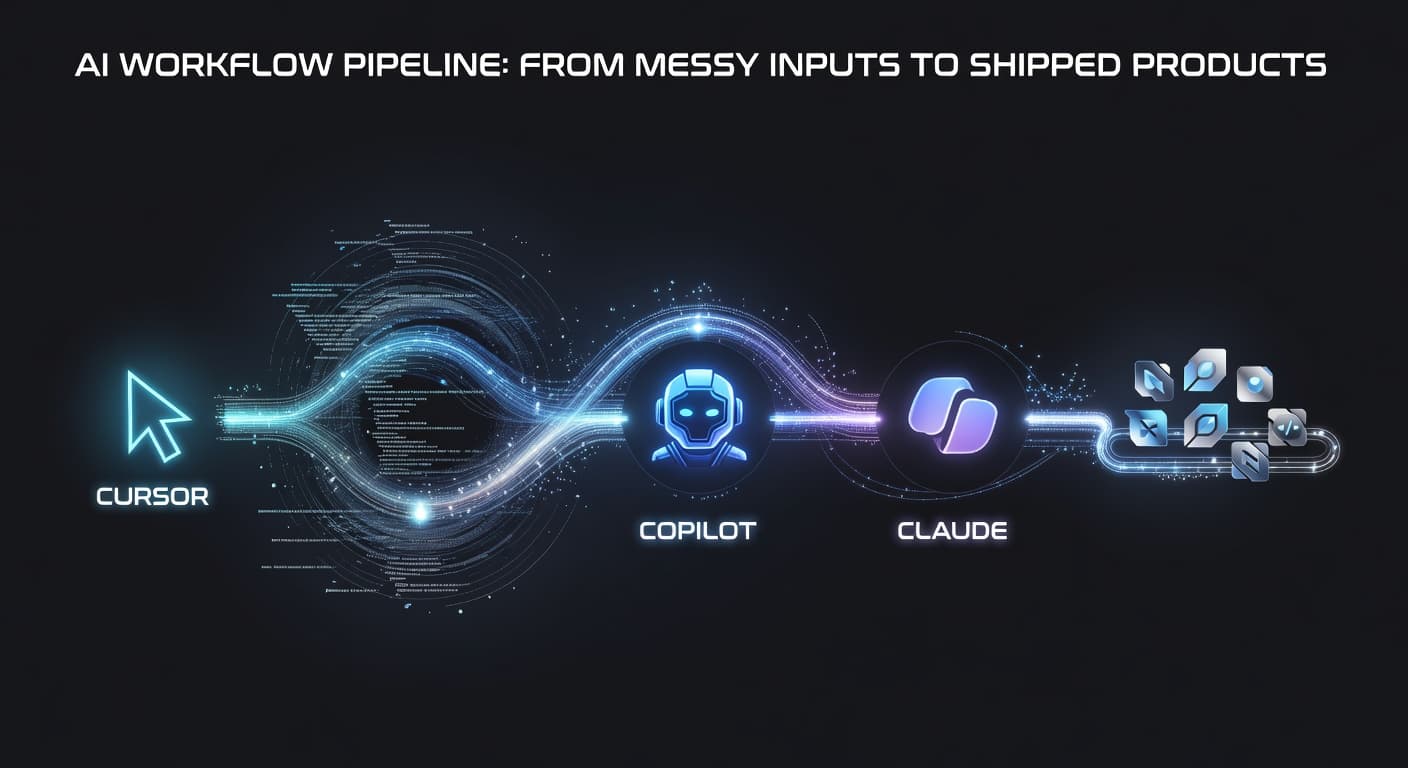
Think of Cursor and your project management system as two halves of a pipeline.
Cursor is the engine. It generates code at incredible speed. Without direction, it generates code in every direction at once — features you need, features you don't, features you never planned.
Your PM system is the track. It points the engine in one direction: shipped product. Validation picks the right direction. Scope Locking keeps you on it. Shipping workflows make sure you reach the destination.
Engine without track: fast in circles. Lots of code, nothing shipped. Track without engine: disciplined but slow. Engine plus track: fast and focused. Ship in weeks instead of months.
That's the promise of combining AI coding tools with workflow management.
Common Mistakes When Using Cursor Without PM
Letting Cursor decide your scope. "Generate a complete e-commerce platform" is not a scope document. If you're describing your entire project in a single Cursor prompt, you don't have a plan.
Confusing generated code with progress. Having fifteen files of AI-generated code isn't the same as having a product. Progress means completed features that are ready to ship, not piles of generated but unreviewed code.
Using speed to justify additions. "It only took twenty minutes" is not a valid reason to add a feature. Time cost was never the real issue. The issue is complexity, maintenance burden, and distance from shipping.
Skipping the review step. AI-generated code needs review, just like code from a junior developer needs review. Cursor is smart, but it doesn't understand your business logic, your user needs, or your deployment constraints the way you do.
Never declaring "done." When code generation is this easy, there's always one more thing you could add. Set your definition of done before you start, and ship when you hit it.
The Future of AI Coding and Project Management
The tools are going to keep getting better. Cursor will get smarter. New competitors will emerge. Code generation will become even faster and more accurate. And as that happens, the gap between "I can build anything" and "I shipped something" will get wider for developers who don't have a management layer.
The developers who ship consistently in the AI era won't be the ones with the best prompting skills. They'll be the ones who figured out how to put guardrails around the power. Who plan before they prompt. Who lock scope before they generate. Who ship on schedule instead of adding "just one more feature."
Cursor is the engine. You still need a steering wheel, brakes, and a destination. That's what project management is in the age of AI coding. Not overhead. Not bureaucracy. The thing that makes the speed useful instead of chaotic.
If you're a solo developer building with Cursor, take the time to set up the other half of your workflow. Your shipped project count will thank you.

Ready to ship your side project?
FoundStep helps indie developers validate ideas, lock scope, and actually finish what they start. Stop starting. Start finishing.
Get Started Free