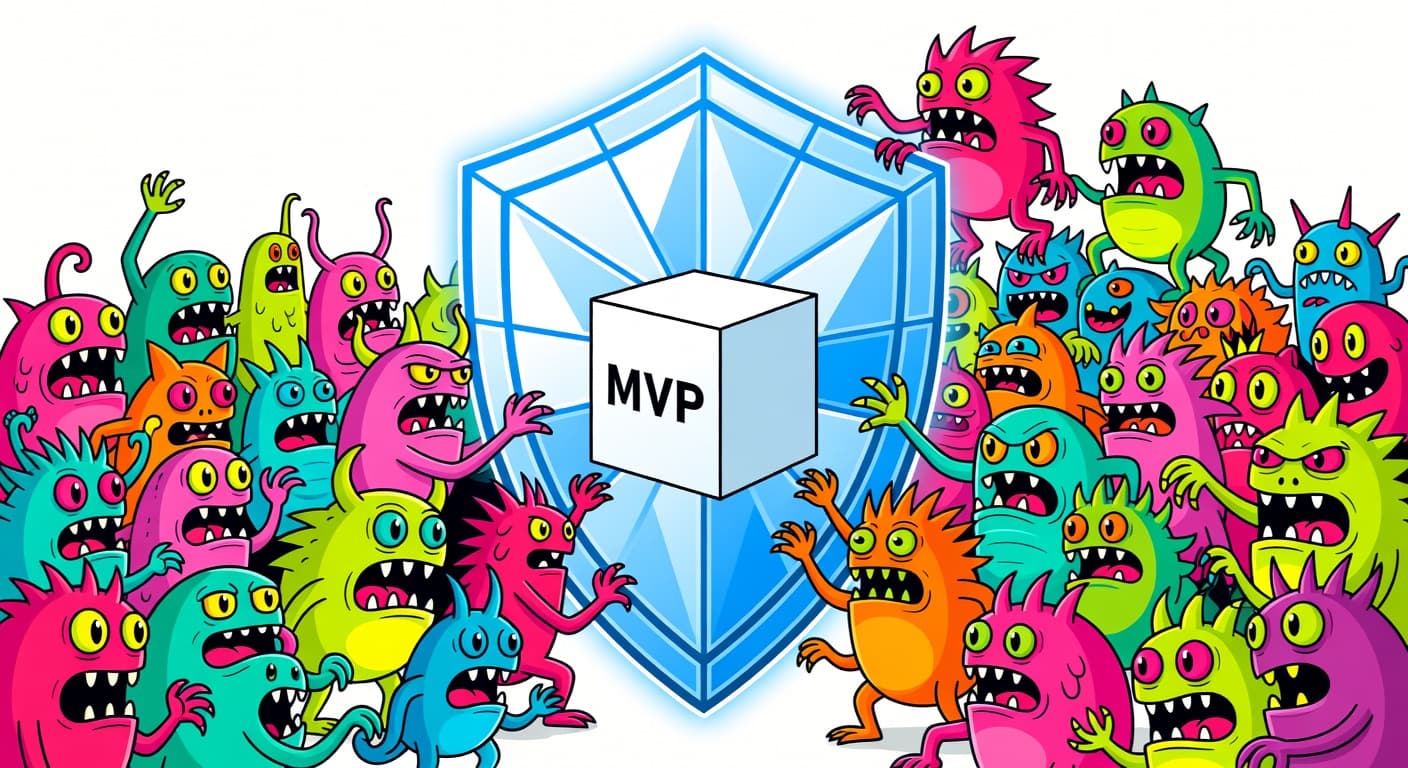
Shipping AI-Generated Projects: From Generated Code to Launched Product

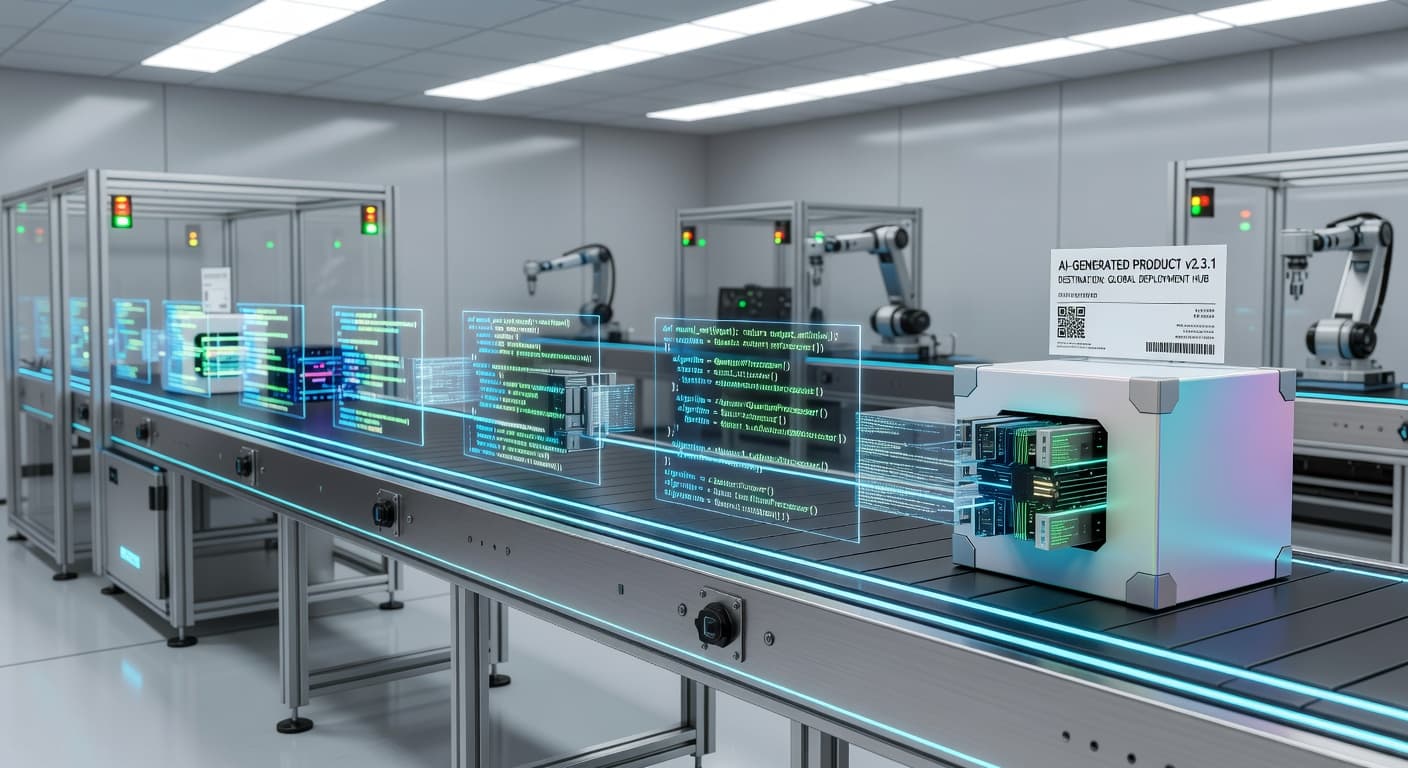
Code Is No Longer the Hard Part
For most of software development's history, writing code was the bottleneck. You had an idea, you knew what you wanted to build, and the limiting factor was how fast you could type, debug, and test. Skill, experience, and typing speed determined how quickly a project moved from concept to product.
That era is ending.
According to the 2024 Stack Overflow Developer Survey, over 76% of developers now use or plan to use AI coding tools. GitHub's research on Copilot's impact shows that AI tools significantly increase code output. But increased output without scope discipline just means more unfinished projects faster.
With AI coding tools generating functional code in minutes, the bottleneck has shifted. Building isn't hard anymore. Deciding what to build, evaluating whether it's good enough, and actually getting it into users' hands, that's the hard part now. And most developers haven't adapted to this new reality.
I've watched dozens of developers (and been one of them) sit on fully functional AI-generated codebases that never ship. The code works. The features are built. Everything runs on localhost. But the project never makes it to production because the developer is stuck in an endless loop of "let me add one more thing" or "let me clean this up first" or "I'm not sure it's ready."
Shipping AI-generated projects requires a different set of skills than shipping hand-written projects. This post is about what those skills are and how to develop them.
The Quality Question
Let's address the elephant in the room: is AI-generated code good enough to ship?
The honest answer is: sometimes. AI-generated code exists on a spectrum. Some of it is clean, well-structured, and production-ready. Some of it is a mess of antipatterns, security holes, and brittle logic wrapped in code that looks professional on the surface.
The problem is that you can't tell which is which without reading it. And this is where many developers fail. They generate code, see that it runs, and assume it's ready. Running and being production-ready are different things.
Here's what I've seen go wrong with AI-generated code that "works":
Authentication that's missing checks. The AI generates a login system that works in the happy path but doesn't validate tokens properly, doesn't handle expired sessions, or has a SQL injection vulnerability in the username field. It works when you test it normally. It fails catastrophically when someone tries to break it.
Data handling that leaks. API endpoints that return more data than they should because the AI didn't think about authorization scoping. Your user endpoint returns all user data, including data belonging to other users, because the AI generated a generic "get all" query and nobody reviewed it.
Error handling that doesn't exist. The AI built the feature assuming everything goes right. Network fails? Unhandled. Database timeout? Crash. User enters unexpected input? White screen. AI tends to optimize for the happy path because that's what most examples in its training data show.
Performance that doesn't scale. The AI chose a simple algorithm that works fine with ten records and falls apart with ten thousand. Or it made network requests inside a loop. Or it loads an entire dataset into memory. These issues are invisible during development and explosive in production.
None of this means AI-generated code is bad. It means AI-generated code is unreviewed code, and unreviewed code, whether written by a human or an AI, needs review before it ships.
The Review Layer You Need
Before shipping any AI-generated project, you need a review process. Here's the one I use, broken into three tiers based on risk level.
Tier 1: Security Review (Non-Negotiable)
Before anything else, review every piece of code that touches authentication, authorization, data access, user input, or external services.
Check authentication flows end to end. Verify that protected routes are actually protected. Test that users can only access their own data. Look at input validation and sanitization. Check API keys and secrets (the AI sometimes hardcodes things it shouldn't).
This tier is non-negotiable. Shipping insecure code hurts your users, and "the AI wrote it" is not an excuse they'll accept.
Tier 2: Logic Review (Important)
Review the business logic, the parts of your code that implement what your product actually does.
If you're building a billing system, verify the math is right. If you're building a task manager, verify that completing a task actually marks it complete in all the right places. If you're building a search feature, verify the results are correct and complete.
The AI is good at generating plausible code. Plausible is not the same as correct. I've seen AI-generated code that looked perfectly reasonable but had an off-by-one error in a date calculation that meant every subscription expired a day early. The code "worked." The logic was wrong.
Tier 3: Quality Review (Good to Have)
Review code structure, naming, patterns, and performance. This tier is about long-term maintainability rather than immediate correctness.
Is the code organized in a way you can understand and modify later? Does it follow the patterns used in the rest of your codebase? Are there obvious performance issues?
This tier is less urgent than the other two, but skipping it entirely means you're accumulating technical debt from day one. Do what you can before v1 and plan to address the rest in v1.1.
The Real Bottleneck: Deciding What Ships
Once you've addressed code quality, you hit the real challenge of shipping AI-generated projects: deciding what's in and what's out.
When code generation is essentially free, everything gets built. Your project has a feature for every idea you've had, because the AI made each one trivially easy to create. Now you're staring at a project with twenty features and you need to decide which ones make it into v1.
This is the decision that AI can't make for you. And it's the decision most developers struggle with because every feature represents time invested (even if that time was just prompting) and potential value. Cutting a feature feels like waste. Keeping everything feels like progress.
It isn't progress. It's postponement. Every feature you keep in v1 is a feature you need to test, support, document, and maintain. A twenty-feature v1 doesn't ship faster than a five-feature v1 just because the code was generated quickly. The testing, debugging, deployment, and support still scale linearly with feature count.
This is where scope management becomes the deciding factor between projects that ship and projects that don't. You need a clear, locked feature list for v1, and everything else goes to v1.1 regardless of how easy it was to build.
I keep coming back to this principle: the cost of a feature is not the time it took to code. The cost is the testing, maintenance, cognitive complexity, and delay it adds to your ship date. AI has reduced the coding cost to near zero. It hasn't changed any of the other costs.
The Deployment Pipeline for AI-Heavy Projects
Deploying AI-generated code to production requires a few specific considerations that don't apply to hand-written code.
Environment Differences
AI-generated code often works perfectly in development and breaks in production. Why? Because the AI generates code that matches common development patterns, which don't always match production environments.
I've seen AI-generated code that assumed a local filesystem was available (it wasn't, the production server was containerized). Code that assumed a database connection would always be available (it wasn't, the connection pool had limits). Code that assumed environment variables existed (they didn't, the AI referenced variables that were only in the dev environment).
Before deploying, check every external dependency, every environment assumption, and every filesystem operation. Make a checklist if you need to. "Works on my machine" was already a cliche. With AI-generated code, "works on my machine" has become an epidemic.
Dependency Auditing
AI tends to be liberal with dependencies. It imports packages because they're convenient, not because they're necessary. Before shipping, audit your dependency list.
Do you actually need all of these packages? Are any of them abandoned or have known vulnerabilities? Could you replace a heavy dependency with a few lines of code? AI doesn't think about bundle size, supply chain security, or maintenance burden. You need to.
Staging and Gradual Rollout
If possible, deploy AI-generated code to a staging environment first. Run through your critical flows manually. Test edge cases. Give it a day to see if anything breaks that wasn't obvious in testing.
For bigger projects, consider a gradual rollout. Deploy to a subset of users first. Monitor errors. Check performance under real load. AI-generated code can behave differently at scale in ways that aren't visible in development.
The Importance of Scope Management When Code Is Free
I want to spend some time on this because I think it's the single most important insight for anyone building with AI tools.
When code generation is nearly free, the bottleneck shifts from building to deciding. This sounds abstract, so let me make it concrete.
In 2023, if you wanted to add a notification system to your side project, that was a three-day project. You had to think carefully about whether it was worth three days. Most of the time, you decided it wasn't, and you shipped without notifications. This was scope management through natural friction.
In 2026, that notification system takes twenty minutes with an AI coding tool. The cost is so low that saying no feels irrational. So you say yes. And yes to the analytics dashboard. And yes to the export feature. And yes to the email templates. Each one costs twenty minutes. Together, they cost you your ship date.
The discipline to say "no, not in v1" is harder to maintain when the cost argument doesn't work anymore. You need a different argument. Not "it's too expensive to build" but "it's not in scope, and scope is locked."
This is why tools like FoundStep's Scope Locking exist. Not because building features is hard, but because refusing to build features is hard, and getting harder as the tools get better.
I've written about shipping faster as a solo developer, and the number one lever is scope reduction. Build less, ship sooner. That advice was true before AI, and it's even more true now that the temptation to build more is ten times stronger.
Making the Ship Decision
At some point, you have to decide: this is done enough. Ship it.
Here's how I make that decision for AI-generated projects.
Does the core feature work correctly? Not perfectly. Correctly. Does it solve the problem it's supposed to solve for the user? If yes, it's shippable.
Have I reviewed the security-sensitive code? If I haven't reviewed auth, data access, and input handling, it's not shippable. Everything else can be imperfect, but security can't be ignored.
Is there a way for users to tell me when something breaks? A feedback form, an email address, a Discord link, something. You will have bugs. You need a channel for users to report them.
Am I delaying because of fear or because of a real issue? This is the honest question. Most shipping delays in AI-generated projects are fear-based, not quality-based. "What if someone finds a bug?" They will. "What if the code isn't clean enough?" Users don't read your code. "What if people judge me?" They're too busy with their own projects to judge yours.
If your core feature works, your security code is reviewed, and users can reach you, ship it. Create a Ship Card to document what you shipped. Make shipping a concrete event, not a vague aspiration.
After Shipping: The AI-Generated Maintenance Problem
A quick note on what happens after you ship, because AI-generated projects have a specific maintenance challenge.
When a bug report comes in for code you wrote yourself, you can usually trace the problem because you understand the code intimately. You wrote it. You remember the decisions you made and the shortcuts you took.
When a bug report comes in for AI-generated code, you might not understand the code well enough to diagnose the issue quickly. You didn't write it. The AI might have used patterns you're not familiar with or made assumptions you didn't know about.
This is why the review phase before shipping is so important. Not just for catching bugs, but for building your understanding of the codebase. You don't need to understand every line, but you need to understand the architecture, the data flow, and the critical paths. When something breaks, you need to know where to look.
Maintaining AI-generated code gets easier over time as you modify it, fix bugs, and gradually replace the parts you don't understand with code you do. But the first few weeks after shipping can be rough if you skipped the review phase entirely.
The AI Builder's Checklist Before Shipping
When you're ready to ship an AI-generated project, run through this before pushing to production:
- Validation passed? Someone needs this. You confirmed it before writing code, not after.
- Scope locked? Features are frozen. Everything else goes to v1.1.
- Core features working? All planned features function correctly end-to-end.
- Security reviewed? Auth, data access, and input handling have been checked by you.
- Generated code understood? You can explain what each module does and where to look when it breaks.
- Edge cases tested? You've tested the flows real users will actually run, not just the happy path.
- Performance acceptable? The AI didn't generate a feature quietly destroying your load times.
- Deploy pipeline ready? You can ship in under an hour. No last-minute infrastructure surprises.
This checklist is the gap between "AI-generated" and "AI-shipped."
The AI scope creep multiplier
Here's the specific problem AI introduces for shipping. In 2022, adding a notification system to your side project was a three-day project. That time was friction, and friction protected you — you'd think carefully about whether it was worth three days. Now it takes twenty minutes.
Your brain hasn't adapted to this new reality. Your impulse to add features is calibrated for a world where features cost days, not minutes. AI removed the natural brake on scope expansion. Every feature idea is now five minutes away from existing code.
This is why Scope Locking matters more with AI tools than without them. Not because building features is hard anymore, but because refusing to build them is harder than ever. Scope locking restores the friction that AI deleted — not by slowing down your coding, but by making scope expansion visible and permanent.
The Bigger Picture
We're in a transition period. The tools to generate code have leaped forward. The tools and practices to ship code haven't kept up. This gap is temporary, but right now it's the primary reason AI-generated projects don't make it to production.
The developers who ship consistently in 2026 aren't the ones with the best prompting techniques. They're the ones who have figured out the rest of the workflow: scope management, code review, deployment practices, and the willingness to call something done and put it in front of users.
AI can write your code. It can't launch your product. That's on you. And honestly, that's the fun part.
Is AI-generated code safe to ship to production?
It can be, but it requires review. AI-generated code can contain security vulnerabilities, logic errors, and edge cases the AI didn't consider. Treat it like code from a fast but inexperienced developer: capable, but needs oversight before it goes live.
How do I review AI-generated code efficiently?
Focus on three things: security (auth, data access, input validation), core logic (does the business logic actually do what it should?), and scope (did the AI build what you asked for, or did it add things?). You don't need to review every CSS class, but you do need to review every database query.
What's the biggest bottleneck when shipping AI-generated projects?
Decision-making. When code generation is free, the bottleneck is no longer building. It's deciding what to build, when to stop building, and when to ship. Developers who can't make those decisions end up with enormous codebases that never launch.
Should I tell users my code was AI-generated?
Users don't care how your code was written. They care whether your product works, solves their problem, and is reliable. There is no stigma to using AI tools, just as there is no stigma to using a compiler or a framework. Ship good products regardless of how they were built.
How do I handle technical debt from AI-generated code?
Audit the generated code before shipping. Remove what you don't need. Document what you keep but plan to refactor. Then ship, and address the debt iteratively in subsequent versions. Perfect code that never ships helps nobody.

Ready to ship your side project?
FoundStep helps indie developers validate ideas, lock scope, and actually finish what they start. Stop starting. Start finishing.
Get Started Free