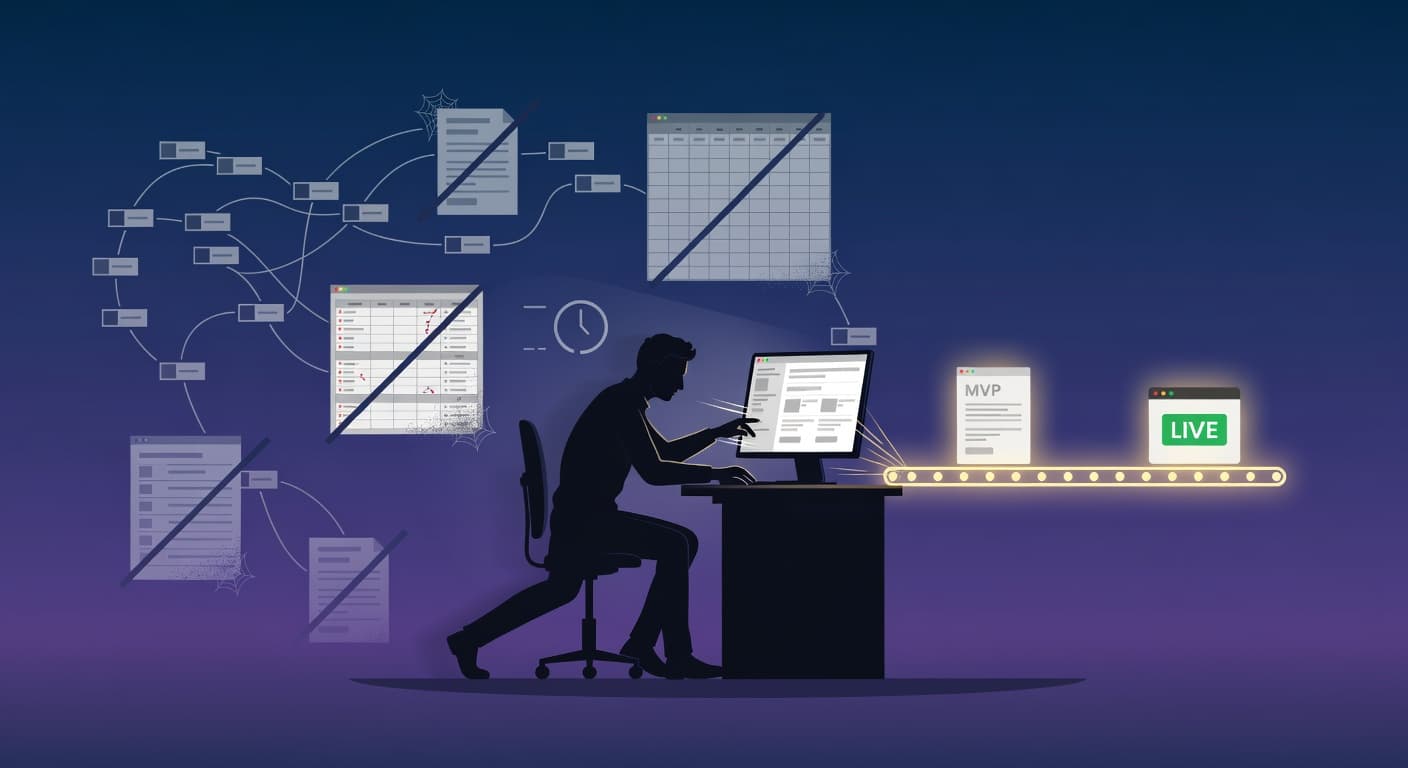
How to Track Progress as a Solo Developer

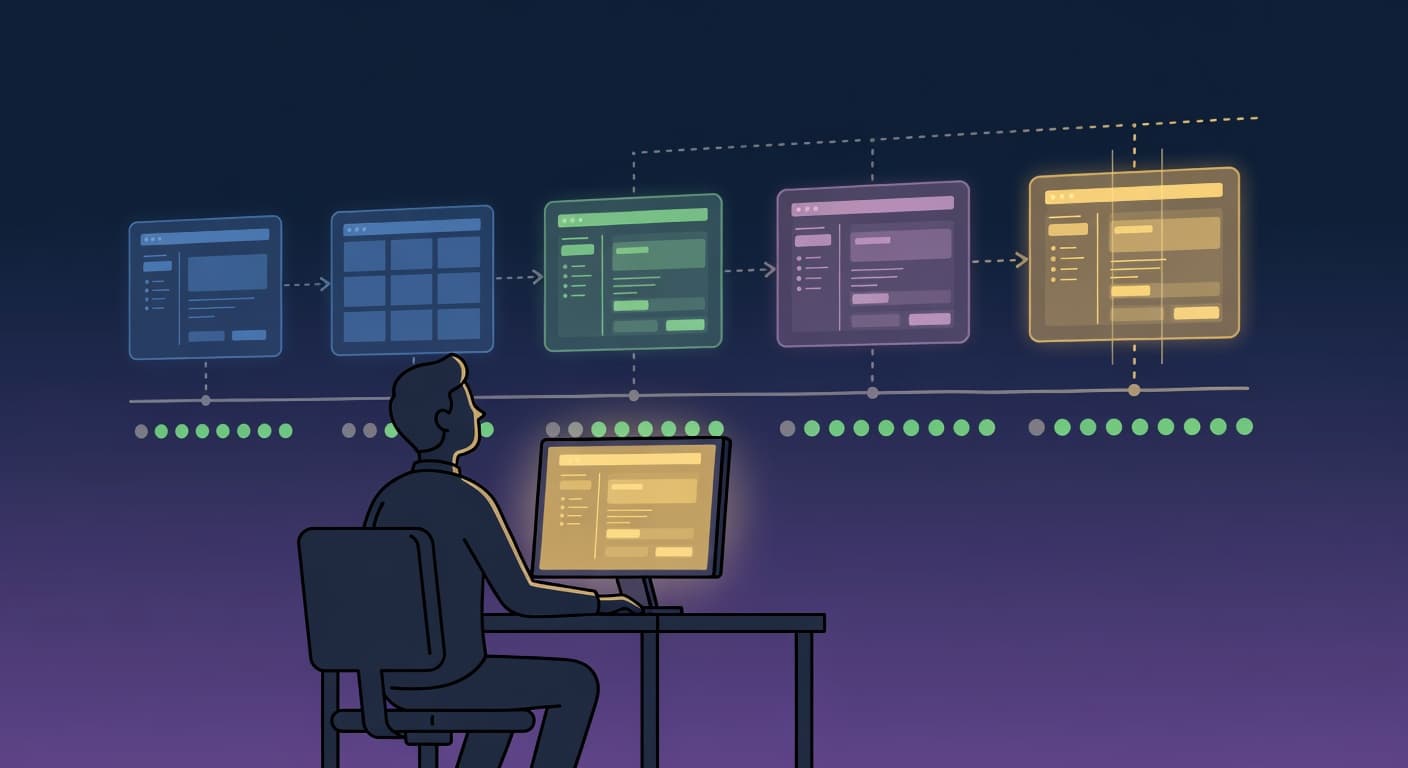
You Have No Idea Where You Are
Here's a question that sounds simple: how much progress did you make on your project this month?
If your answer is something like "I worked on it a lot" or "I made decent progress," you don't actually know. You have a feeling. Feelings lie. I've had weeks where I felt incredibly productive and shipped nothing. I've had weekends where I felt like I barely did anything and knocked out three features. The feeling of progress and actual progress are two completely different things, and most solo developers never learn to tell them apart.
On a team, you don't need to think about this. Someone else tracks it for you. There's a sprint board with clear velocity numbers. There's a standup where you say what you did yesterday and what you're doing today. There's a sprint review where you demo completed features. Progress is visible to everyone, whether you like it or not.
When you're working alone, there's no standup. No sprint review. No moment where someone asks "so what actually got done?" The question just doesn't get asked. And when nobody asks, you stop answering. You stop measuring. You start running on vibes instead of data, and vibes will tell you whatever you want to hear.
If you want to know how to track progress as a solo developer, you need to build your own signals. They don't need to be complicated. They just need to exist.
Why This Is Harder for Solo Developers
Solo developer progress tracking is hard for a reason that has nothing to do with tools or methods. It's hard because there's no external pressure to do it.
On a team, progress tracking is mandatory. Your manager wants to see velocity charts. Your PM wants to know if the release is on schedule. Your teammates want to know if the API they depend on will be ready by Wednesday. All of this pressure forces you to know where things stand. You don't track progress because you're organized. You track it because people are waiting.
Solo developers face the opposite situation. Nobody is waiting. Nobody cares if your side project ships this month or next month or never. There is zero external demand for you to know where you are. So you don't bother figuring it out.
According to the Stack Overflow Developer Survey, even experienced developers routinely underestimate task complexity and overestimate how much they've accomplished in a given period. Solo developers estimating their own work are the most optimistic estimators in software.
The other problem is that solo developers tend to confuse activity with progress. You can spend an entire Saturday coding, push 40 commits, and feel amazing about it. But if those 40 commits were a refactor of code that already worked, you didn't make progress. You made changes. The project isn't closer to shipping. It's just different.
This distinction matters. Activity feels good. Progress is good. They overlap sometimes, but not always. Solo developer progress tracking means learning to tell the difference, and developers who don't spend months being busy without getting anywhere.
There's also the problem of scope. When you're the only one defining what "done" looks like, you can redefine it at any time without anyone noticing. Last week, "launch" meant five features. This week, it means eight. You didn't make negative progress, technically. But you moved the goalposts, and now your actual percentage of completion went down even though you shipped two features. Without a written record of these changes, you'll never see this pattern.
Step 1: Track Shipped Items, Not Time Spent
The single most important shift you can make in developer productivity tracking is changing what you measure. Stop tracking hours. Start tracking output.
Hours worked is an input metric. It tells you how much time you put in. It says absolutely nothing about what came out the other side. You can log 60 hours in a week and have zero shippable features to show for it. I've done this. It felt productive the entire time, because I was busy. But busy and productive are not the same word.
Features completed is an output metric. It tells you what actually got done. "Shipped user login flow" is a concrete outcome. "Worked on authentication for 12 hours" is a diary entry.
Here's the rule: if you can't point to something a user could see or use, you didn't ship anything. Backend work counts if it enables something user-facing. Refactoring counts if it unblocked a feature. But "cleaned up the codebase" with no downstream impact is maintenance, not progress.
This is uncomfortable. It means some days your progress log will be empty because you spent eight hours debugging something and still haven't fixed it. That's fine. An honest log with some empty days is infinitely more useful than a padded log that makes every day look productive.
Step 2: Use a Daily One-Line Ship Log
This is the simplest progress tracking method I've found, and it works better than anything more complicated that I've tried.
Every day, at the end of your work session, write one line about what you shipped. Not what you worked on. What you shipped. What's done now that wasn't done before.
The log looks like this:
- Mon: Shipped email verification flow, emails send and verify correctly
- Tue: Built pricing page with three tiers, Stripe checkout links working
- Wed: (nothing shipped, debugging OAuth callback issue)
- Thu: Fixed OAuth, Google login works end-to-end
- Fri: Shipped onboarding wizard, 4 steps, saves to database
That's it. Five lines for the whole week. Takes maybe 90 seconds per day to write. And at the end of the week, you have an honest record of what actually happened.
Look at Wednesday in that example. It says "(nothing shipped)." That's not a failure, that's honesty. Some days are debugging days. The log reflects reality instead of constructing a comfortable narrative. And when you look back over a month, the ratio of shipped days to empty days tells you something real about your velocity.
The key constraint is "one line." Not a paragraph. Not a detailed description. One line forces you to summarize, and summarizing forces you to be honest about whether you actually finished something. If you can't describe what you shipped in one sentence, you probably didn't ship anything complete.
Where you keep this log doesn't matter much. A text file works. A note in your phone works. A column in your project board works. The format is irrelevant. The habit is everything.
Step 3: Make Progress Visible
Writing a log is useful. Seeing your progress at a glance is more useful.
The reason progress tracking solo feels so unrewarding is that progress is invisible by default when you work alone. Nobody sees it. You don't even see it unless you go looking. And so the psychological reward of making progress, the momentum that keeps you going, never materializes.
You need to make progress visible. This means having a place where you can look and immediately see what's been accomplished. A list of completed features. A changelog. A version history. Something that shows the accumulation of work over time.
Harbor in FoundStep was designed around this idea. Completed features land in a visible space where they stay, creating a growing record of everything you've shipped. But you can build this yourself with a simple list in Notion, a pinned note, or even a physical sticky note board. The tool doesn't matter. What matters is that when you sit down to work, your past progress is visible before you start.
Why does visibility matter? Because motivation follows evidence. It's hard to feel like you're getting somewhere when you can't see proof that you've gotten anywhere. A visible list of shipped features is proof. It's concrete. When your brain says "this project is going nowhere," you can look at the list and say "actually, I shipped twelve features in the last six weeks. It's going somewhere."
The reverse is also true. If the list has been empty for three weeks, that's a signal you can't ignore. Something is wrong. Maybe you're stuck. Maybe you're avoiding something. Maybe the project has stalled and you're not admitting it. The visible record forces the conversation with yourself that you'd otherwise skip.
Step 4: Set Weekly Milestones, Not Sprints
Sprints are a team construct. They come with planning meetings, point estimation, retrospectives. All of that overhead exists because coordination across multiple people is hard and requires structure.
You are one person. You don't need a sprint. You need a target for the week.
A weekly milestone is simple: "By Friday, X works." That's the whole thing. Not "I'll spend 20 hours on X." Not "X is estimated at 8 story points." Just a statement of what will be true at the end of the week that isn't true right now.
Good weekly milestones:
- "By Friday, users can create an account and log in"
- "By Friday, the landing page is deployed and live"
- "By Friday, the payment flow works with test cards"
Bad weekly milestones:
- "Work on auth stuff"
- "Make progress on the frontend"
- "Do some research on payment providers"
The difference is binary verifiability. On Friday, either users can create an account and log in, or they can't. There's no ambiguity. No "well, it mostly works." It works or it doesn't.
If you miss a weekly milestone, that's data. It means either the milestone was too big (scope it smaller next week) or you didn't work enough or got sidetracked. Both of those are useful to know. If you consistently hit your weekly milestones, you know your pacing. If you consistently miss them, you know your estimates are off and can adjust.
This is how you track side project progress without drowning in process. One target per week. Check it on Friday. Adjust for next week. Done. Developer productivity tracking at its most useful is just this: a binary check against a concrete goal.
Step 5: Monthly Review - Are You Closer to Shipping?
The daily log gives you detail. The weekly milestone gives you pacing. The monthly review gives you direction.
Once a month, spend 20 minutes answering one question: am I closer to shipping than I was four weeks ago?
This is a big-picture check. It's not about individual features. It's about trajectory. Sometimes you can hit every weekly milestone for a month and still not be closer to shipping, because the milestones were all tangential to the actual launch. You spent a month perfecting the admin dashboard when the product doesn't have a sign-up page yet.
Your monthly review should cover:
What shipped this month? Pull up your daily logs. List the significant features. Is the list real, or is it padded with busywork?
What didn't ship? Anything you planned to do this month that didn't happen? Why?
Did the scope change? Did you add features? Remove any? If the scope grew, why? Was it a real user need or was it you avoiding the hard stuff?
What's blocking launch? List the features that still need to be done before you can ship v1. Is the list getting shorter? If it's getting longer, you have a scope creep problem, and you should read the scope creep guide before doing anything else.
Am I still excited about this? Be honest. If the answer is no, that's worth knowing now rather than three months from now.
The monthly review is where you catch the slow drift that daily logs miss. Progress tracking solo means checking at multiple zoom levels: daily for detail, weekly for pacing, monthly for direction. A single unproductive day doesn't matter. A month of unproductive days means something is structurally wrong.
Step 6: Celebrate Shipped Versions
This one feels silly until you try it. Then it feels obvious.
When you ship something, mark it. Celebrate it. Make it a moment.
Most solo developers treat shipping as just another day. They push the code, maybe tweet about it, and immediately move on to the next feature. There's no marker between "before" and "after." No signal to your brain that something meaningful happened.
This is a mistake. Your brain needs wins. Especially when you're working alone, because there's no team to high-five, no Slack channel blowing up with congratulations. You have to manufacture those moments yourself.
What does celebration look like for a solo developer? It can be a lot of things. Post a tweet showing what you built. Write a short blog post about the release. Create a Ship Card, a shareable snapshot of what shipped, when, and what's in it. Send a message to a friend who knows about your project. Update your changelog with a version number and a date.
The version number matters more than you'd think. Going from v0.1 to v0.2 feels like progress in a way that "pushed some commits" doesn't. Versions create a timeline. They create a history. And they create natural points for reflection, where you can look back and say "in v0.1 I had login. In v0.2 I added billing. In v0.3 I shipped the onboarding wizard." That's a story of progress, and stories are what keep you going.
Don't wait until "it's ready" to celebrate. There is no "ready." There's only the version you shipped and the version you haven't shipped yet. Celebrate the ones you ship. They're proof that you're building something real.
The Mistakes That Kill Your Progress Tracking
Tracking Hours Instead of Output
I spent six months using a time tracker before I realized it was making me feel productive without actually being productive. I'd log my hours, see "42 hours this week" at the end, and feel great. The number was high. I was clearly working hard. But when I tried to list what I actually shipped during those 42 hours, the answer was embarrassingly little.
Time tracking is comforting because the number always goes up. As long as you're sitting at your desk with your IDE open, the timer is running. But a ticking clock doesn't discriminate between writing the core feature and reorganizing your folder structure for the fourth time. Both count as "hours worked." Only one counts as progress.
Track what you shipped. Period. Hours are a distraction. This is Goodhart's Law in action: when a measure becomes a target, it ceases to be a good measure. Track hours and you'll pad hours. Track commits and you'll make meaningless commits. Track shipped features and you'll ship features.
Never Reviewing Your Logs
A progress log that nobody reads is a diary. If you're writing daily logs but never looking back at them, you're doing busywork, not tracking.
The whole point of the daily log is that it feeds into the weekly check and the monthly review. The log is raw data. The review is insight. Without the review, you're just collecting data and storing it in a file you'll never open again. You might as well not write it.
Set a calendar reminder. Every Friday, look at the week's log. Every last Friday of the month, look at the whole month. It takes ten minutes. Those ten minutes are worth more than the hours you spent writing the logs, because that's when the patterns become visible.
Waiting to Celebrate Until "It's Perfect"
I've watched solo developers sit on finished features for weeks because they weren't "good enough" to announce. The signup flow works but the error messages aren't pretty enough. The landing page is live but the copy could be better. The payment integration is functional but the receipt emails don't look professional yet.
None of that matters. Ship it. Celebrate it. Improve it later. Perfectionism dressed up as quality control is one of the most effective ways to destroy your own motivation. Every unannounced feature is a win you stole from yourself.
The bar for celebration isn't perfection. It's completion. Did the thing work before? No. Does it work now? Yes. That's a win. Mark it.
What to Do When Progress Stalls
Stalled progress has three common causes, and each needs a different response.
Cause 1: Scope creep. Your completion percentage went down or stayed flat while you added features. Stop adding. Review every feature added after your initial scope. Ask "does v1 need this?" If no, cut it. Bring the scope back to something shippable.
Cause 2: Burnout or boredom. The percentage stayed flat because you stopped working, not because you added scope. The fix: cut scope to ship what you have now. A 60%-complete project with three features shipped is worth more than a 60%-complete project with seven features collecting dust. Ship the minimum viable version and call it v1.
Cause 3: Avoidance. You're working on the project but avoiding the hard or boring tasks. Completion percentage is flat because you keep doing easy, non-critical work. Fix: identify the one task you're avoiding. Do it first in your next session. If you can't tell what it is, look at which features are still incomplete. Those are the ones you're dodging.
How to Track Progress as a Solo Developer: Connect the Layers
Progress tracking doesn't live in isolation. If you're not staying accountable, you won't bother tracking. If you're not shipping regularly, there's nothing to track. These systems work together. Progress tracking is the measurement layer that makes accountability and shipping speed visible.
FoundStep was built around the idea that solo developers need lightweight progress signals, not heavyweight project management. Ship logs, visible completed work, milestone tracking, and Ship Cards are all part of it. If you're interested, check out the pricing page and see if it fits.
But honestly, you can start with a text file. Open a new document right now. Write today's date. Write one line about what you shipped today. Do the same thing tomorrow. And the day after. On Friday, read the file. On the last day of the month, read the whole thing.
That's it. That's how to track progress as a solo developer. It's not complicated. It's just something you have to actually do.
FAQ
How should a solo developer measure progress?
Track shipped features, not hours worked. A daily one-line log of what you completed, not what you worked on, creates an honest record of actual progress. At the end of each week, you should be able to list concrete things that work now that didn't work before. If your list is full of "worked on" entries instead of "shipped" entries, you're measuring activity, not progress.
Should solo developers track time spent coding?
Time tracking measures input, not output. You can spend 40 hours and ship nothing. I know because I've done it more than once. Track completed features and milestones instead. If you still want to track time for billing purposes or curiosity, go ahead. But don't use it as your primary measure of progress, because it will lie to you. A 60-hour week with nothing shipped is worse than a 15-hour week with two features deployed.
How often should I review my progress?
Daily: one-line ship log, takes 30 seconds. Weekly: are milestones on track? Takes five minutes on Friday. Monthly: am I closer to shipping? Takes 20 minutes. These three check-ins add up to less than 30 minutes per week and give you a clear, honest picture of where your project actually stands. Skip the daily log and you lose detail. Skip the weekly check and you lose pacing. Skip the monthly review and you lose direction.
What's the best way to stay motivated on a side project?
Make progress visible. A list of completed features you can see at a glance creates momentum that "feeling productive" never will. When you're having a bad day, look at the list. It's proof that you're building something real. Celebrate shipped versions publicly with tweets, blog posts, or Ship Cards. The act of declaring "I shipped this" turns invisible code into a visible achievement, and visible achievements are what keep you coming back to the project.
Start With One Line
You don't need a new tool. You don't need a productivity system. You don't need to read three more articles about progress tracking (though I appreciate you reading this one).
Open a file. Write today's date. Write what you shipped. Do it again tomorrow.
That's how to track progress as a solo developer in its simplest form. The log becomes the weekly review. The weekly review becomes the monthly review. The monthly review becomes the story of your project, told in concrete facts instead of vague feelings. And a project with a clear story is a project that ships.

Ready to ship your side project?
FoundStep helps indie developers validate ideas, lock scope, and actually finish what they start. Stop starting. Start finishing.
Get Started Free